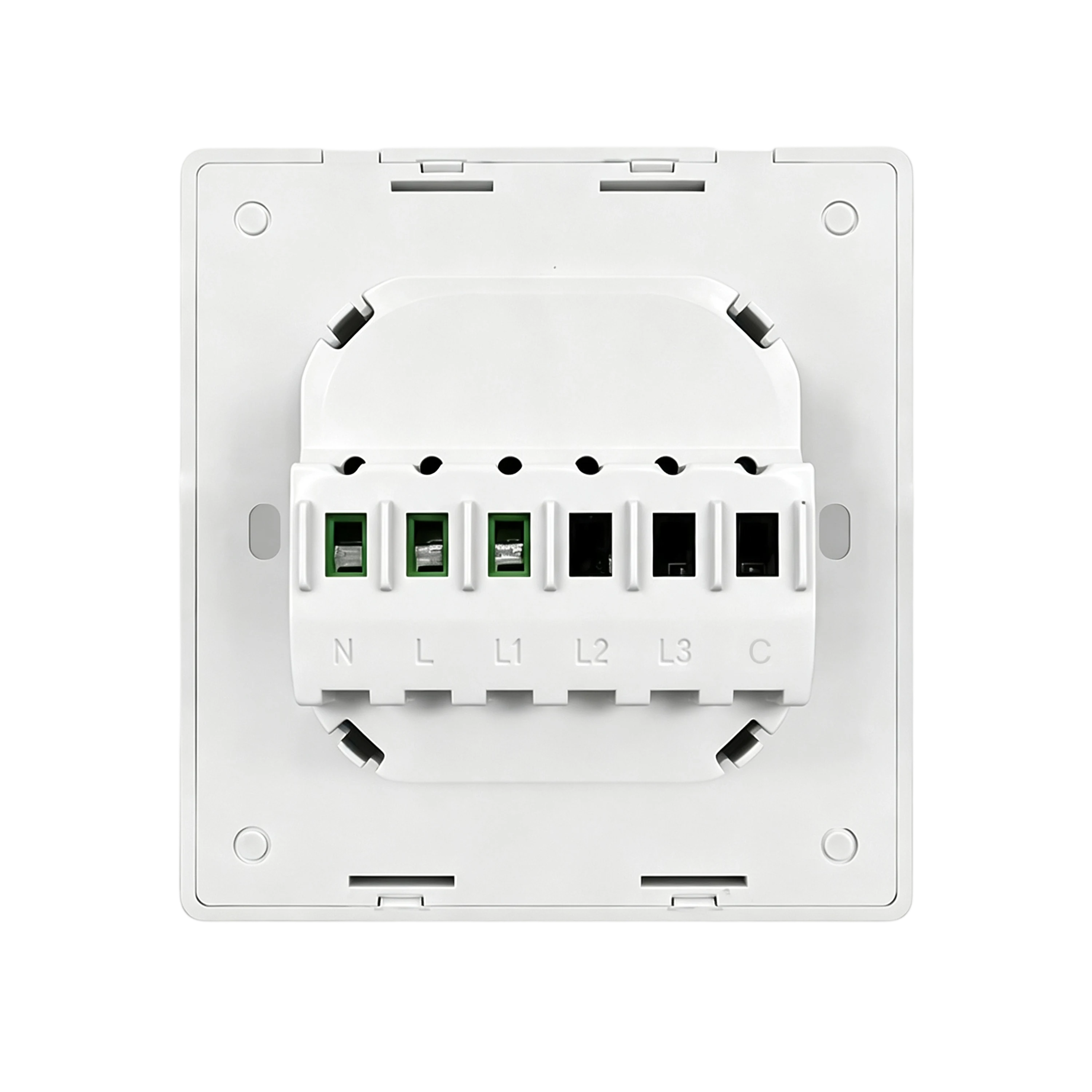
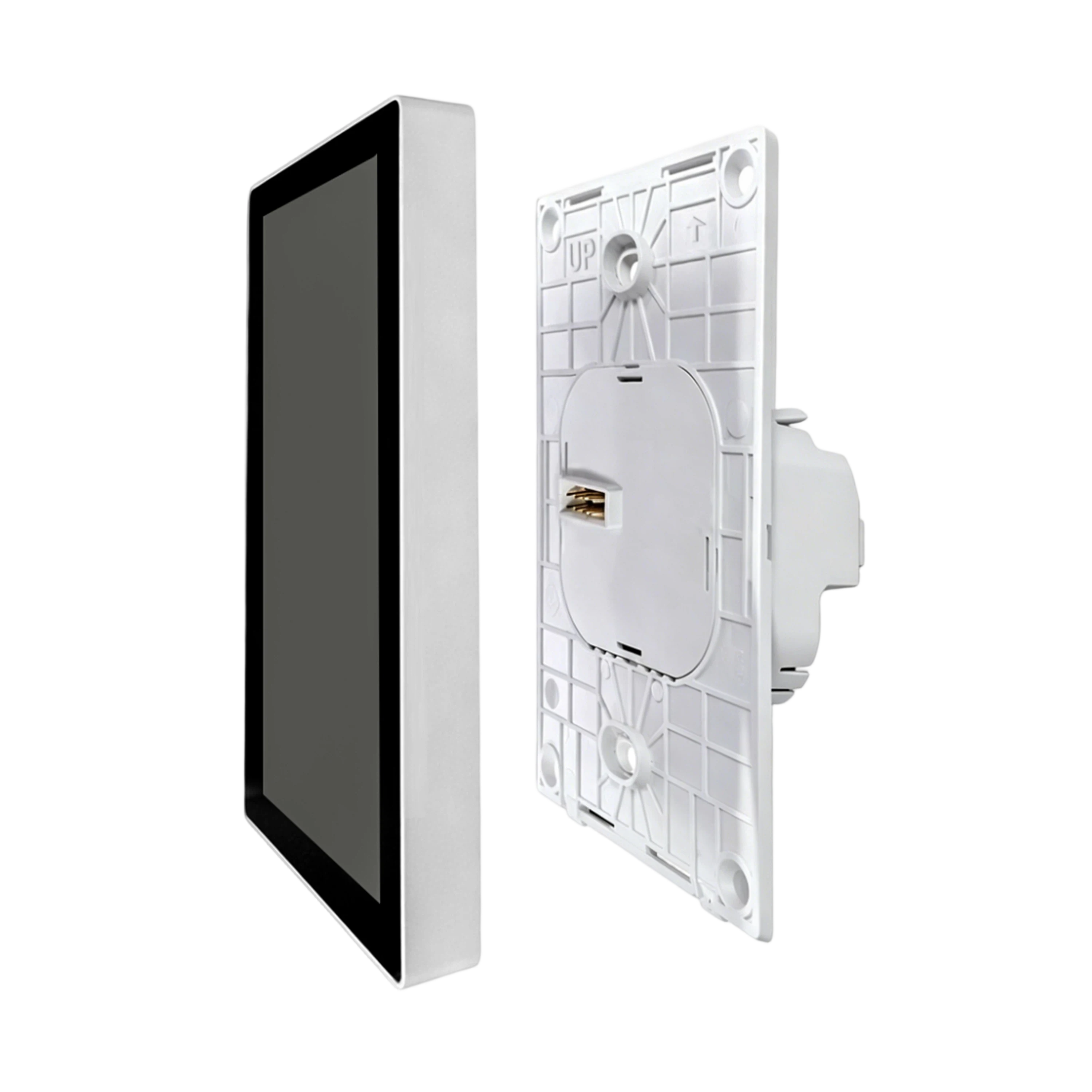
Neutral wire
Required for installation

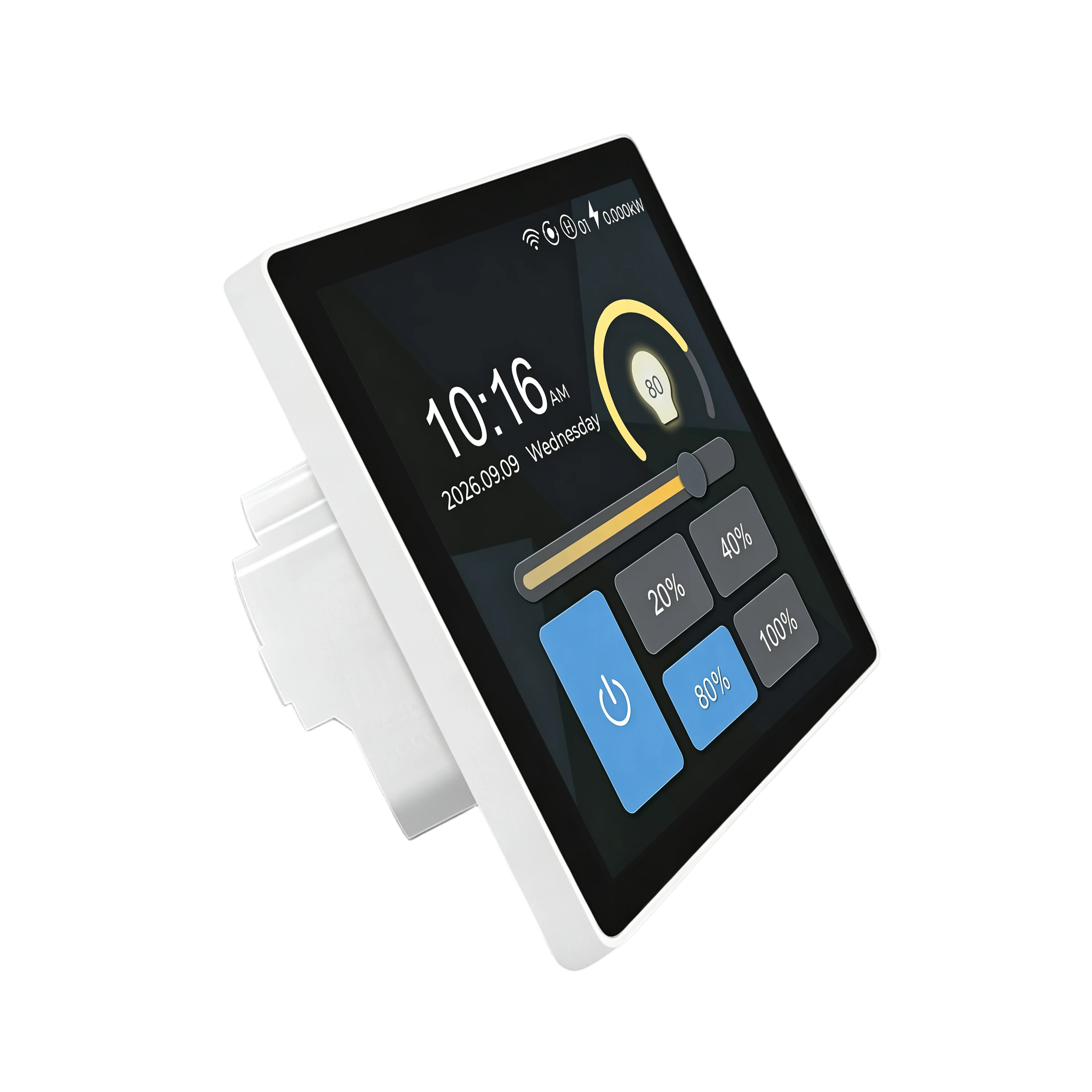
L10-HD / L10-HDU · LCD SMART DIMMER SWITCH
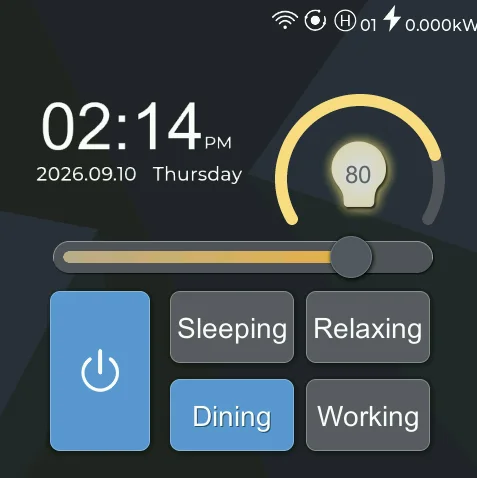
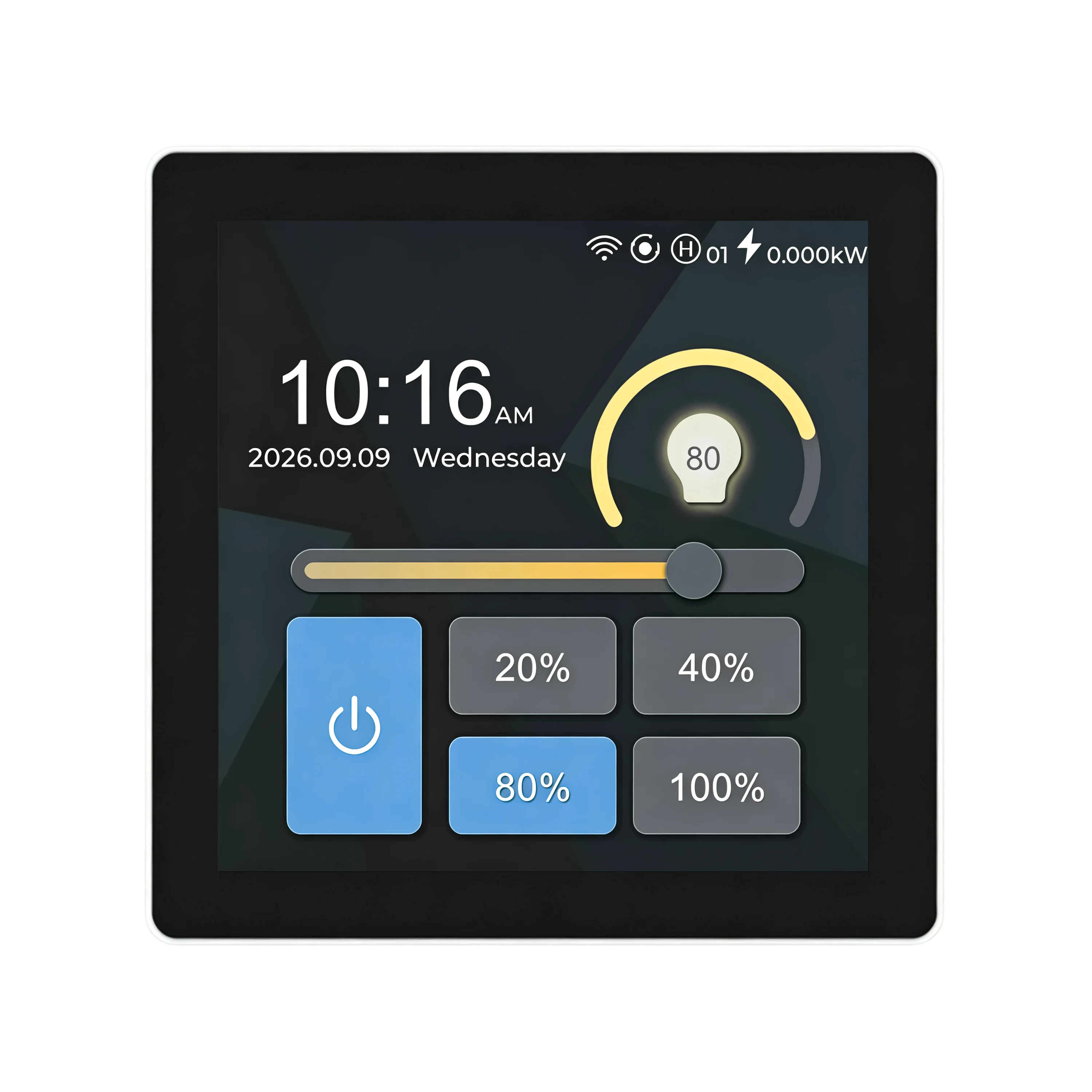
Adjust usable brightness smoothly from 1% to 100% on the wall display, or control compatible lights with the app for your selected version.
REAL PRODUCT · PRODUCTION INTERFACE
CHECK BEFORE YOU BUY
L10-HD uses phase-cut dimming with compatible loads. Check lamp type, total wattage, neutral wire, network and wall-box dimensions before installation.
Required for installation
150W maximum
200W maximum
2.4 GHz Wi-Fi only
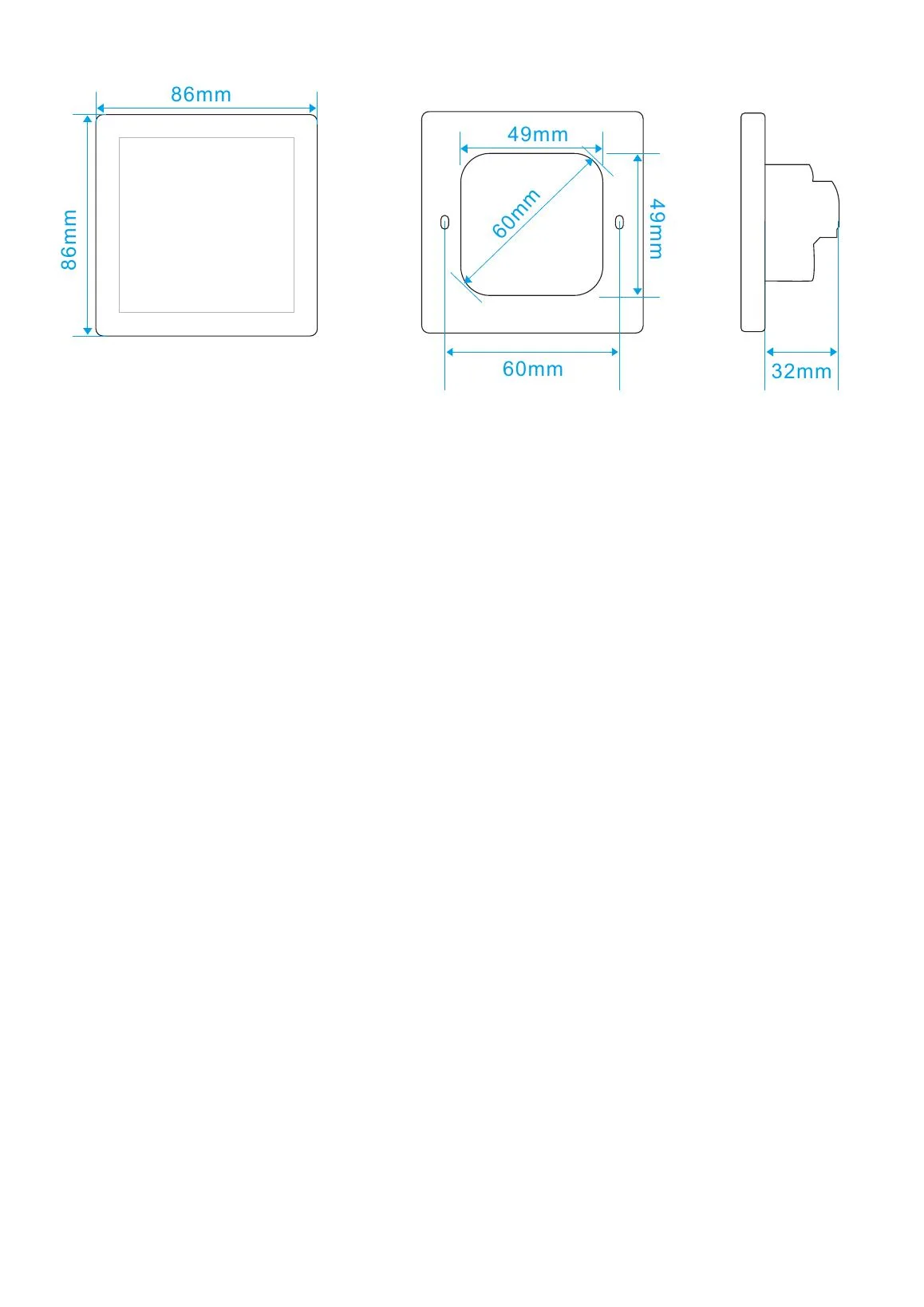
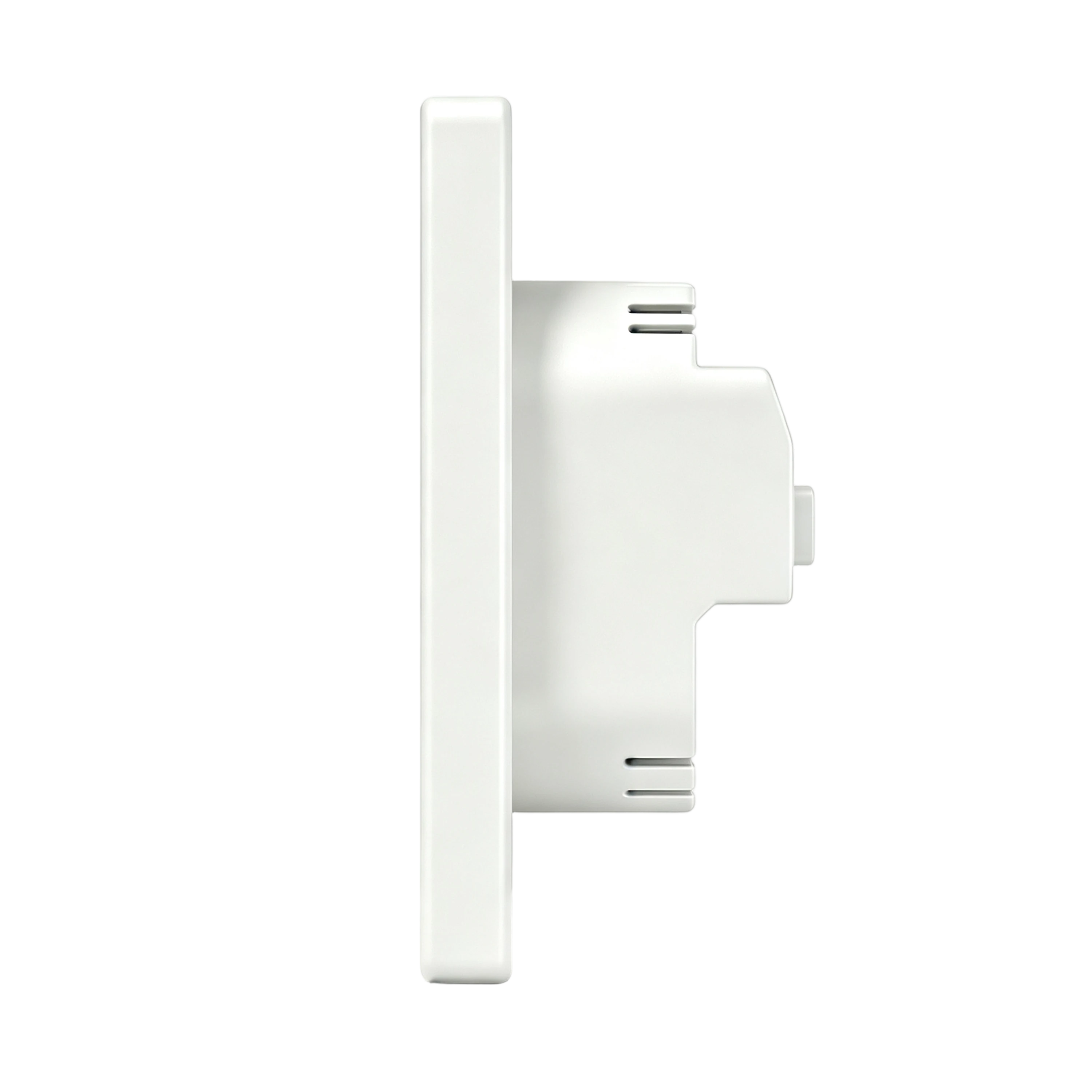
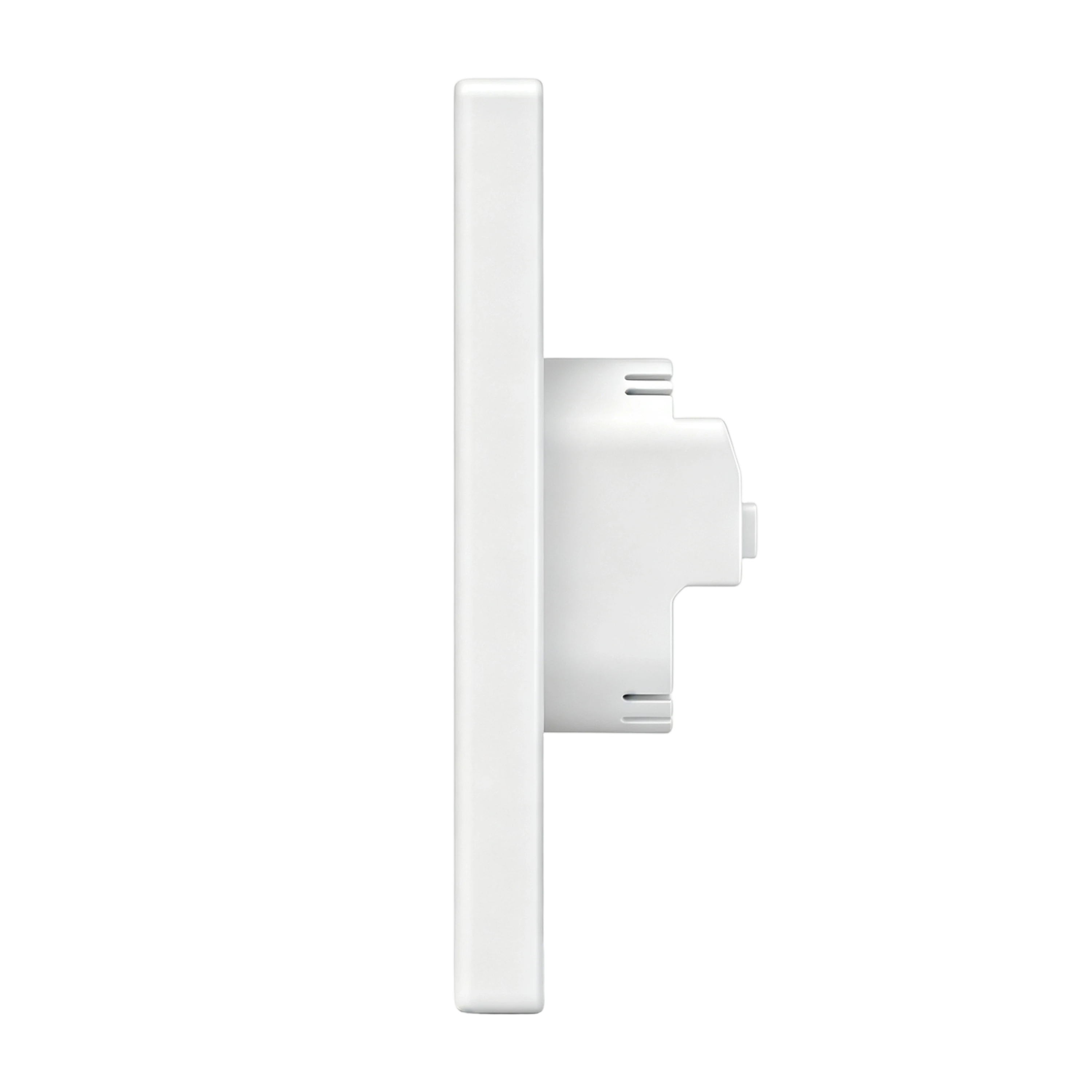
Depth ≥ 38 mm; ≥ 51 mm recommended
SMOOTH DIMMING
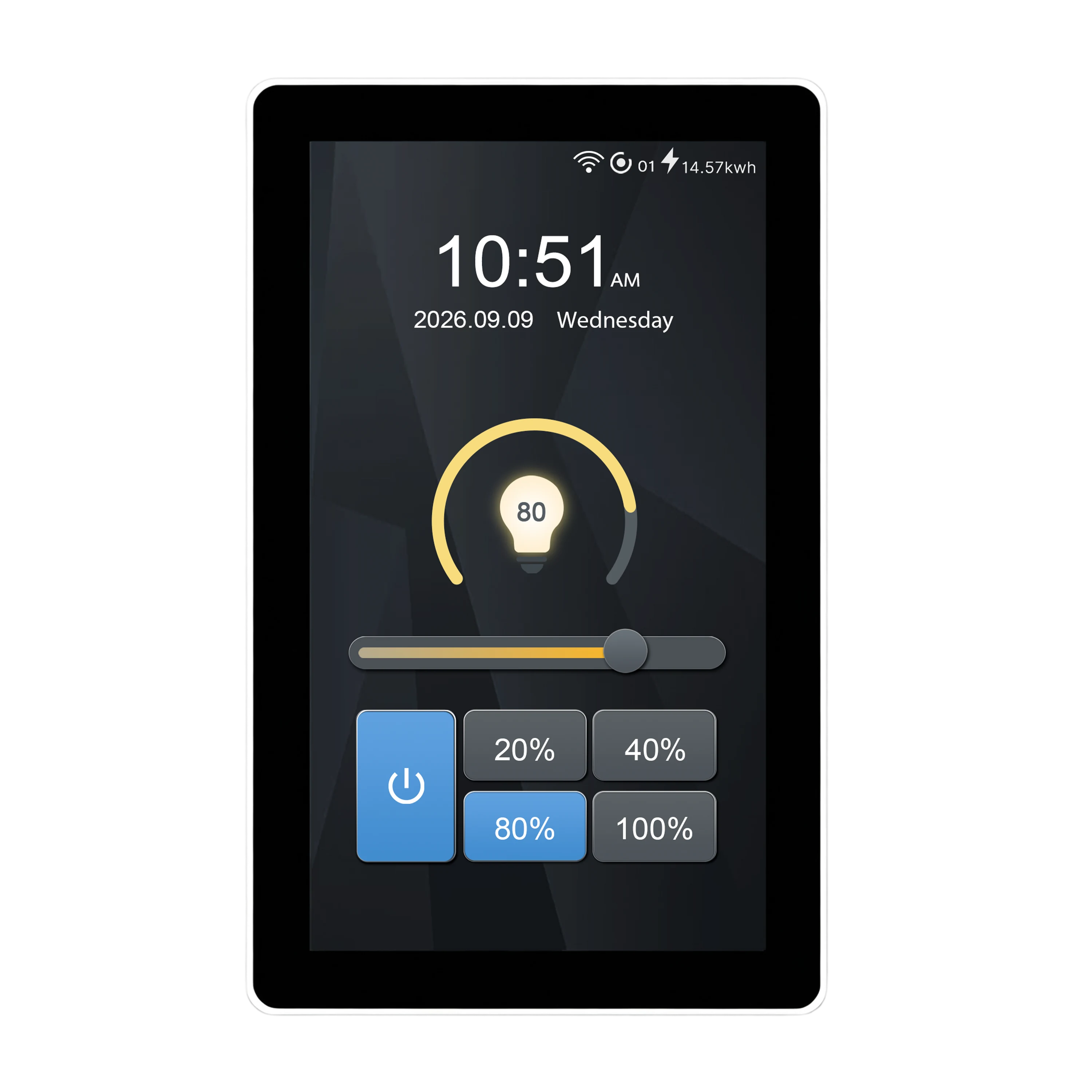
Drag the slider or tap a preset to move from a quiet night light to everyday illumination. Percentages shown are device settings, not measured illuminance ratios.
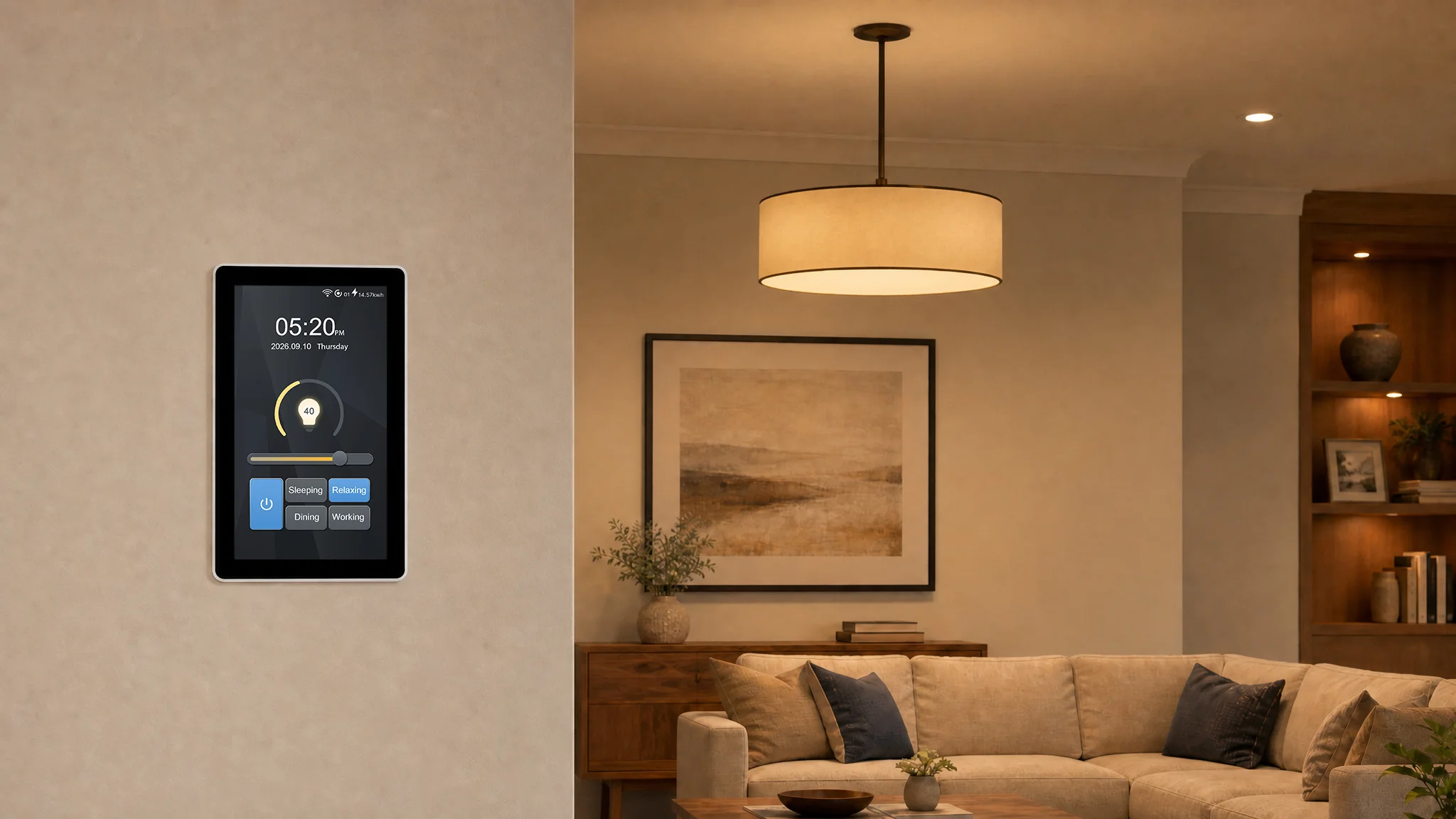
SCENE IMAGE · DEVICE SETTING
THREE WAYS TO CONTROL
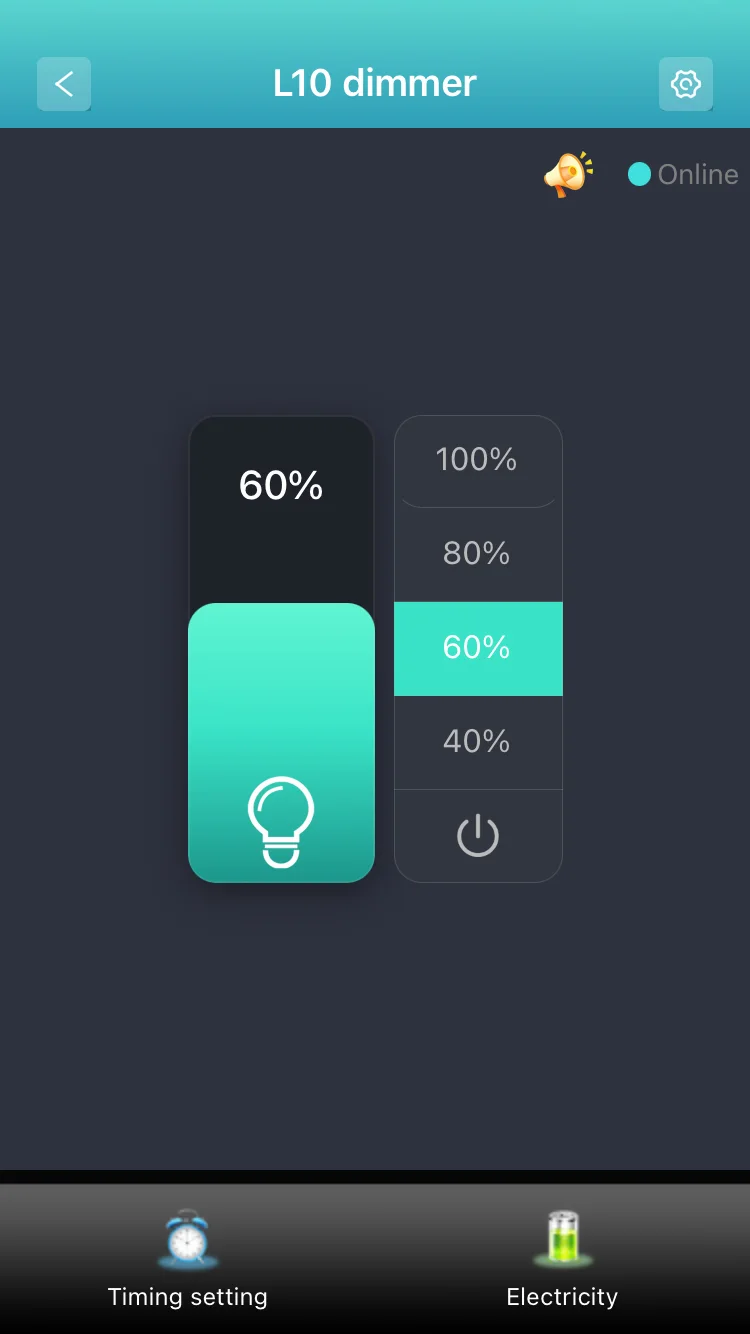
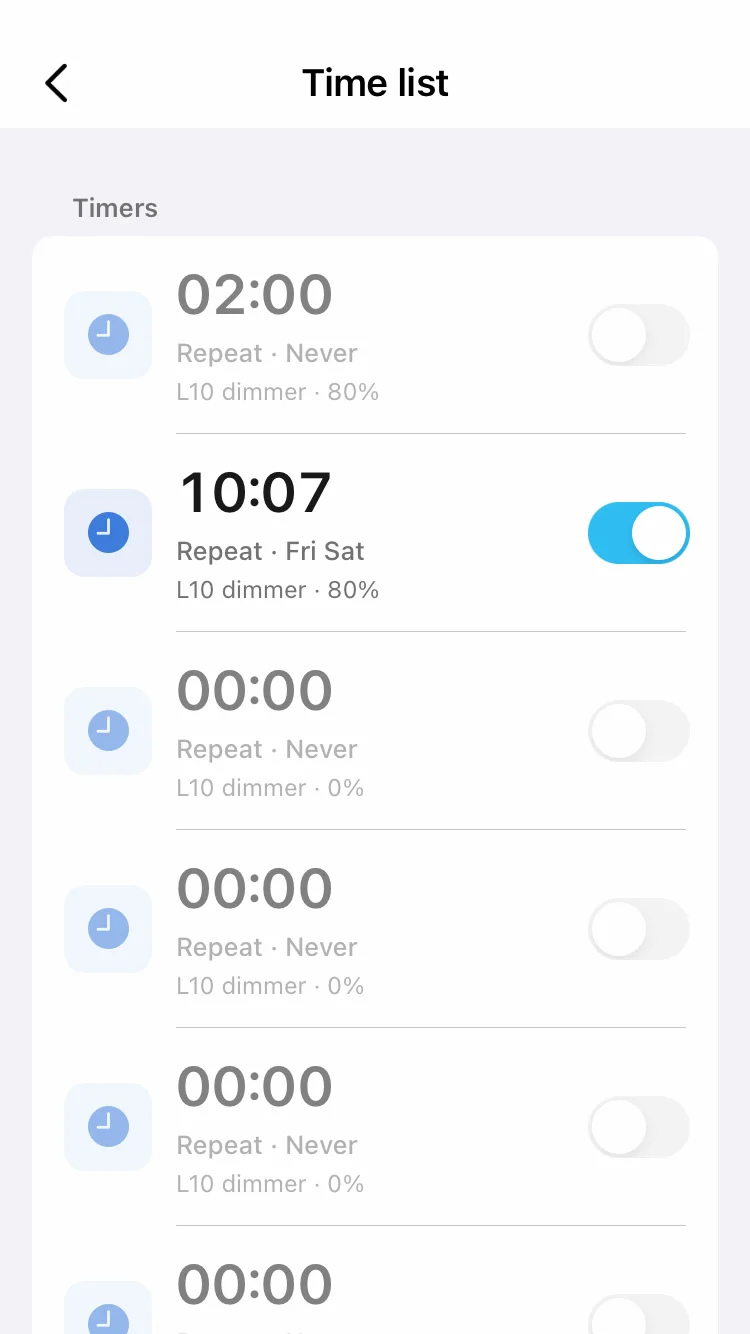
Complete the same dimming task from the 4.5-inch wall display, LANBON Smart Living, schedules and scenes, or a compatible voice platform.
Slider and four brightness presets
Verified interface capture · iOS 2.5.50 · Android 4.0.30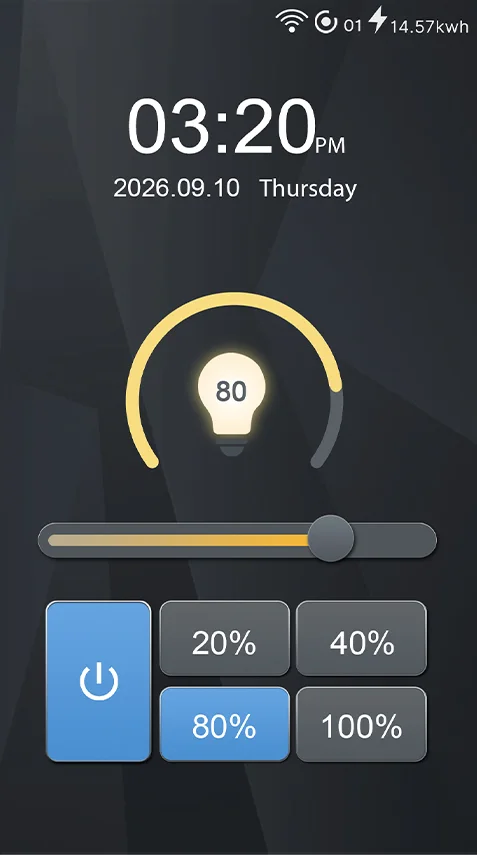
REMEMBERS YOUR LIGHT
Save up to four brightness presets and combine them with brightness memory, power-restoration behaviour and schedules.
Switch between up to four familiar levels.
Return to the brightness you know.
Set switching times on the device or in the app.
Close-range sensing can wake the display or light; actual range depends on the environment.
COMPACT PERSONALISATION
Names, themes, portrait or landscape layouts, plus time, date, weather or analogue-clock headers depend on the current device firmware. L10-HD does not support custom icons.
L10 · Names
Replace default labels with a name that is easier to recognise.
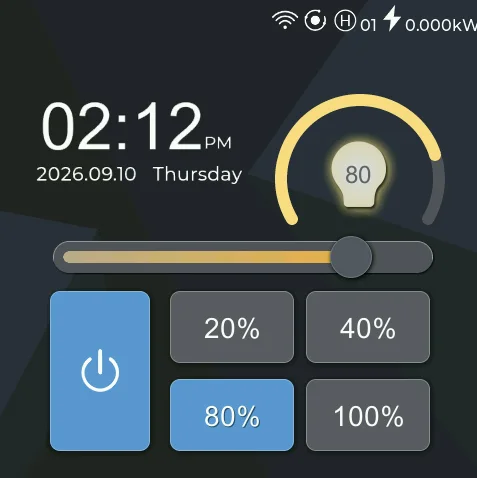
LANBON SMART LIVING
Complete the same dimming task from the 4.5-inch wall display, LANBON Smart Living, schedules and scenes, or a compatible voice platform.
LANBON · L10 · WI-FI MESH
Compatible L10 series switches share a network without a dedicated gateway. Configure the first switch near the router as the master, then configure the remaining switches.
Control through LANBON Smart Living. Remote features still require a router, internet and available services. Switch Mesh does not extend Wi-Fi for phones or computers.
L10-HD · LANBON edition
Send commands and receive device state through your own MQTT broker.
MQTT developer guide →Read device capabilities, send commands and retrieve state through the LANBON local API.
Use the local API →REAL PRODUCT
MODELS & SPECS
Choose the panel, then verify the installation data.
LOAD COMPATIBILITY
150W maximum
200W maximum
Do not connect to the dimming output
Not supported by this product
INSTALLATION & WIRING
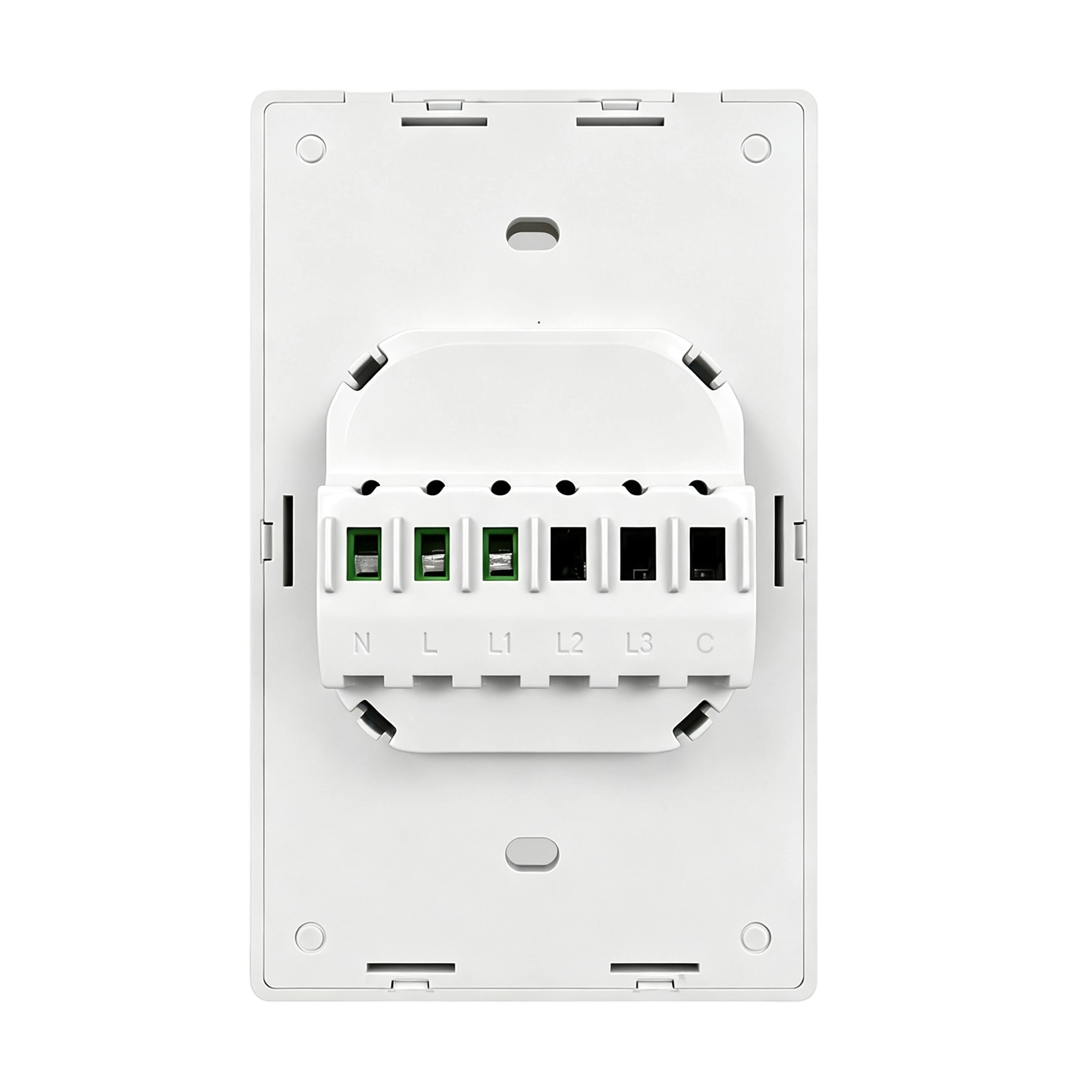
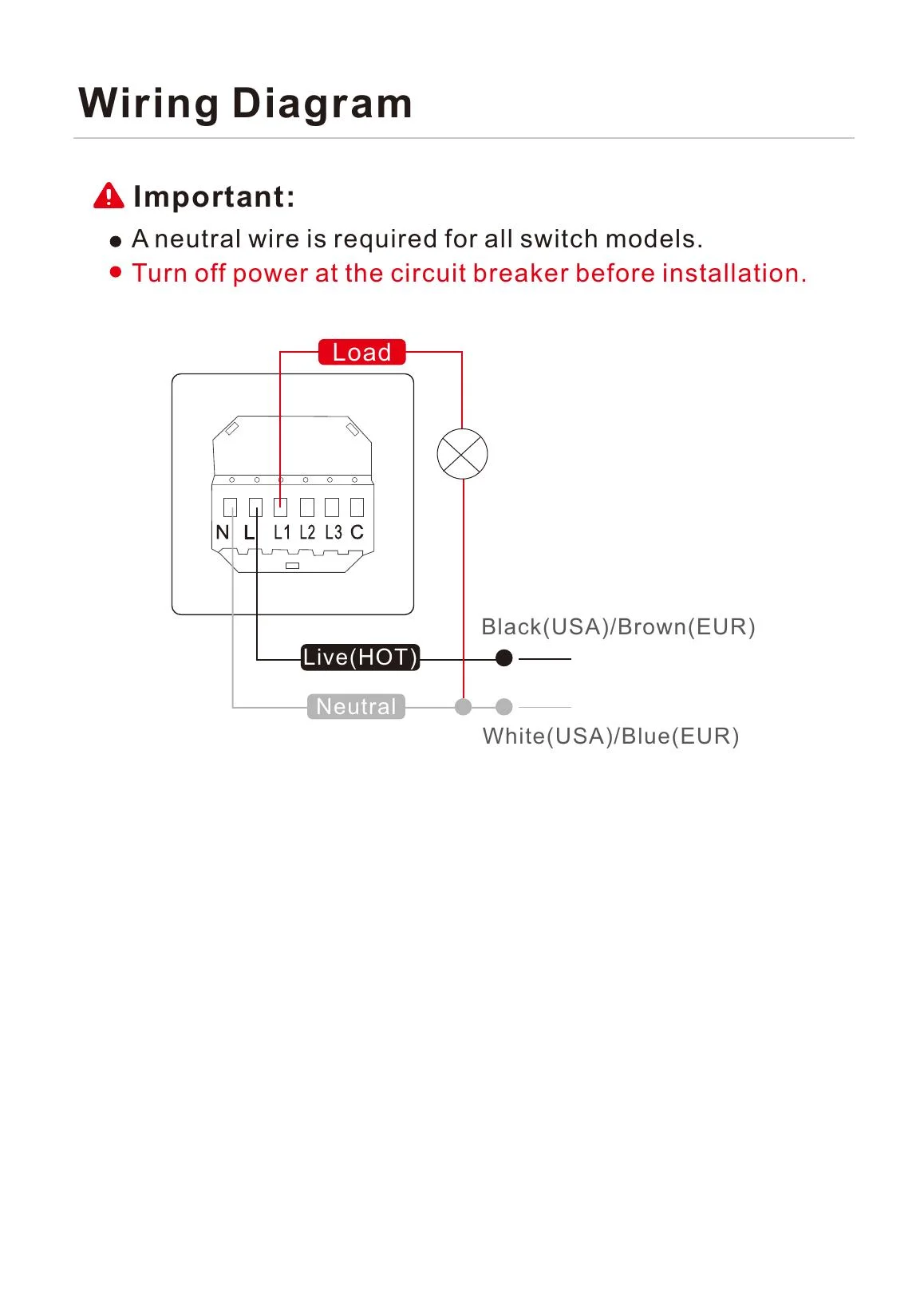
Isolate power, then connect line, neutral and the lighting load as shown. Verify wall-box depth, wire size and terminal torque, and follow local electrical rules.
REAL OPERATION
Two short clips show continuous adjustment on the device and remote dimming in the app. Video does not preload until selected for playback.
DOCUMENTS & CERTIFICATION
Find dimensions, wall-box data, wiring, installation, package contents and the CE RED certificate here. Contact product support for a manual or to confirm regional certification.
Include your model and panel format when requesting documents so we can match the correct files.