
01
Your devices
THE OFFICIAL LANBON APP
See your devices. Bring everyday lighting and scenes together.
A familiar way to feel more connected to home.
On a computer? Click a button and scan with your phone.
Android store name: Smart Living + Smart Switch
Use the App specified in your device instructions.
Available controls depend on the model and networking version.
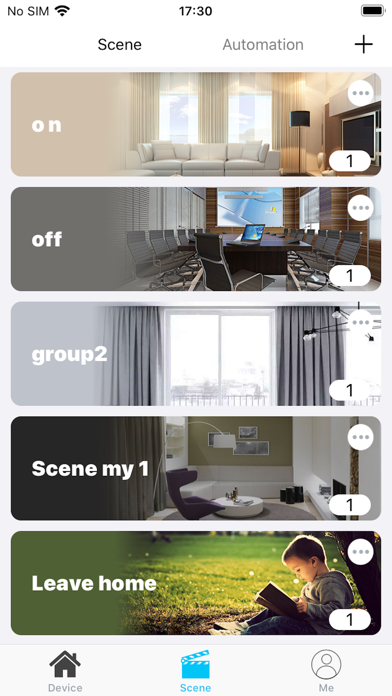
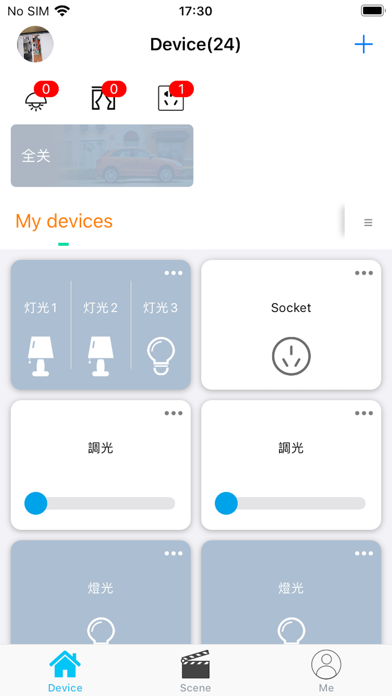
ACTUAL APP INTERFACES · OFFICIAL STORE IMAGES
A CLEARER VIEW OF EVERYDAY CONTROL
Explore Smart Living through actual device, scene and dimmer screens. Available functions depend on your device.
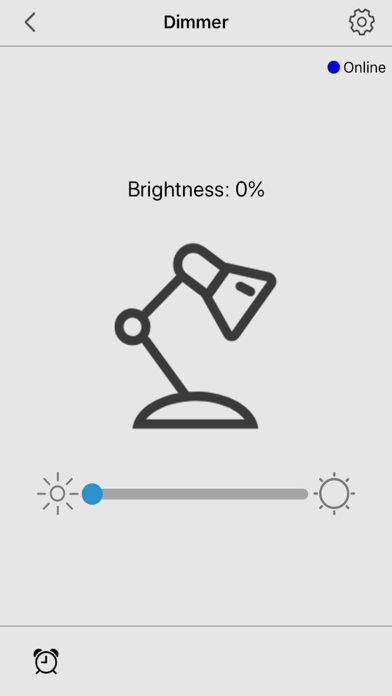
Actual Smart Living store screenshots. Device names and contents are examples shown in the original images.
GETTING STARTED
A consistent download destination, whether you arrive on a phone or a computer.
Match the App to your device instructions. “Smart” or “Pro” alone does not identify the correct App.
Choose App Store for iPhone and iPad, or Google Play for Android.
On a phone, continue to the selected store. On a computer, scan the QR code shown in the download dialog.
Check the name and icon in your device instructions. Smart Living and Smart Living Pro have separate download destinations. Confirm suitability against the device documentation.
The dialog shows the selected App and platform with a QR code. Scan it with your phone to continue to the corresponding store.
Try opening this page in your system browser. The final download experience will also retain a copyable store link for browsers that cannot open the store directly.
Copy the appropriate link and open it in your system browser.