AC 100–250V · 50/60Hz
Fan ≤200W + Light ≤200W. Check each channel separately; do not interchange the outputs.
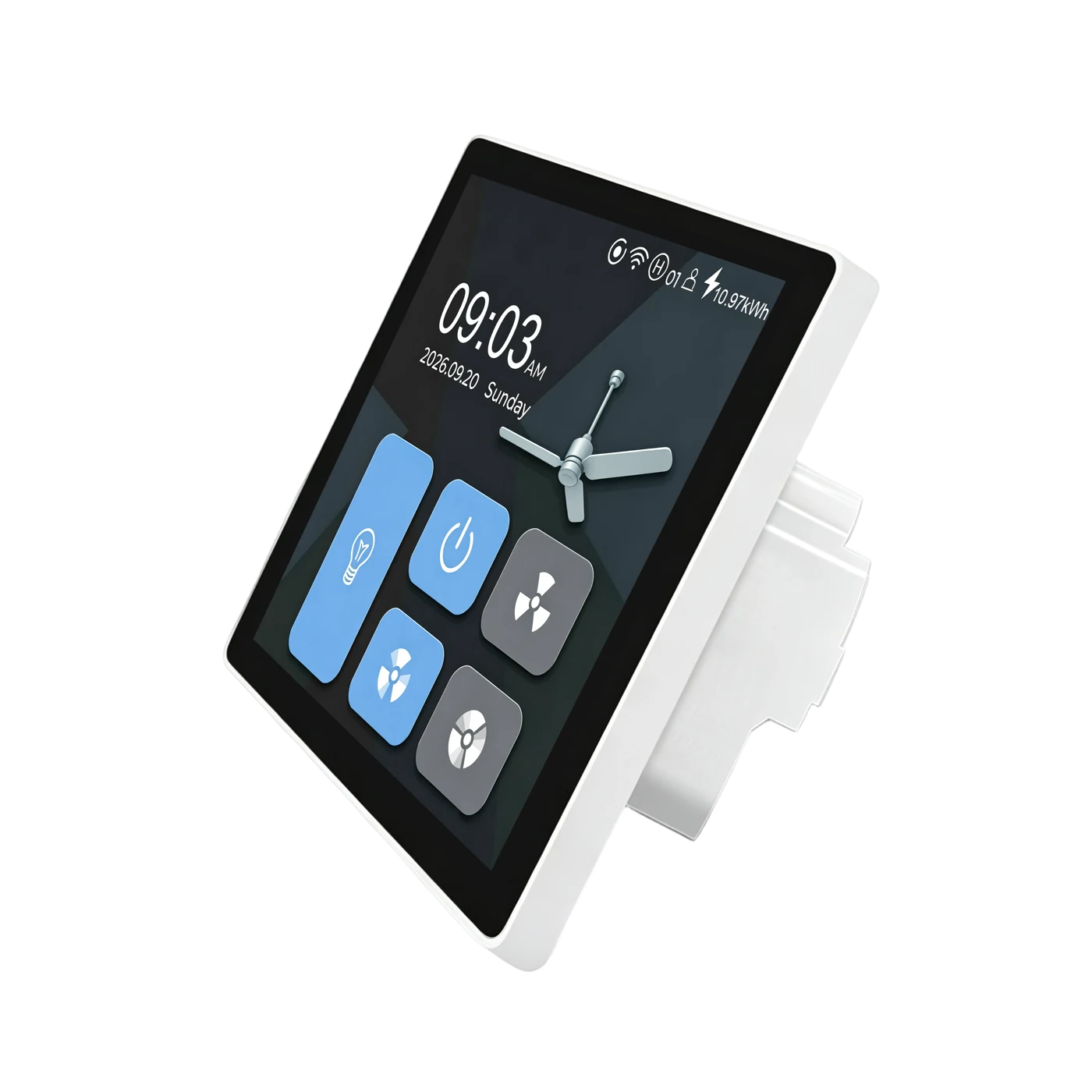
L10-HF / L10-HFU · SMART FAN SWITCH
Set your favourite fan speeds. Switch the light independently. Bring everyday comfort to the wall with an LCD touchscreen and your selected app.
For compatible AC fans. Neutral required. Light on/off control only.
BEFORE YOU BUY
For compatible single-phase AC motor fans. Do not connect DC variable-speed fans or fans with built-in remote or smart control modules. Check the motor, rated load and circuit with a qualified electrician before ordering.
Fan ≤200W + Light ≤200W. Check each channel separately; do not interchange the outputs.
Both L and N are required. Match the supply and load to the confirmed product rating.
Do not connect multiple fan motors in parallel or test speed control without a motor connected.
On/off switching only. Fan and light outputs must not be swapped.
Use a compatible network and complete app setup for connected control.
FAN & LIGHT CONTROL
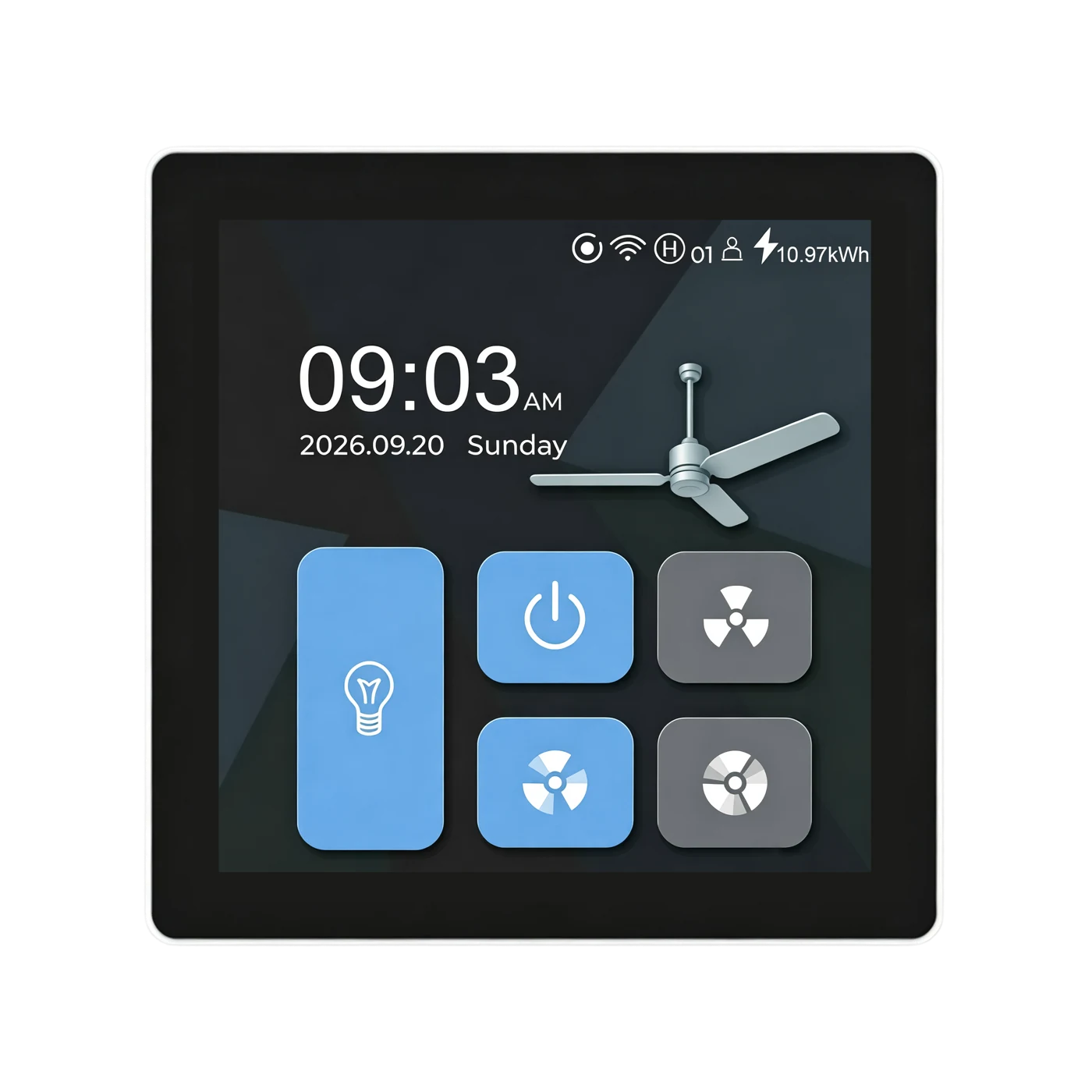
Adjust the speed presets for your compatible fan, then recall them with a tap. Fan power and the light have independent controls.
Switch the fan and light independently from the touchscreen. The light channel switches power on and off; it does not dim.
Device captures: firmware 1.1.30 · English · 20 September 2026. Screen values illustrate the interface, not a guaranteed fan speed or energy saving.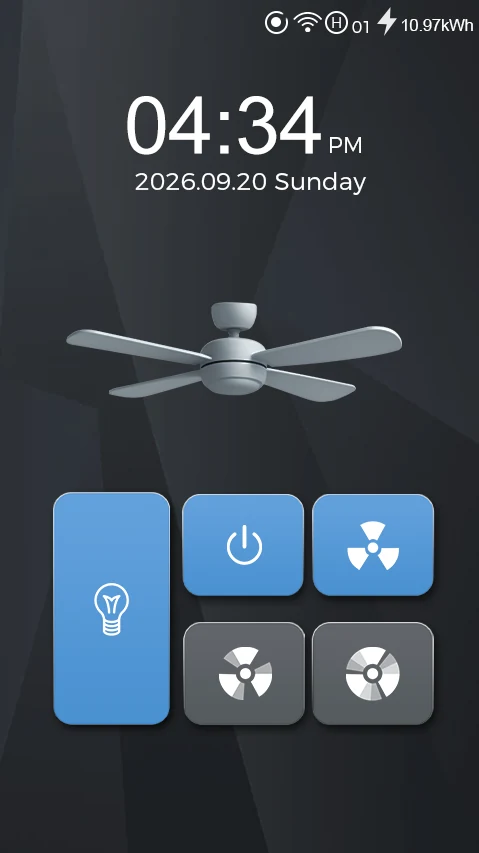
ON YOUR WALL
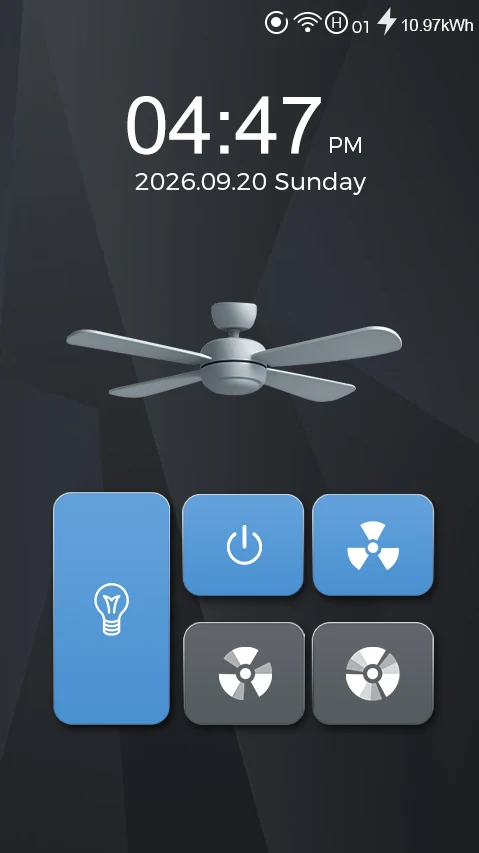
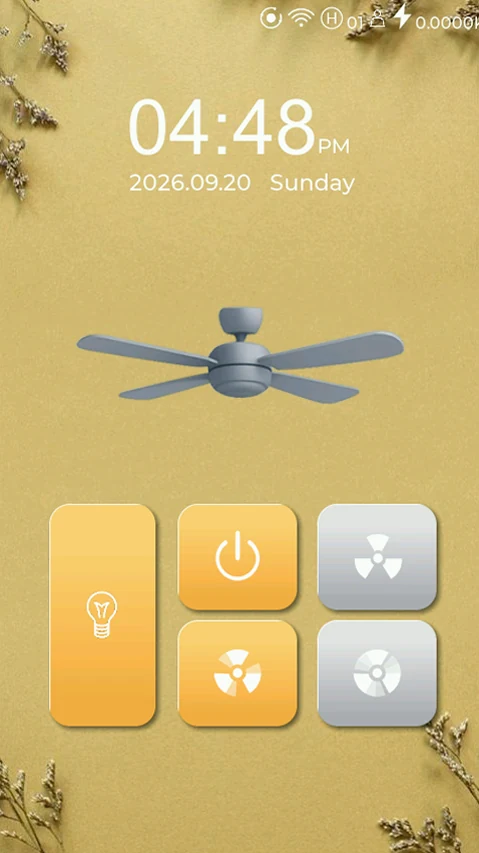
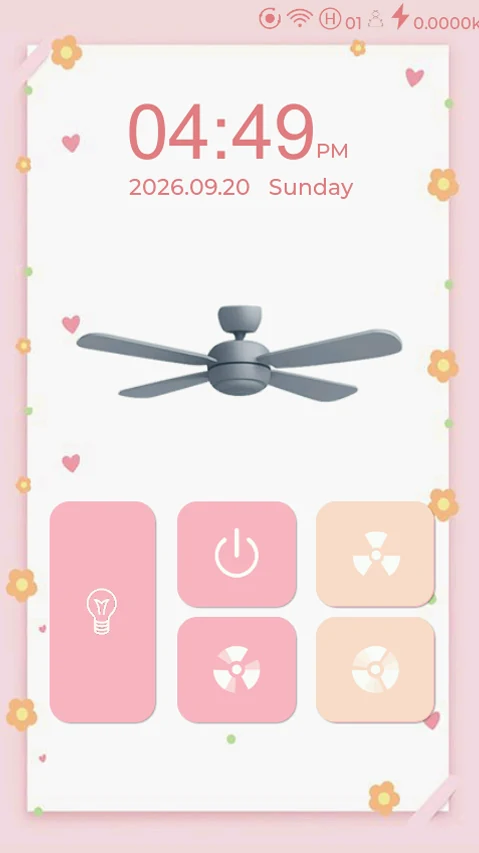
Choose from the device’s display themes and adjust screen brightness. The examples below come from L10-HF device captures.
L10 · Themes
Keep familiar fan and light controls while changing their visual theme.
LANBON SMART LIVING
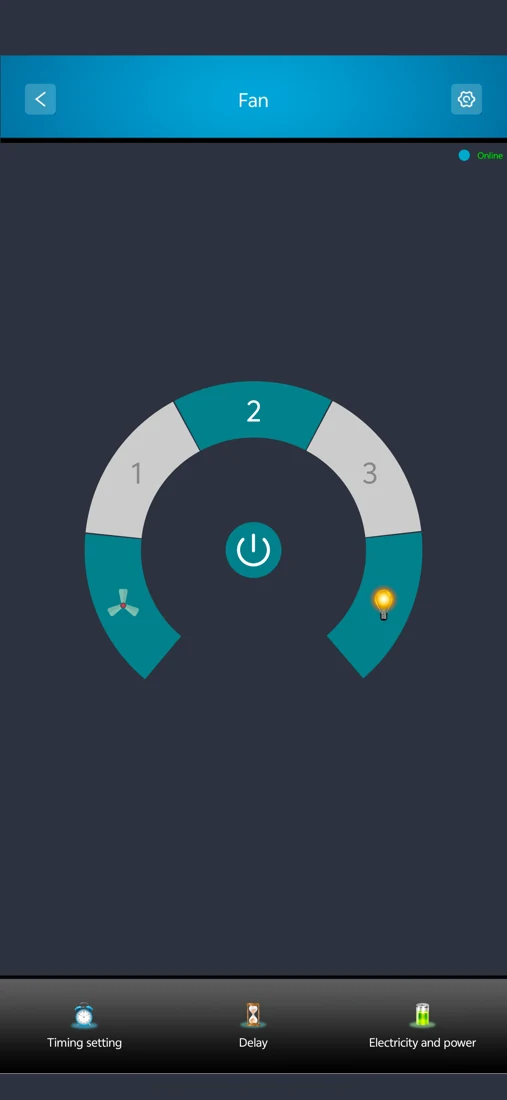
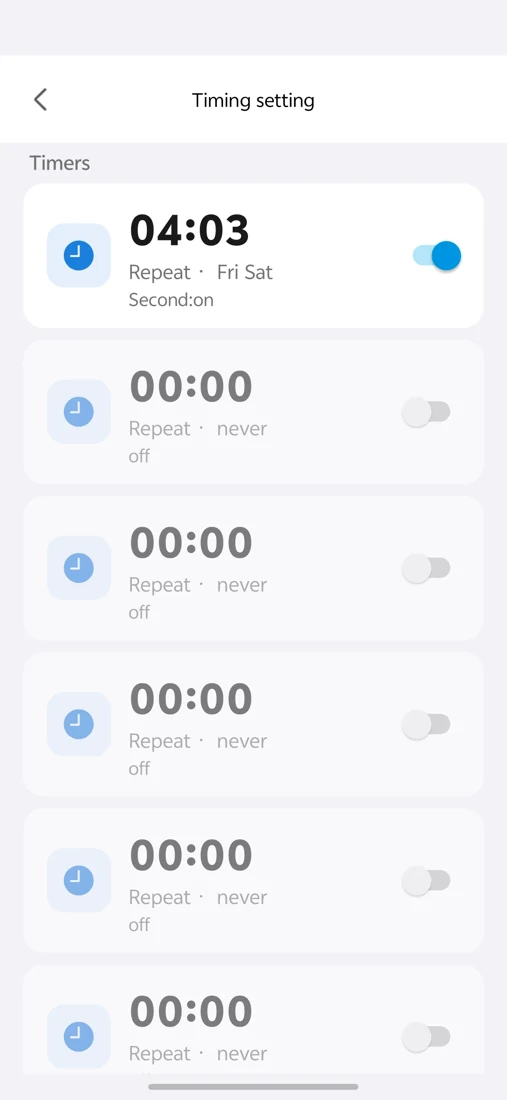
Control your fan from LANBON Smart Living, set timing tasks and view energy usage. Connected control requires network access and app configuration. Available screens vary by app version.
LANBON · L10 · WI-FI MESH
Compatible L10 series switches share a network without a dedicated gateway. Configure the first switch near the router as the master, then configure the remaining switches.
Control through LANBON Smart Living. Remote features still require a router, internet and available services. Switch Mesh does not extend Wi-Fi for phones or computers.
L10-HF · LANBON edition
Send commands and receive device state through your own MQTT broker.
MQTT developer guide →Read device capabilities, send commands and retrieve state through the LANBON local API.
Use the local API →PRODUCT VIEWS
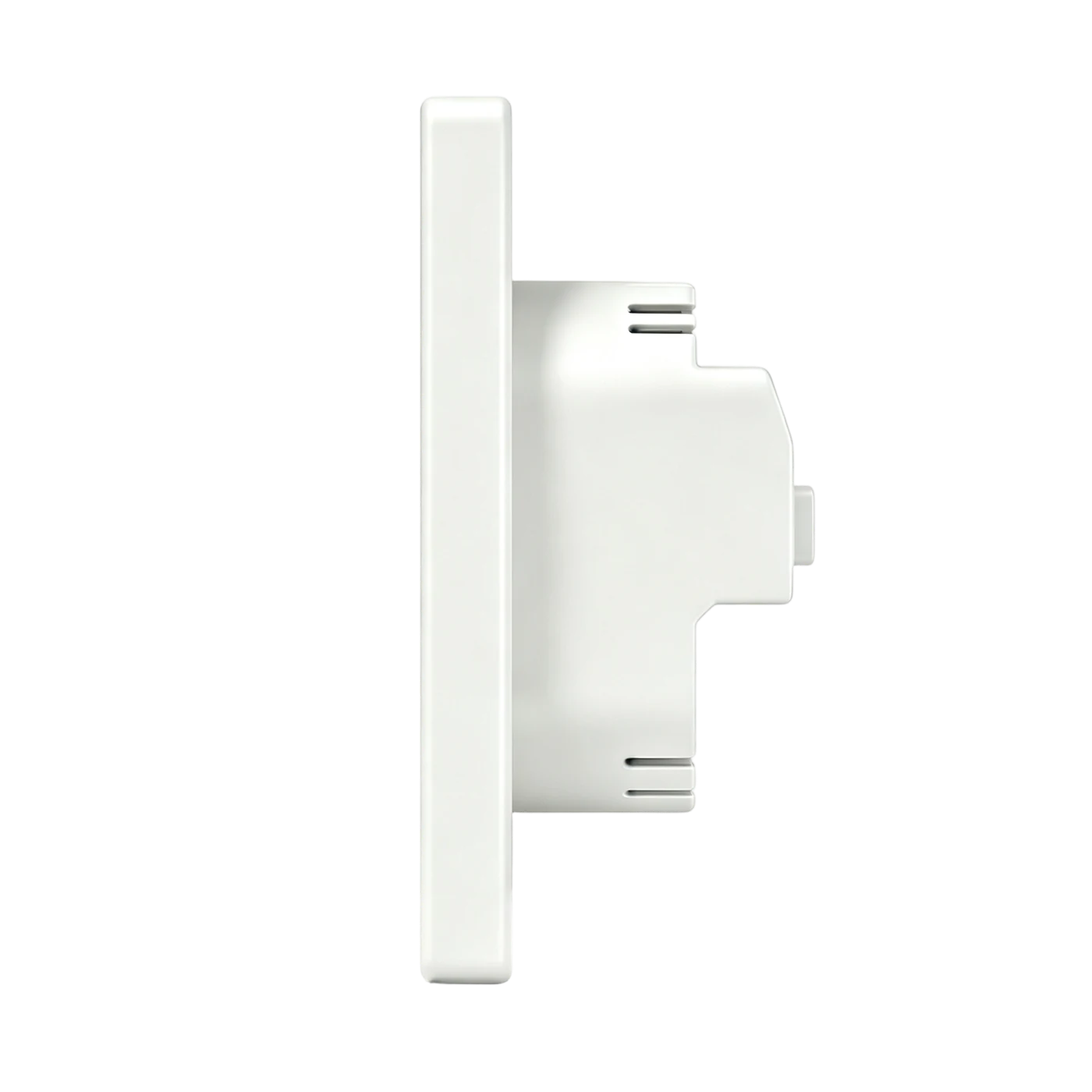
The panel and finish selected above update these views and the specification below.
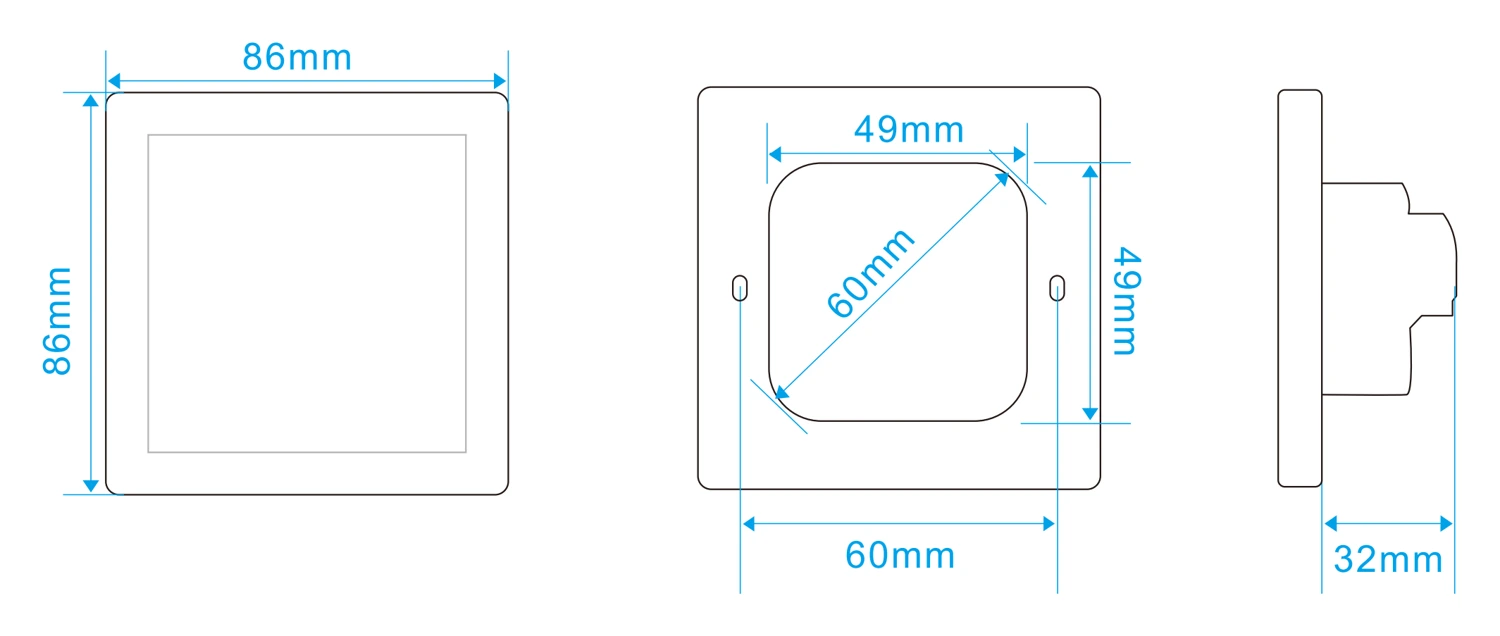
MODELS & DIMENSIONS
Find the right fit.
EU / US identifies the panel format. Have an electrician check wall-box depth, fixing points and wiring space.
INSTALLATION
Isolate power before installation or maintenance. A qualified electrician should use installation instructions matched to the actual unit and verify the motor, load, supply and wall box.
DOCUMENTS & SUPPORT
Preview or download dimensions, package contents and the public certificate. Contact Lanbon for the matching manual and installation information.
The L10-HF package contains one switch, two mounting screws and one English printed manual. Confirm regional availability, warranty and returns with the seller.