AC 100–250V · 50/60Hz
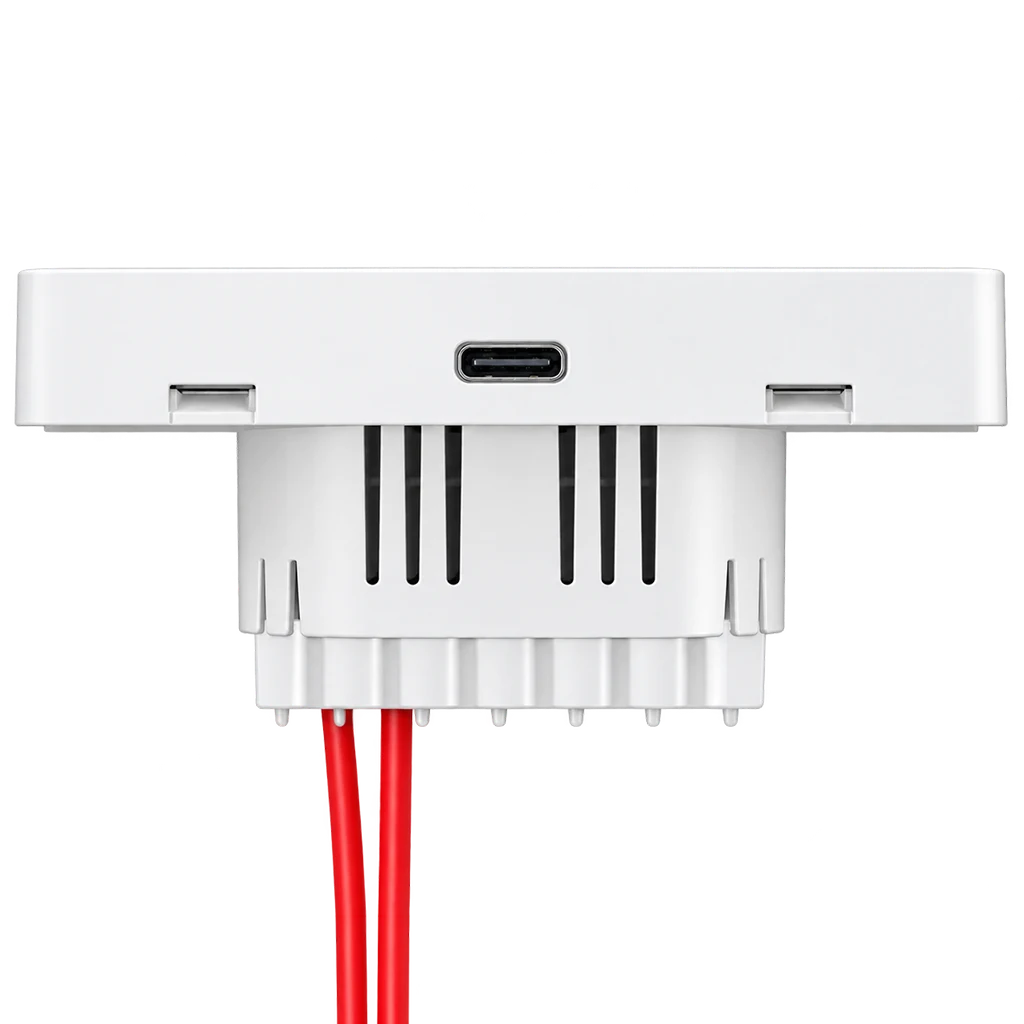
Live and neutral are required. Lighting load: up to 200W; confirm the actual load type and unit rating before connection.
L10 FusionCharge · L10-HG / L10-HGU
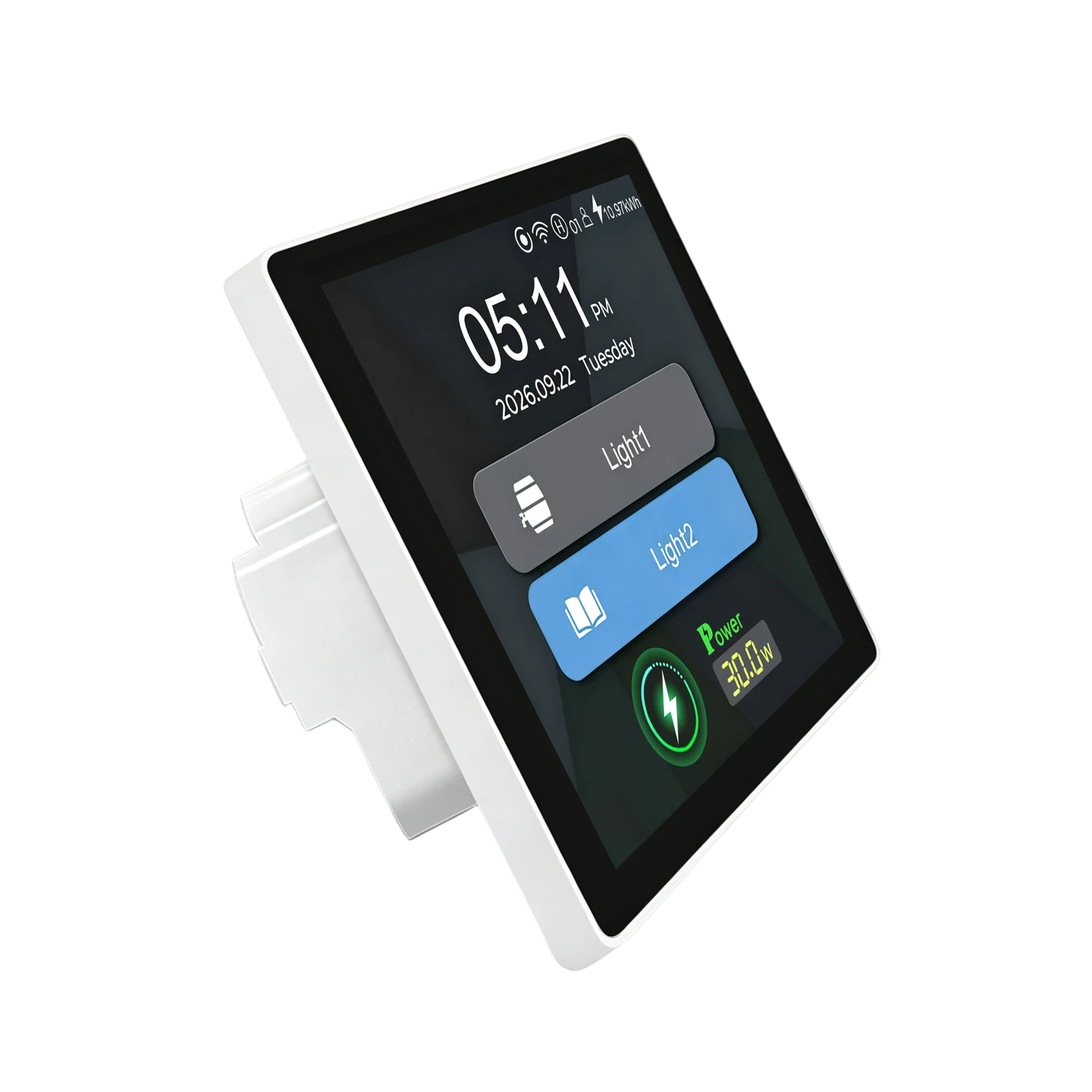
An LCD light switch and a 30W USB-C charger, together on your wall. Keep everyday lighting and charging within easy reach.
Up to 30W · USB-C charging only · Neutral required
USB-C · PD 3.0
Plug into the panel’s USB-C port while your lighting remains independently controlled. The device negotiates an appropriate charging profile with your phone or other compatible equipment.
Charging speed varies with the device, cable and battery state. The cable and phone shown in illustrations are not a package-content promise.
BEFORE YOU BUY
Match the panel to your wall box and the switch to your lighting load. A qualified electrician should verify the actual unit and circuit before installation.
Live and neutral are required. Lighting load: up to 200W; confirm the actual load type and unit rating before connection.
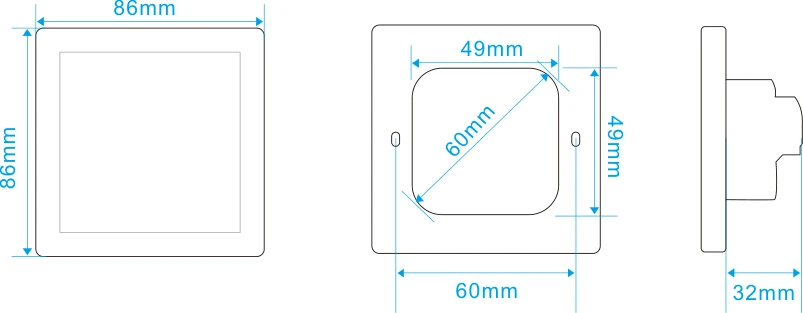
Wall-box depth must exceed 38mm. Check the selected EU or US drawing for fixing points and space.
Charging only, with no data transfer. Maximum 30W; use a compatible device and cable. QC4.0 and PPS are not supported.
Use the app for your selected connectivity version. App commands and timers control the lights, not USB-C charging.
LCD TOUCH CONTROL
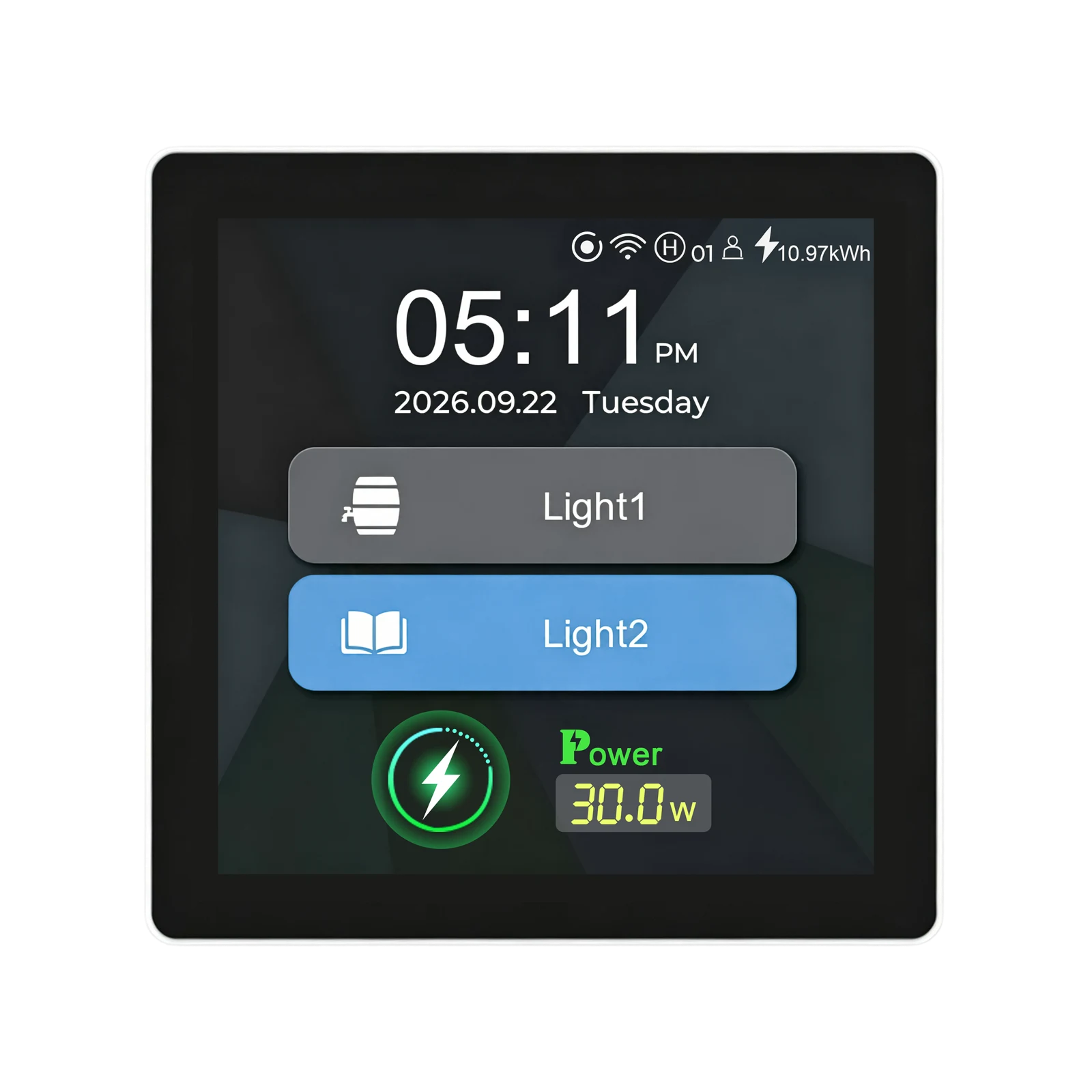
Switch the lights, check charging power and tune screen brightness from the wall. Charging works independently of the light on/off controls.
Control your lights from the LCD touchscreen. Choose a one- or two-gang display to match the installed lighting circuits.
Device captures: firmware 1.1.13 · English · 23 September 2026. Displayed power illustrates the interface, not a guaranteed charging rate.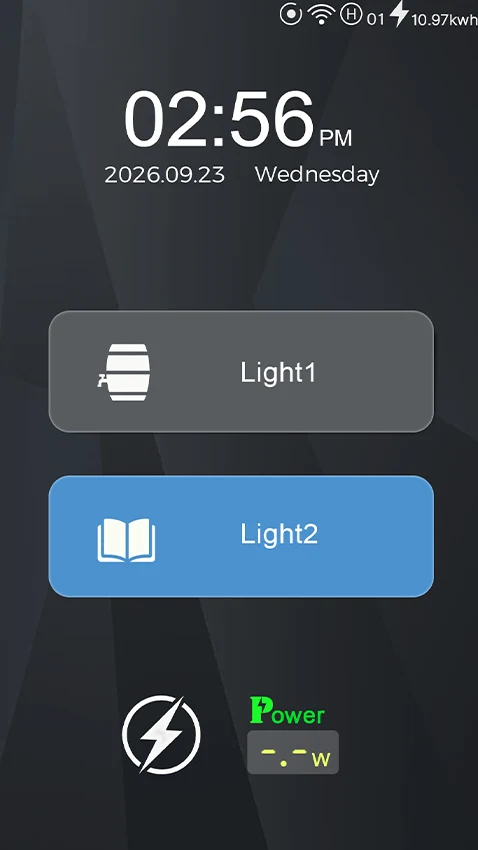
MAKE IT YOURS
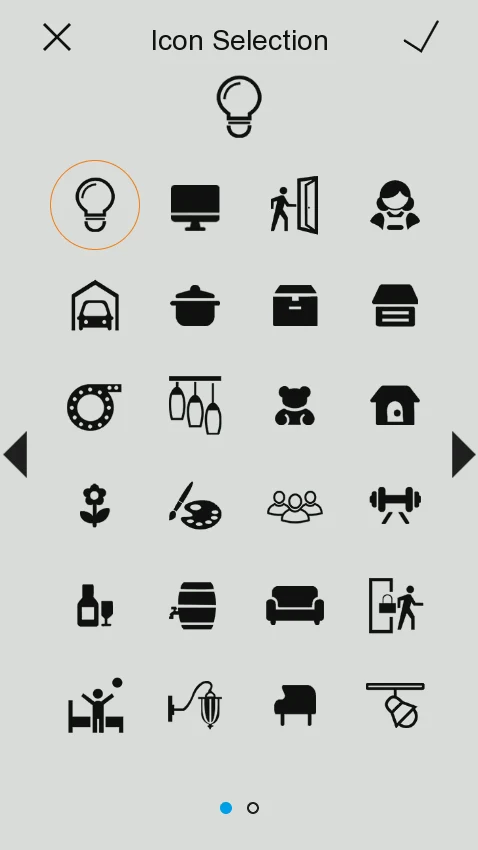
Choose icons, name your lights and select a display theme.
L10 · Icons
Choose from the device’s icon library for each light button.
LANBON SMART LIVING
On the Wi-Fi version, control lights and set lighting schedules with LANBON Smart Living. USB-C charging is independent and cannot be switched or scheduled from the app. Connected features require network access and app setup.
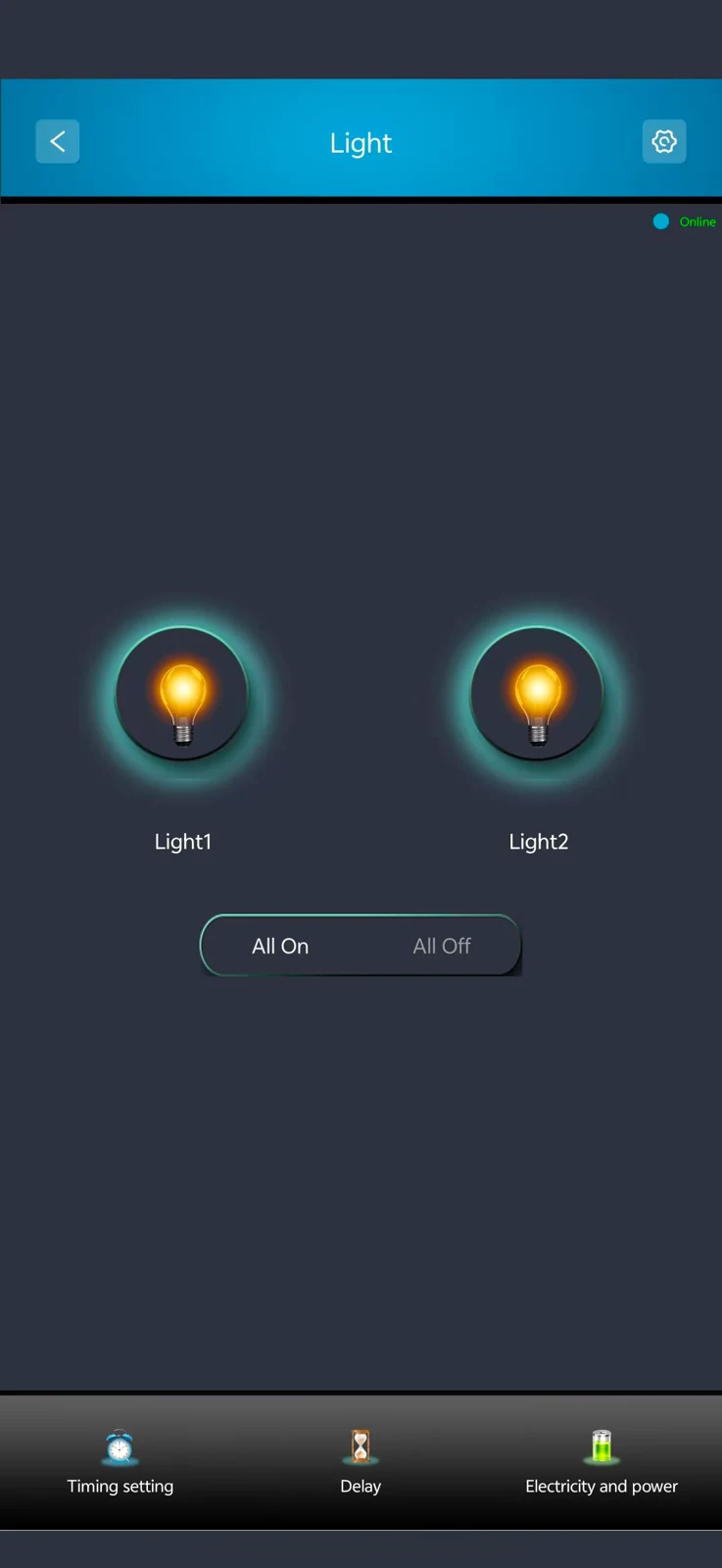
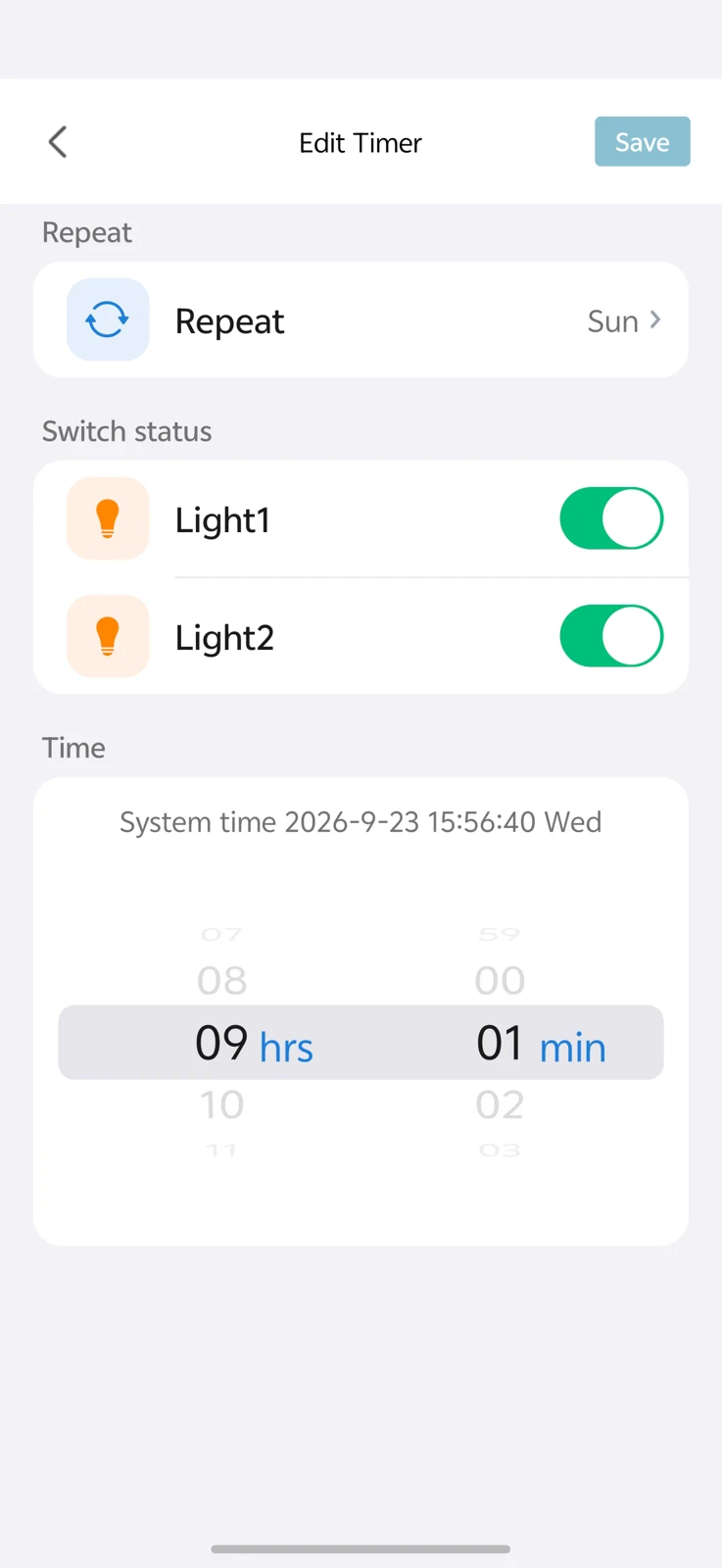
LANBON · L10 · WI-FI MESH
Compatible L10 series switches share a network without a dedicated gateway. Configure the first switch near the router as the master, then configure the remaining switches.
Control through LANBON Smart Living. Remote features still require a router, internet and available services. Switch Mesh does not extend Wi-Fi for phones or computers.
PRODUCT VIEWS
Your selection updates the product views and specifications together.
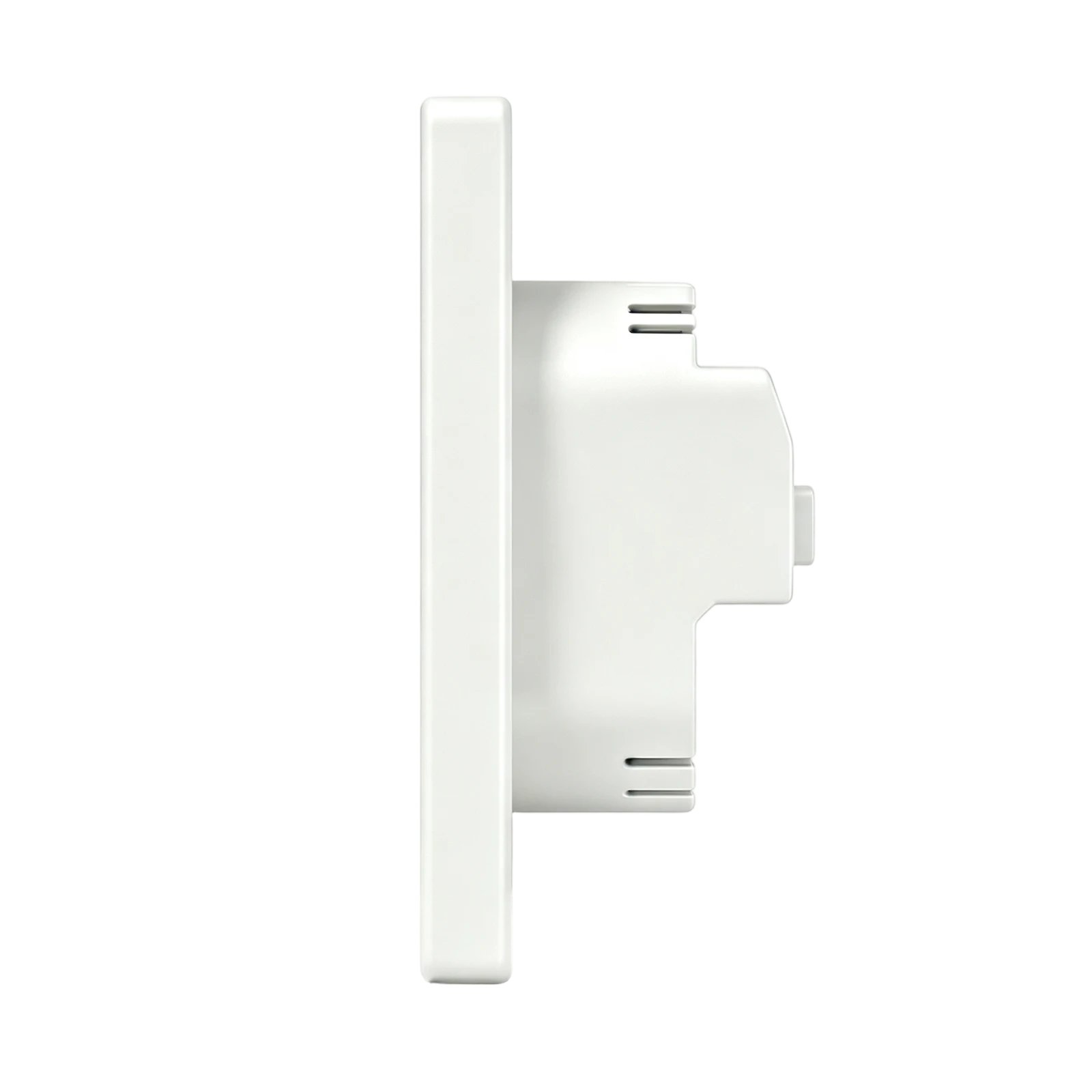
MODELS & DIMENSIONS
Find the right fit.
EU / US describes the panel format. Confirm communication version and wall-box compatibility before ordering.
INSTALLATION
A qualified electrician must disconnect power at the circuit breaker before installing or removing the panel. Follow the model’s wiring diagram and verify neutral, lighting outputs and the actual unit rating. Leave space below the USB-C port for the cable connector.
CHARGING IN USE
See the supplied charging demonstration. Actual charging output depends on your device and cable.
DOCUMENTS & SUPPORT
Preview dimensions, wall-box requirements, installation instructions and the public CE certificate. Dimensions and wall-box documents follow your panel selection.
Contact Lanbon for the current operating manual and to confirm package contents, warranty and regional service terms.