
1%–100% settings
Adjust brightness in 1% steps on a compatible lighting circuit.
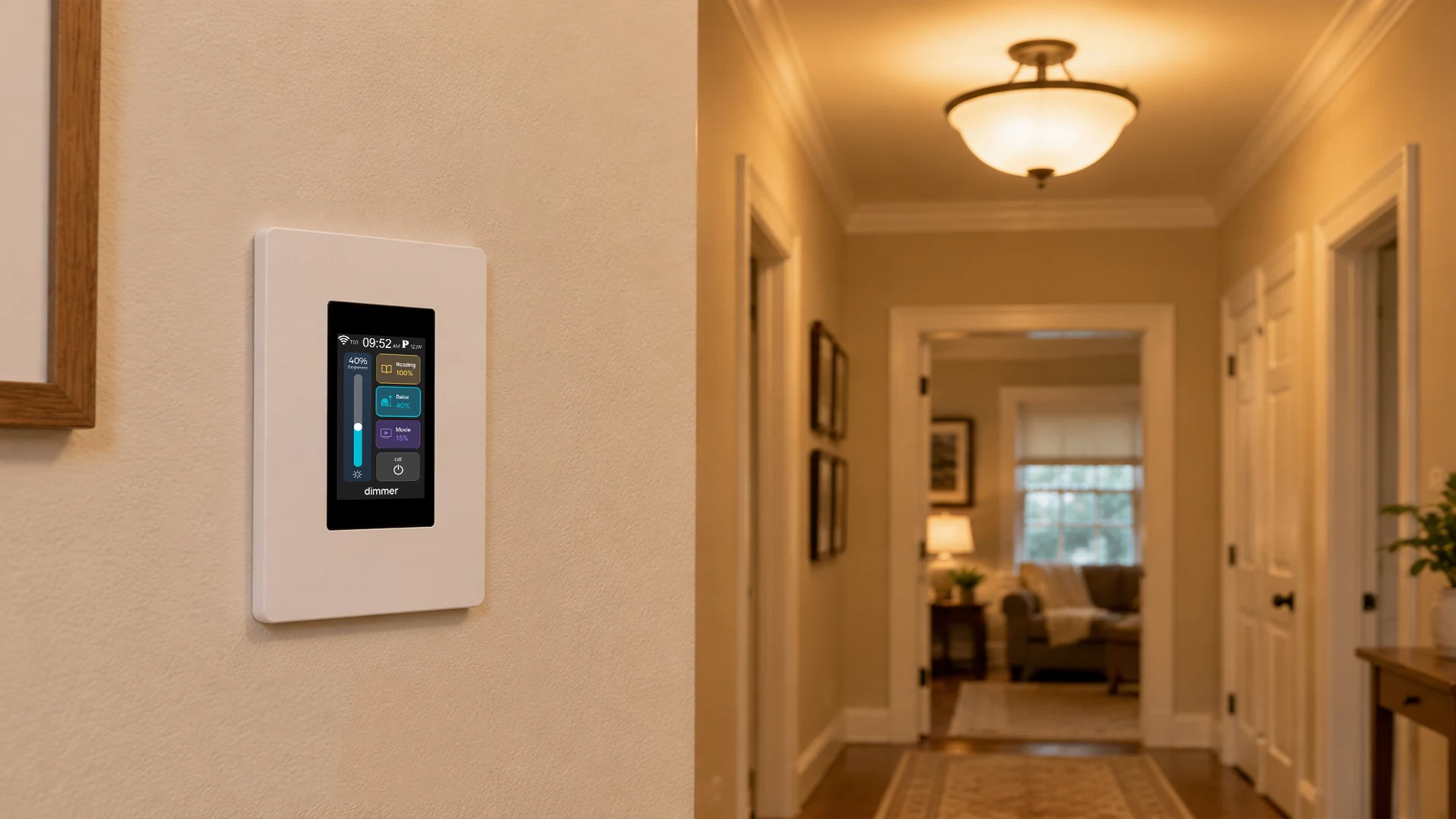
L9-HD · LCD SMART DIMMER
LANBON versionFine brightness adjustment and your own shortcuts, on a US white LCD wall panel. Set compatible lighting from 1% to 100%, with app control for your selected networking version.
One dimming circuit · US white · Neutral requiredAdjust brightness in 1% steps on a compatible lighting circuit.
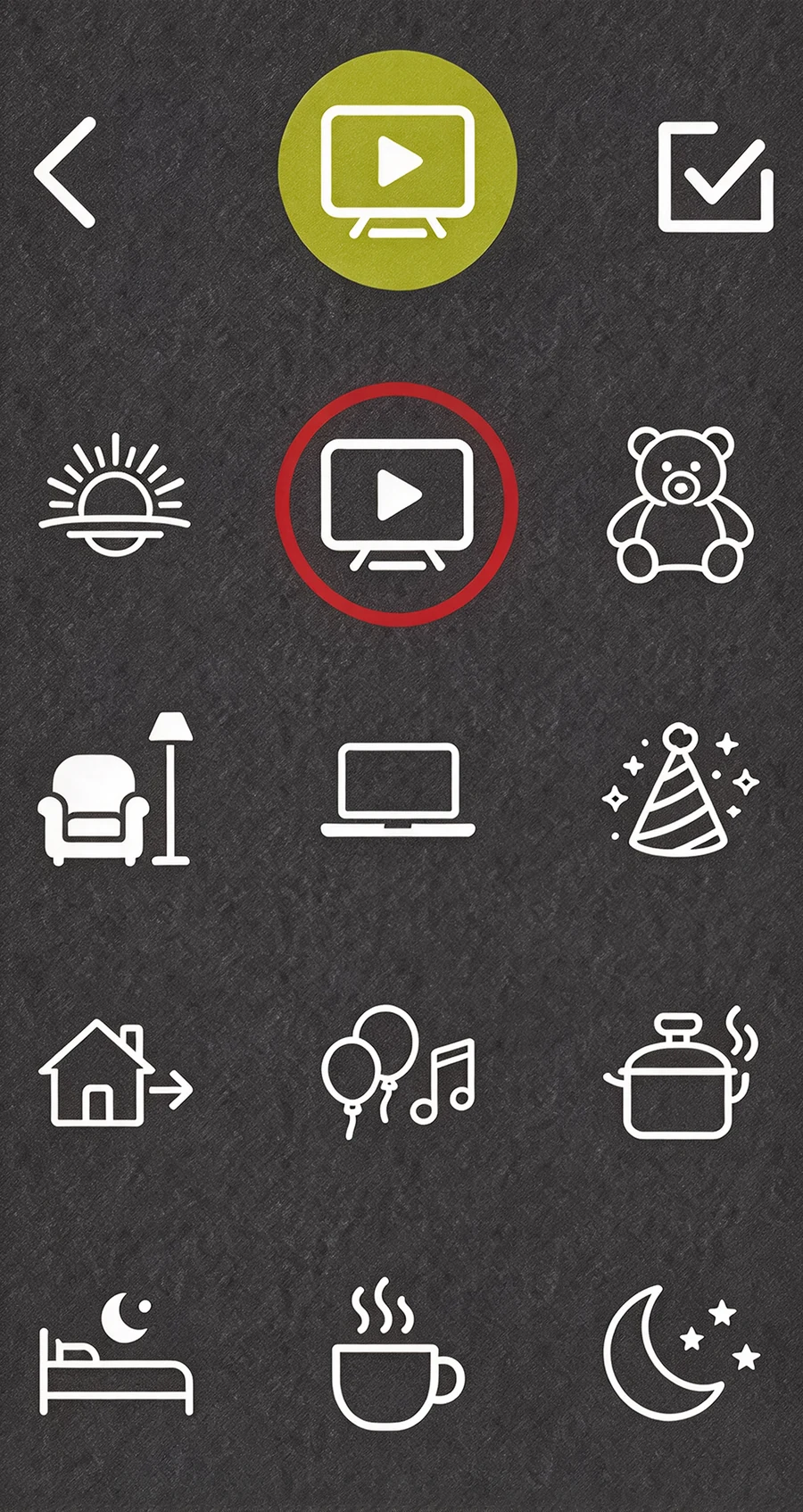
Set the brightness, icon and name of your shortcuts. The supplied values are examples, not fixed levels.
Configure screen wake and presence-activated lighting separately, including a delayed light-off.
BEFORE INSTALLATION
A qualified electrician must check the actual circuit and current model-specific wiring instructions. A dimmable label alone does not establish leading-edge compatibility.
AC 100–250V · 50/60Hz · Live and neutral required
≤150 W total, with a driver explicitly supporting TRIAC leading-edge dimming.
Compatible incandescent / mains-voltage halogen ≤200 W total.
Recommended lamp load ≥5 W. Some LEDs may flicker or turn off below 10%; verify the stable minimum with the actual driver.
Do not mix lamp types or brands. No CFLs, non-dimmable or smart lamps, motors or heaters.
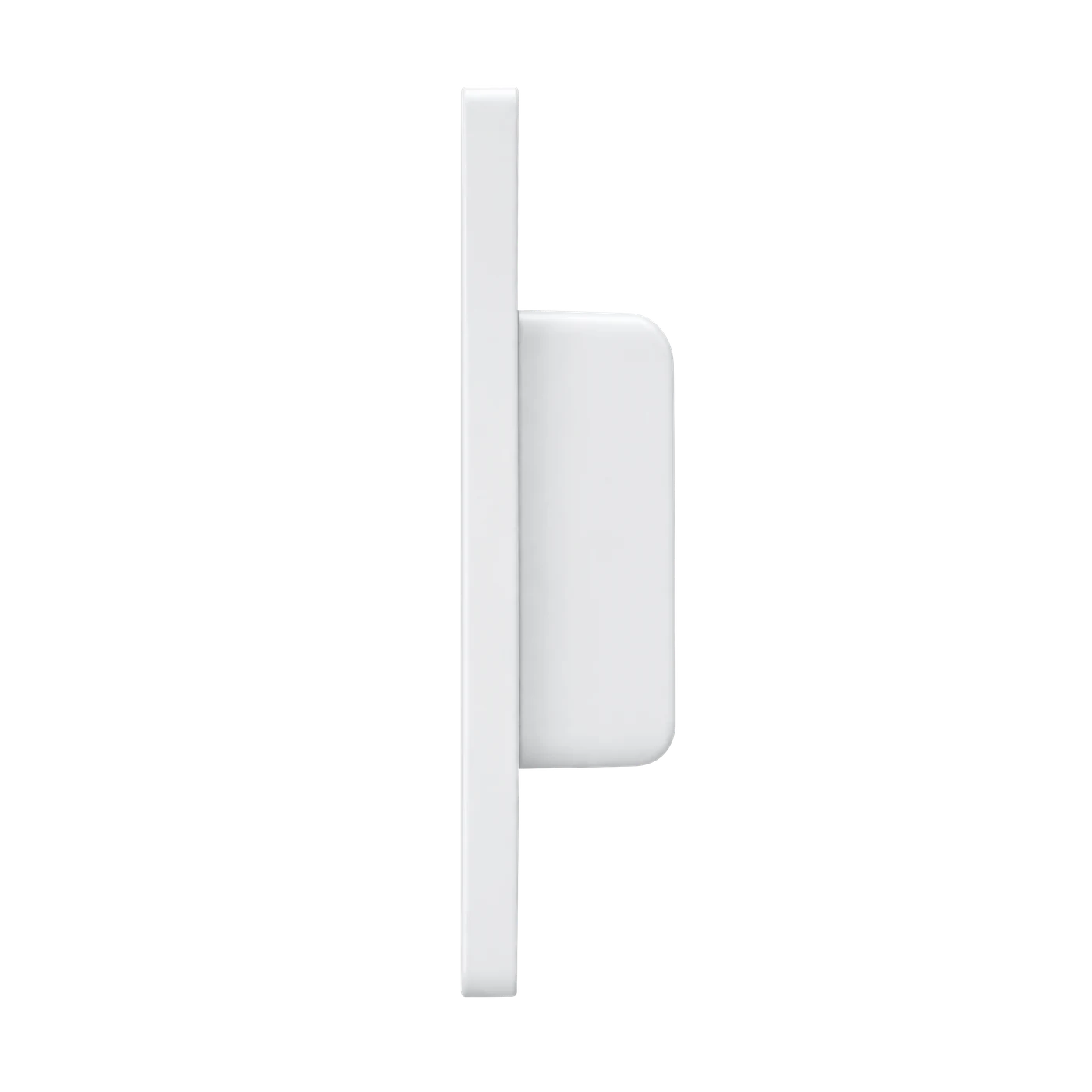
84 × 128 mm panel; 25 mm in-box body. Factory lead wires, with one lighting output. Confirm usable box depth and approved connector space before purchase.
DIMMING ON THE DISPLAY
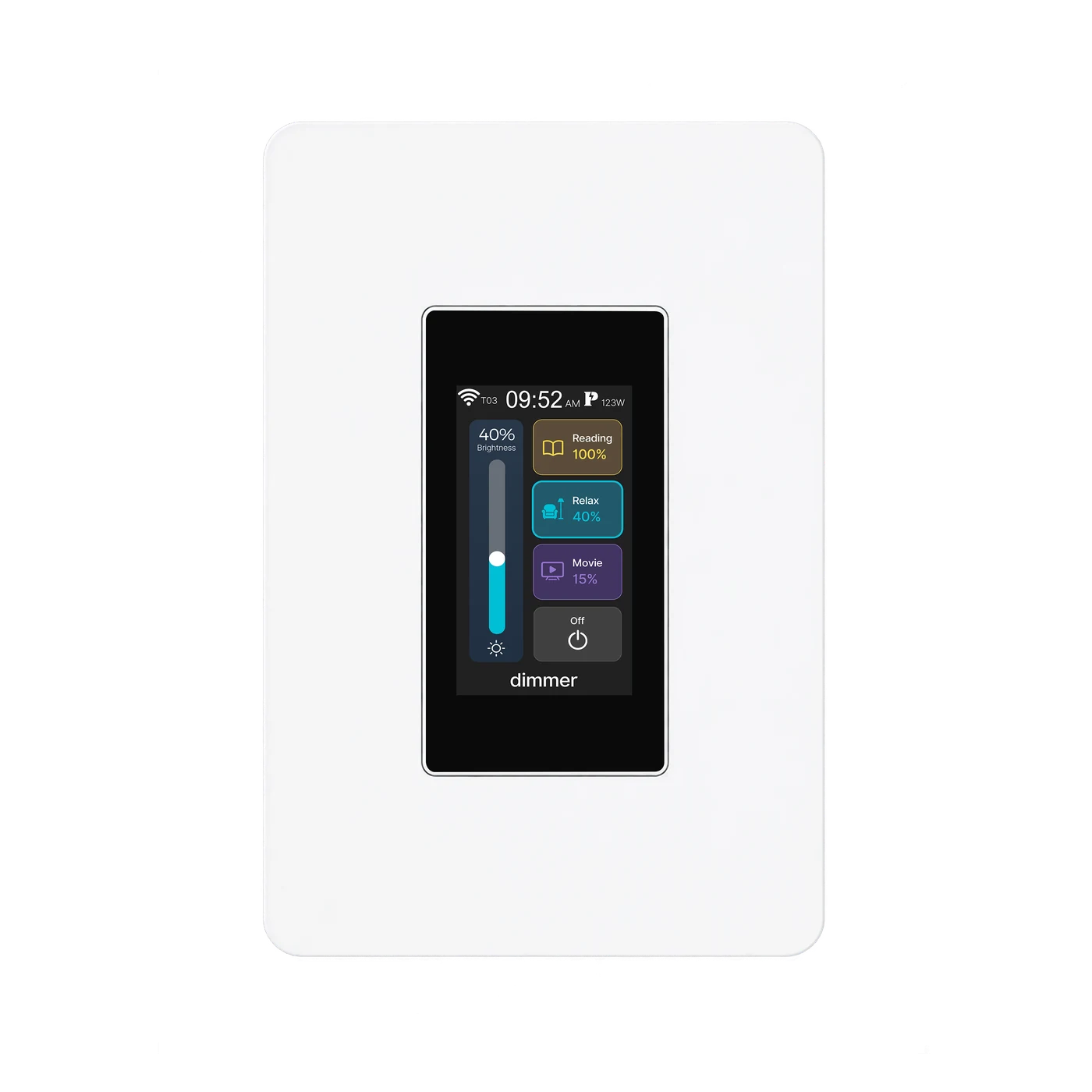
Control one dimmable lighting circuit, not two independent on/off circuits. Move the brightness control or call a saved shortcut. Power-loss brightness memory is configurable in device settings.
The slider and three brightness shortcuts control the same lighting circuit.
Actual device interfaces, not a live connection. A 1% setting does not guarantee 1% measured light output for every lamp.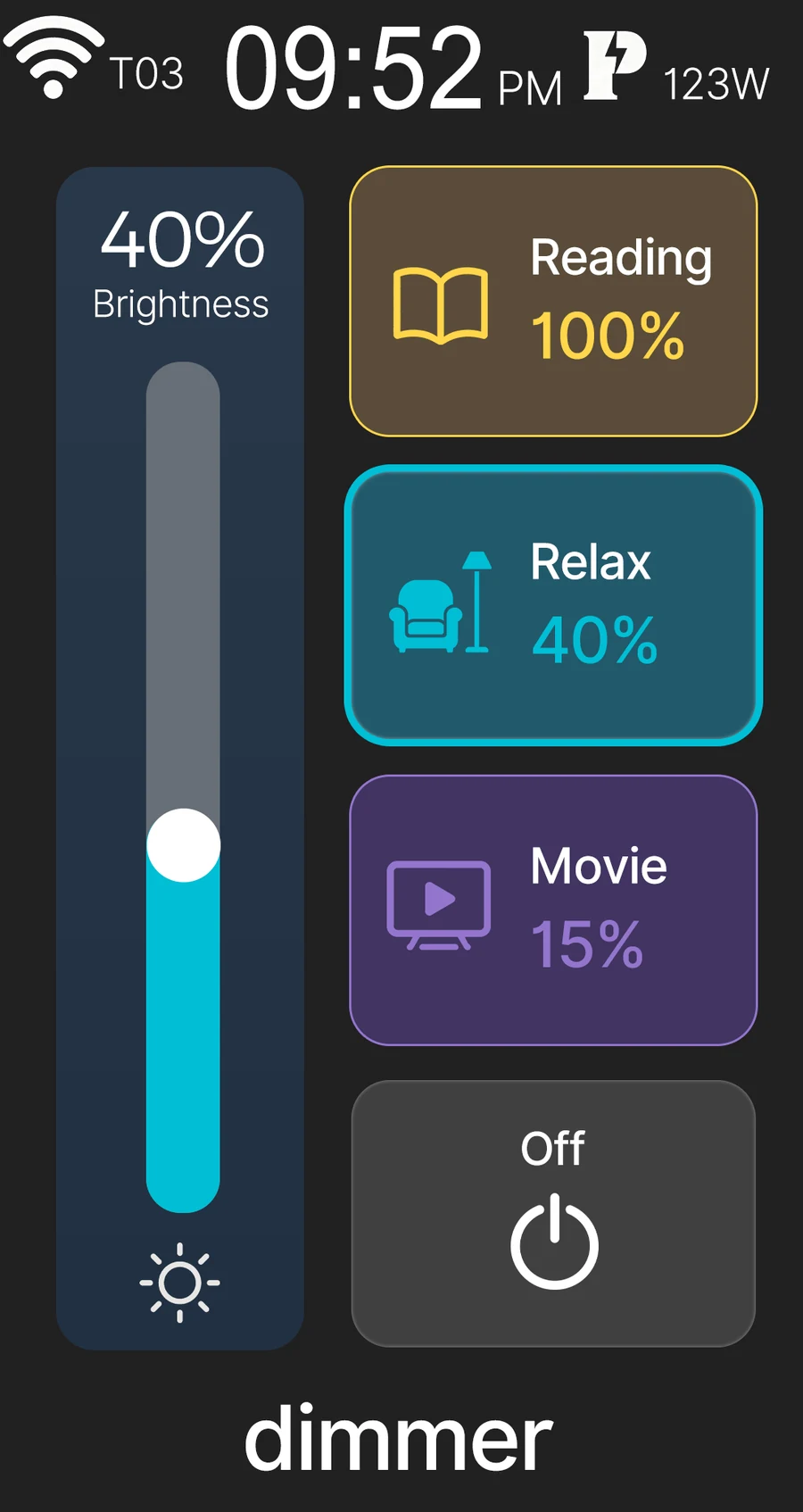
PERSONALISE
L9 · Icons
Choose an icon for a brightness shortcut directly on the LCD display.
ONE LIGHT. DIFFERENT MOMENTS.
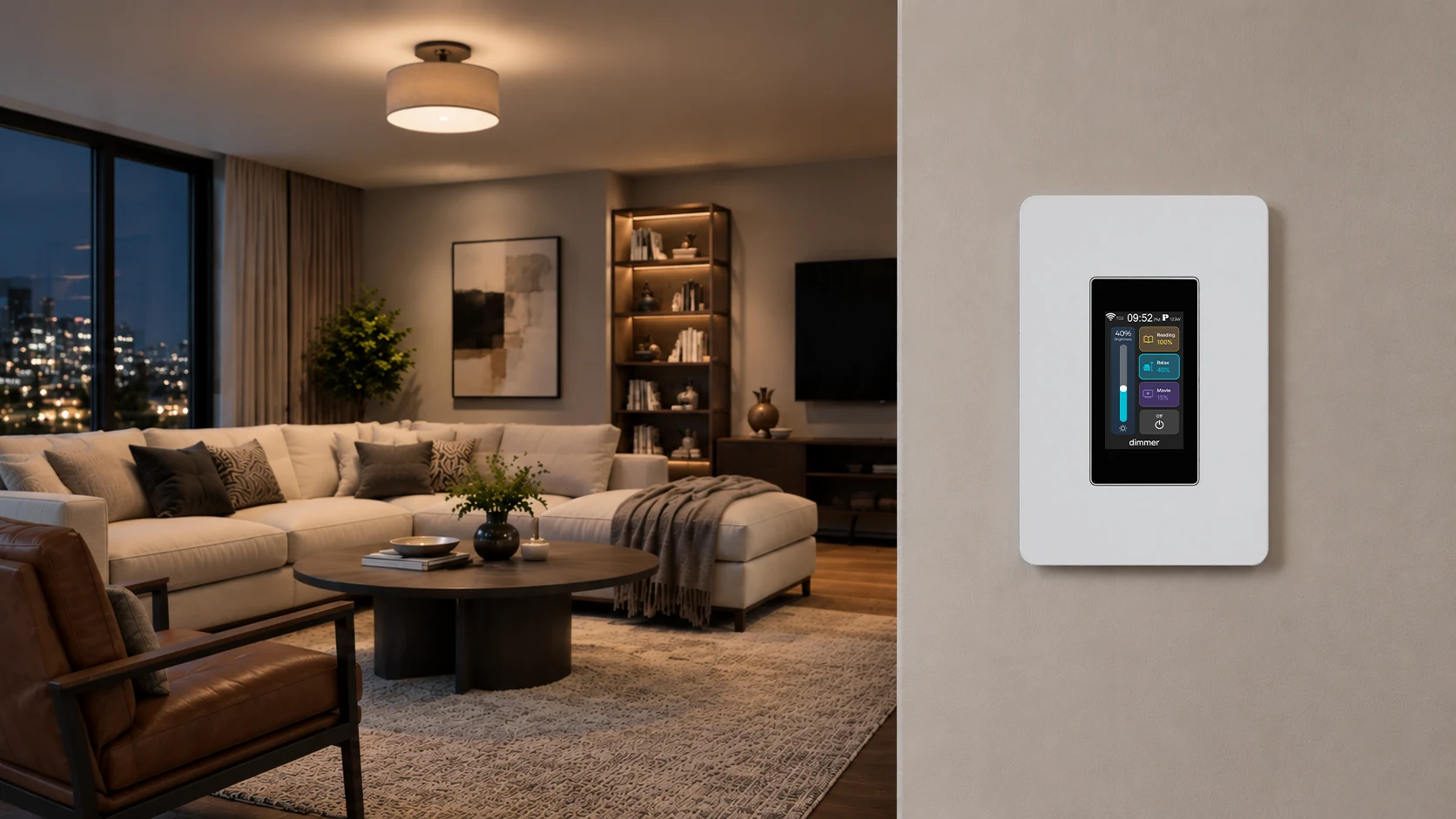
Explore the supplied room illustrations. The device offers 1%–100% brightness settings in 1% steps; actual light output and stable minimum brightness depend on the compatible lamp and driver.
A WELCOME WITHOUT A TOUCH
Wake the screen, switch on the light as you approach, or set a delayed light-off. Screen wake and lighting automation can be enabled and configured separately in the device menu.
Standby
Illustrates the enabled screen-wake and lighting functions together. The scene and screen shading are illustrative, not a device recording. Playback time is compressed, not a response-time test or a device delay setting. Screen standby is illustrated separately from the lamp's delayed switch-off; its timing is configured independently.
Choose near, medium or far in the device menu. Check sensing and delay at the actual installation; these settings are not a guaranteed coverage area. Brightness and night settings are adjustable separately.
SMART LIVING
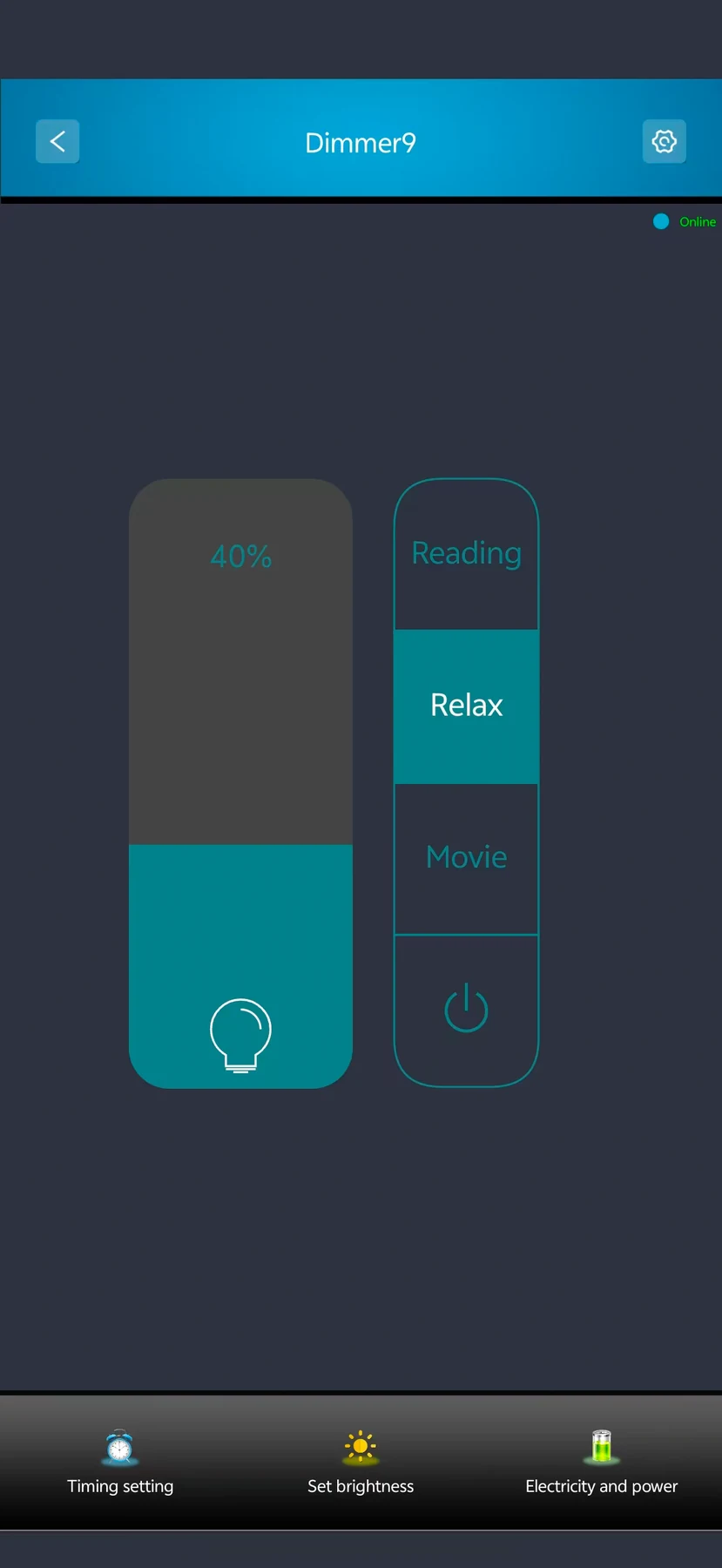
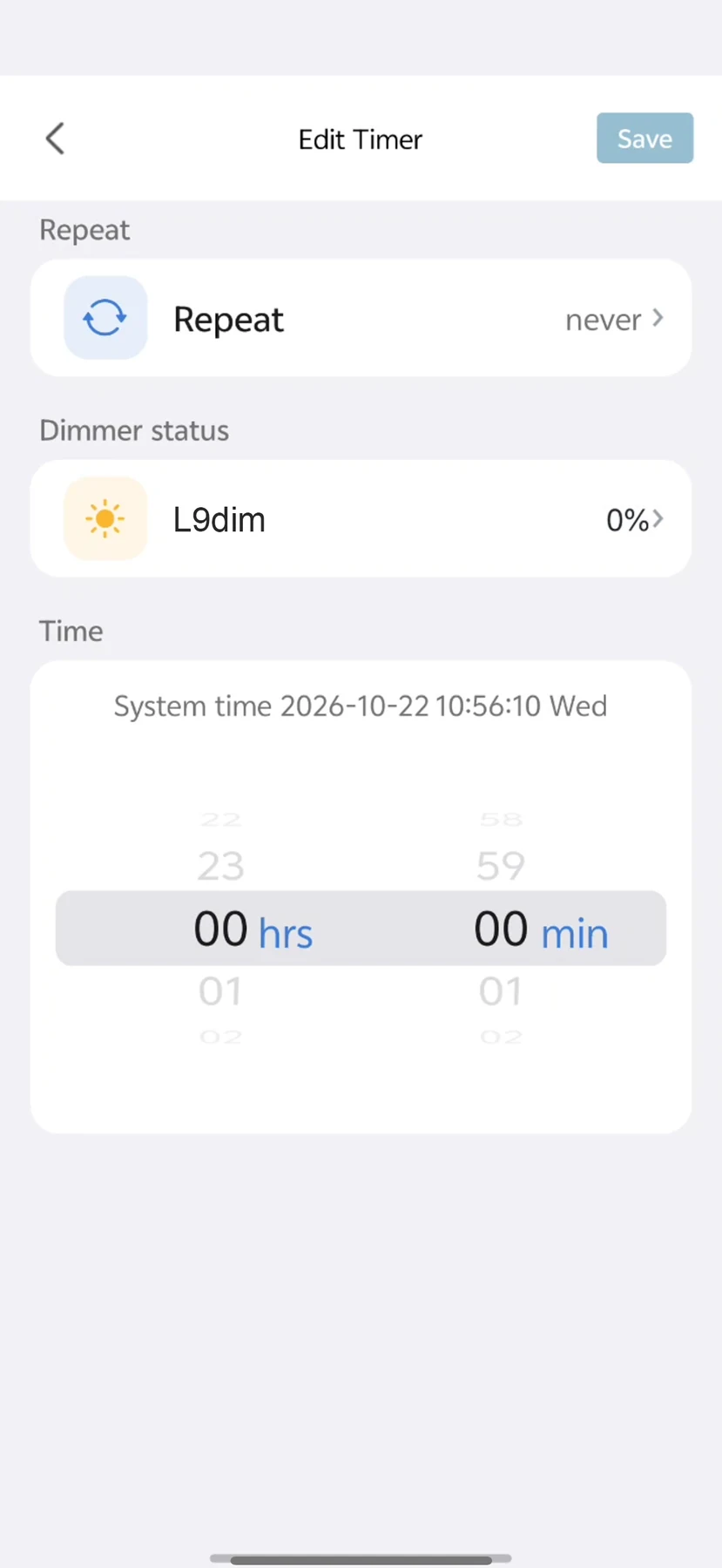
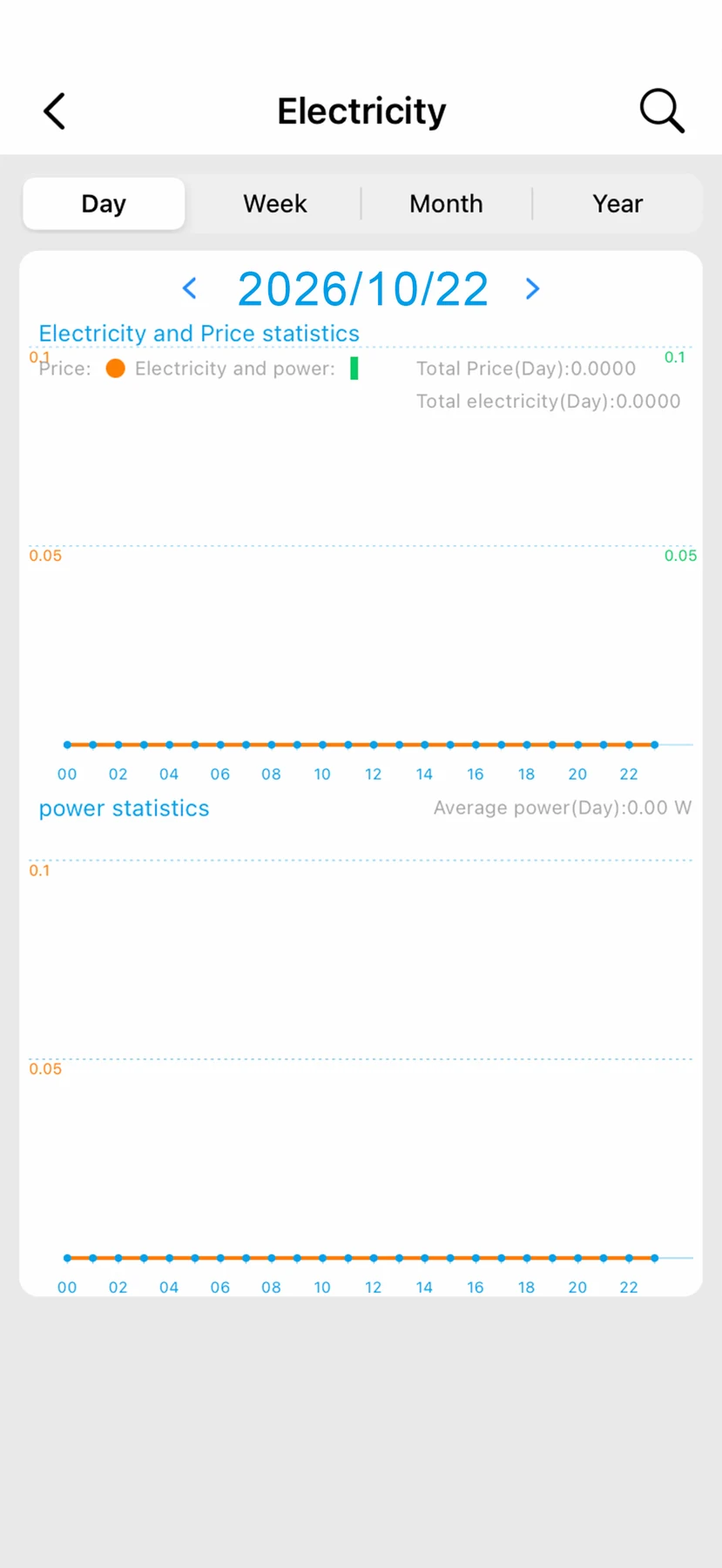
Use the supplied Smart Living interfaces for brightness, timers and energy information. Screenshot values illustrate the interface, not measurement accuracy. Remote functions require setup, internet and available services.
WI-FI MESH
L9 2-in-1, dimmer and fan switches can share one Mesh network. Switches connect through neighbouring nodes, so each switch does not need a direct Wi-Fi link to the router.
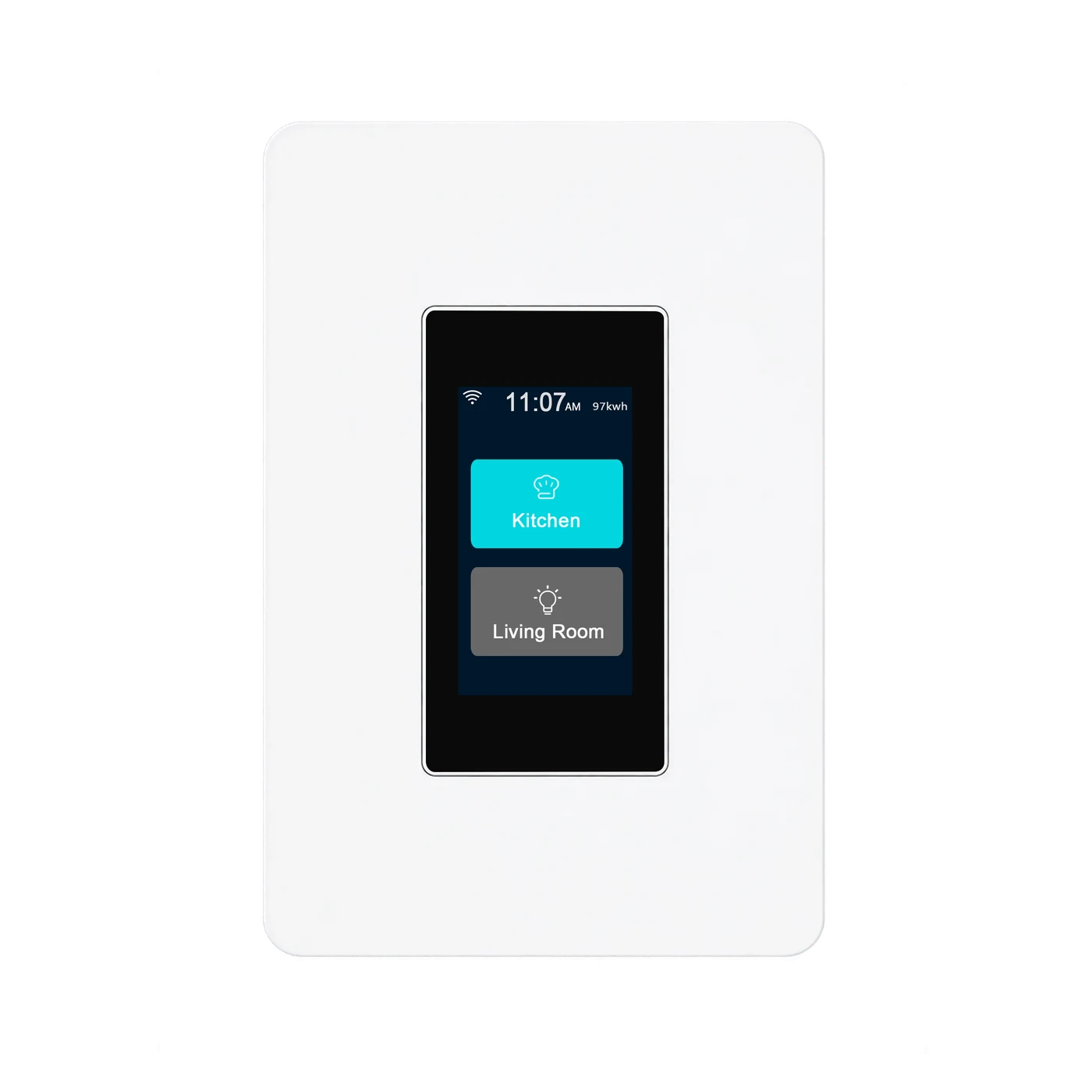 First configured switch2-in-1 switch · Master example
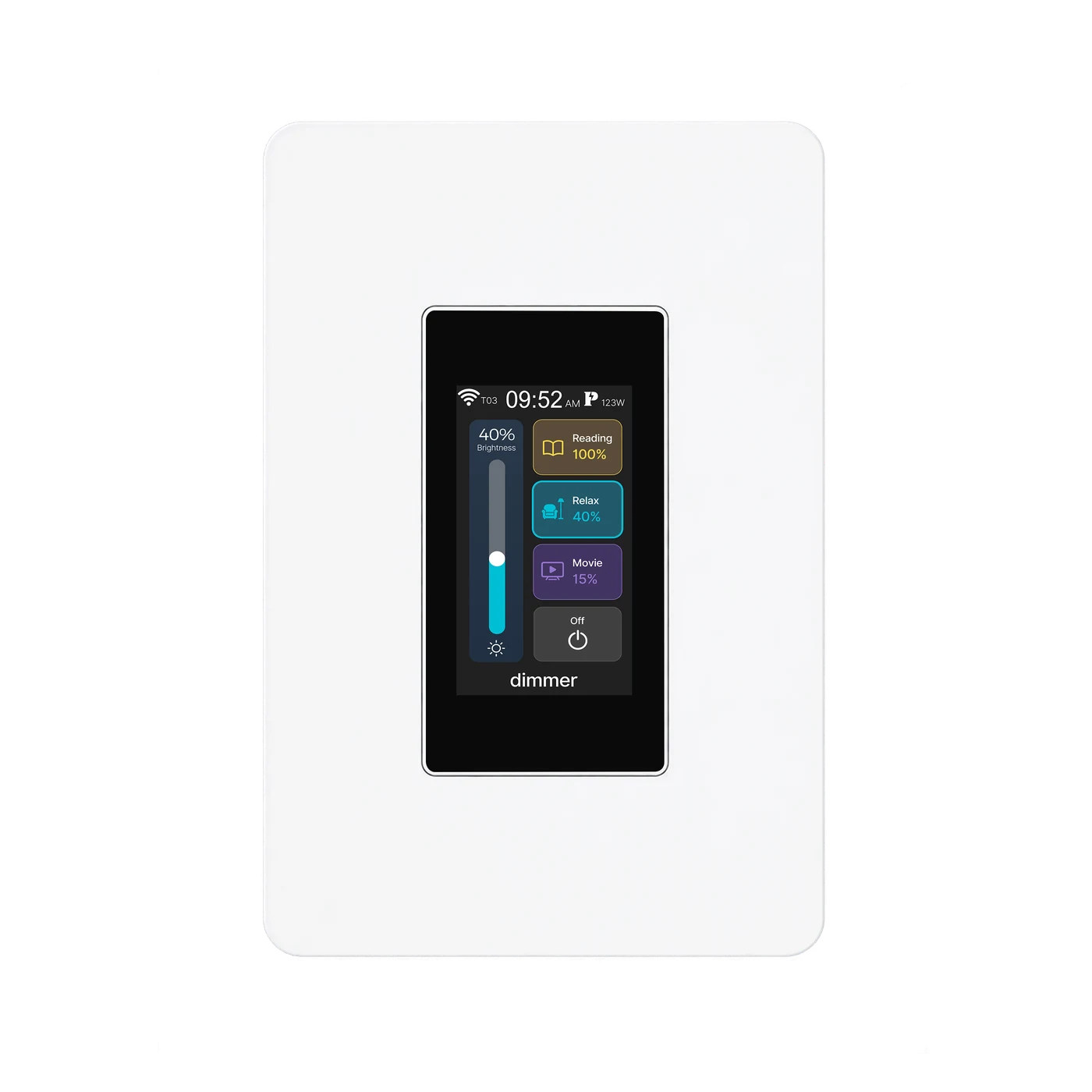 Dimmer switchConnects through Mesh
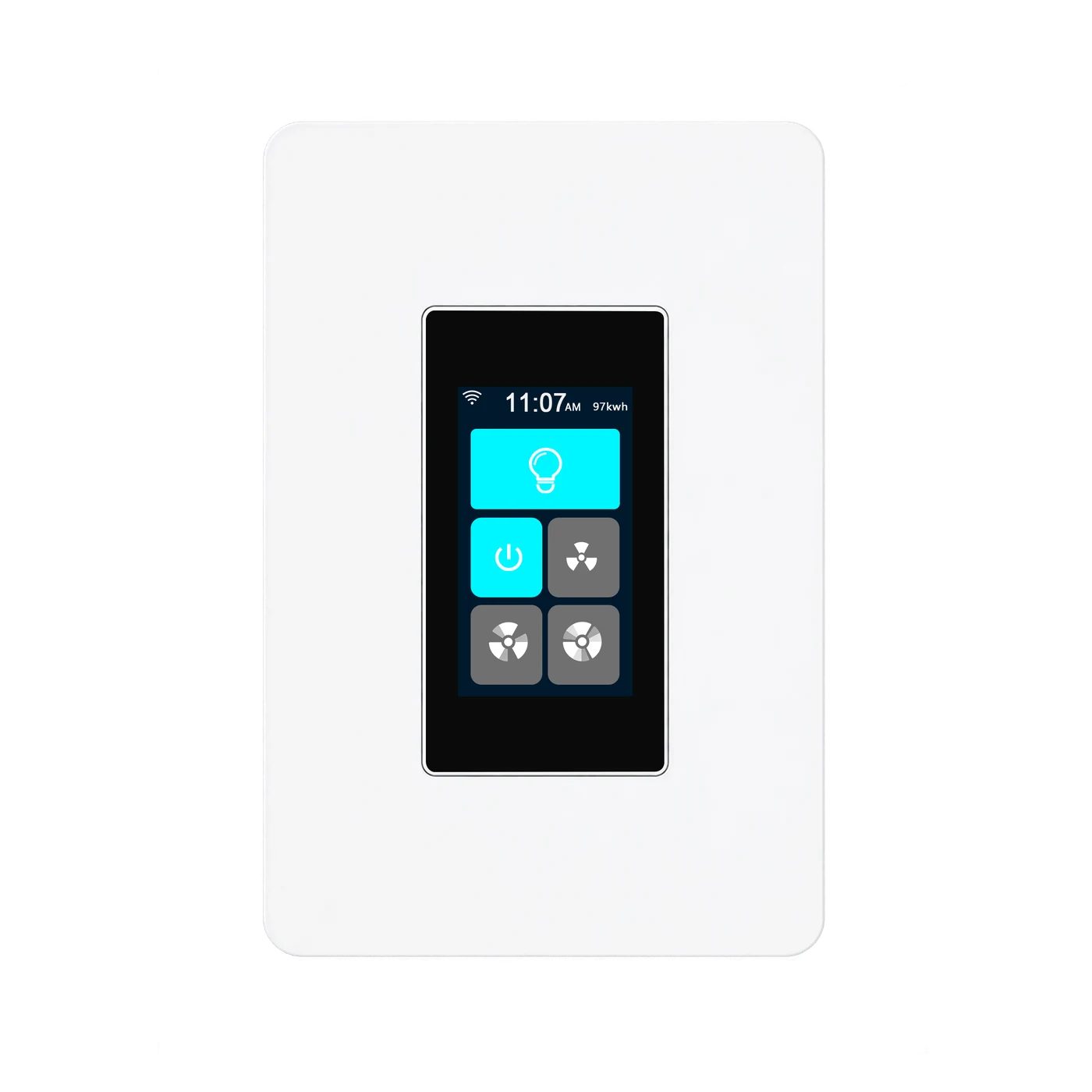 Fan switchConnects through Mesh
Configure the first switch where the router signal is good. The system automatically sets this first configured switch as the master.
Complete setup for the other compatible switches. Keep adjacent Mesh switch nodes no more than 8 metres apart.
The switches automatically form their Mesh network. Any compatible switch can serve as the master when configured first; a separate gateway or host is not required.
L9 can also mesh with compatible L10 switches; this diagram shows L9 examples only, not a required bundle. It does not extend Wi-Fi for phones or computers. Remote app and cloud features still require the router, internet access and available services.
L9-HD · LANBON edition
Send commands and receive device state through your own MQTT broker.
MQTT developer guide →Read device capabilities, send commands and retrieve state through the LANBON local API.
Use the local API →PRODUCT VIEWS
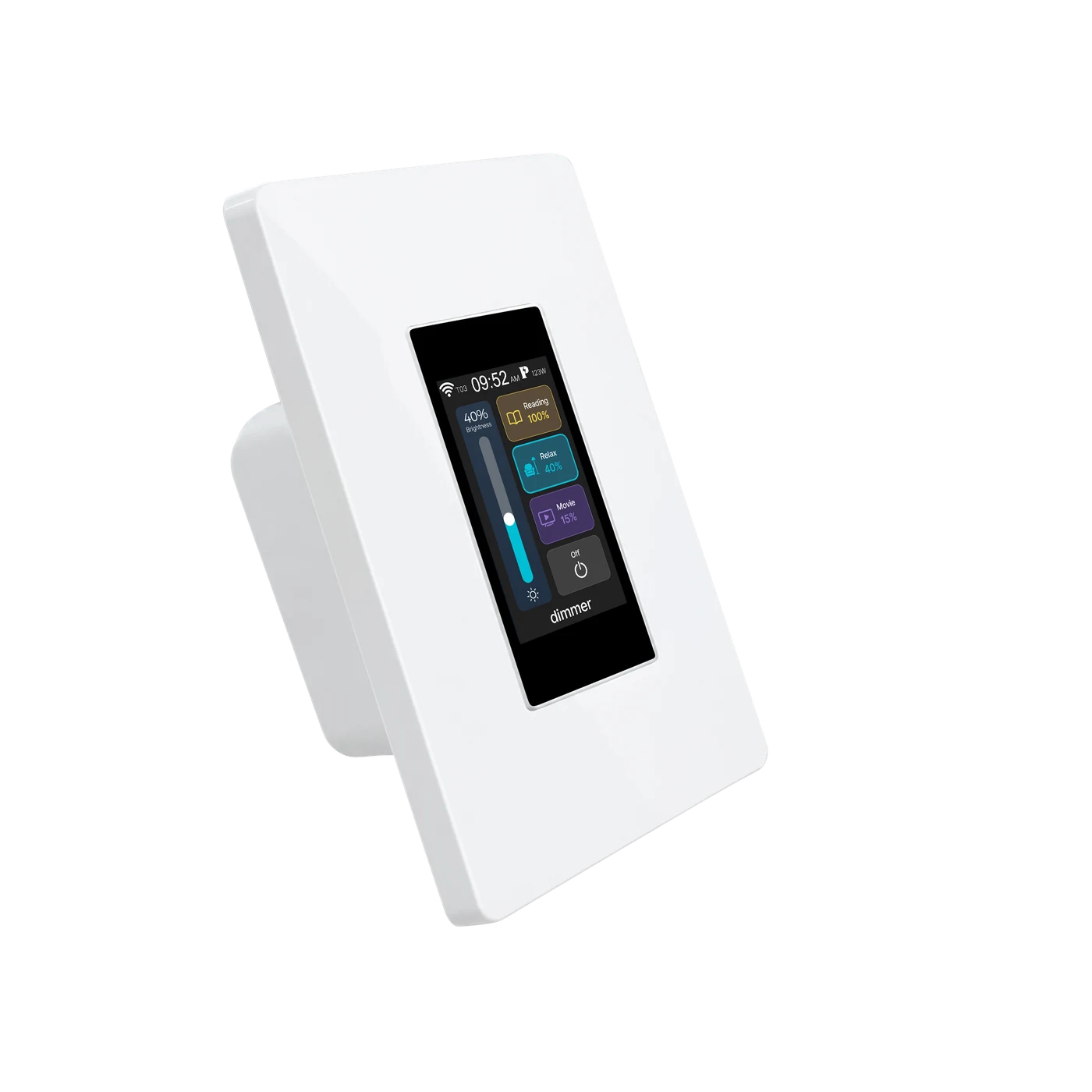
MODEL & INSTALLATION
The details for your L9-HD dimmer.
The current body occupies 25 mm inside the box and uses factory lead wires. Device depth alone is not a minimum box requirement. Confirm usable box depth, conductor space and compatible connectors with a qualified electrician before ordering.
Incandescent and mains-voltage halogen within 200 W, or dimmable LEDs within 150 W with drivers supporting TRIAC leading-edge dimming. Verify the actual combination.
Non-dimmable LEDs, CFLs, fluorescent or smart lamps, non-lighting appliances, trailing-edge-only drivers, or lights requiring 0–10V, DALI or PWM signal control. Do not mix lamp types or brands.
Some LEDs may flicker or turn off below 10%. Leading-edge dimming may produce a slight hum in the switch or some lamps; check suitability for the room.
WATCH IT WORK
Supplied device operation, not a measured illuminance or electrical-load test.
Supplied LANBON app demonstration, not a Smart Life recording.
DOCUMENTS & SUPPORT
Contact support for current operating and wiring instructions, wall-box requirements, model-specific certification scope and US service terms.
Get product support