Panel 5%–100%
5% per tap; App 1%–100% in 1% steps. Stable minimum depends on the lamp and driver.
L8X · CAPACITIVE TOUCH DIMMER
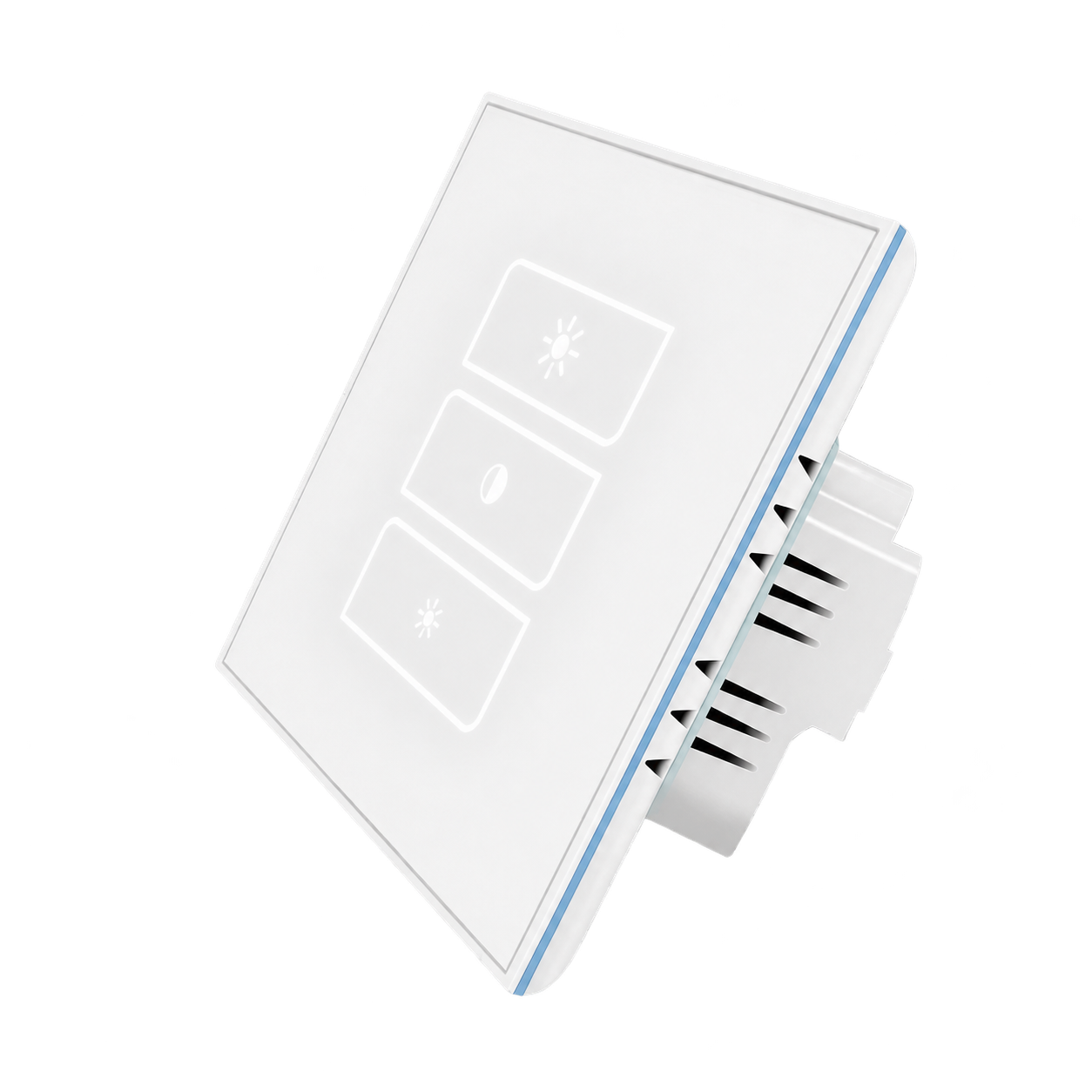
LANBON versionA glass touch panel for one dimmable lighting circuit. Panel control covers 5%–100% in 5% steps; the App allows 1%–100% in 1% steps. Choose EU or US format, in white or black.
L8X-HD-W · 86 × 86 mm · White
5% per tap; App 1%–100% in 1% steps. Stable minimum depends on the lamp and driver.
A non-LCD glass panel for one dimmable lighting circuit.
Automatic colours, a chosen colour, same-colour breathing or independent off.
LANBON, Tuya Wi-Fi or Tuya zigbee using the shared selector.
BEFORE INSTALLATION
Use compatible leading-edge dimmable lamps. This model is not for ordinary non-dimmable LEDs, CFLs, smart bulbs, fans or heaters. A qualified electrician must check the installation.
AC 100–250V · 50/60Hz · Neutral required
Dimmable LED ≤150 W; incandescent/high-voltage halogen ≤200 W. Recommended lamp load ≥5 W.
TRIAC leading-edge phase cut. Do not mix lamp types or brands on the circuit.
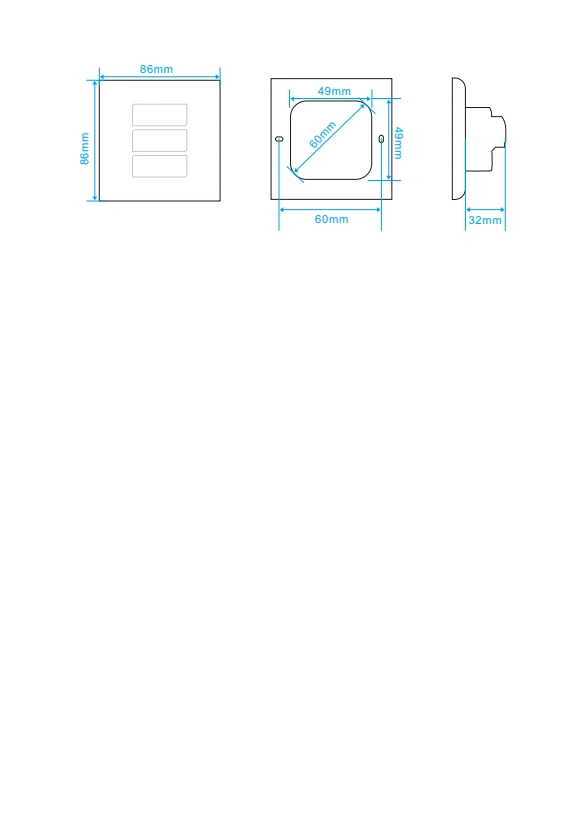
Greater than 38 mm usable depth; allow conductor and terminal space.
Follow setup requirements for the selected networking version.
WHITE BACKLIGHT · TRY THE PANEL
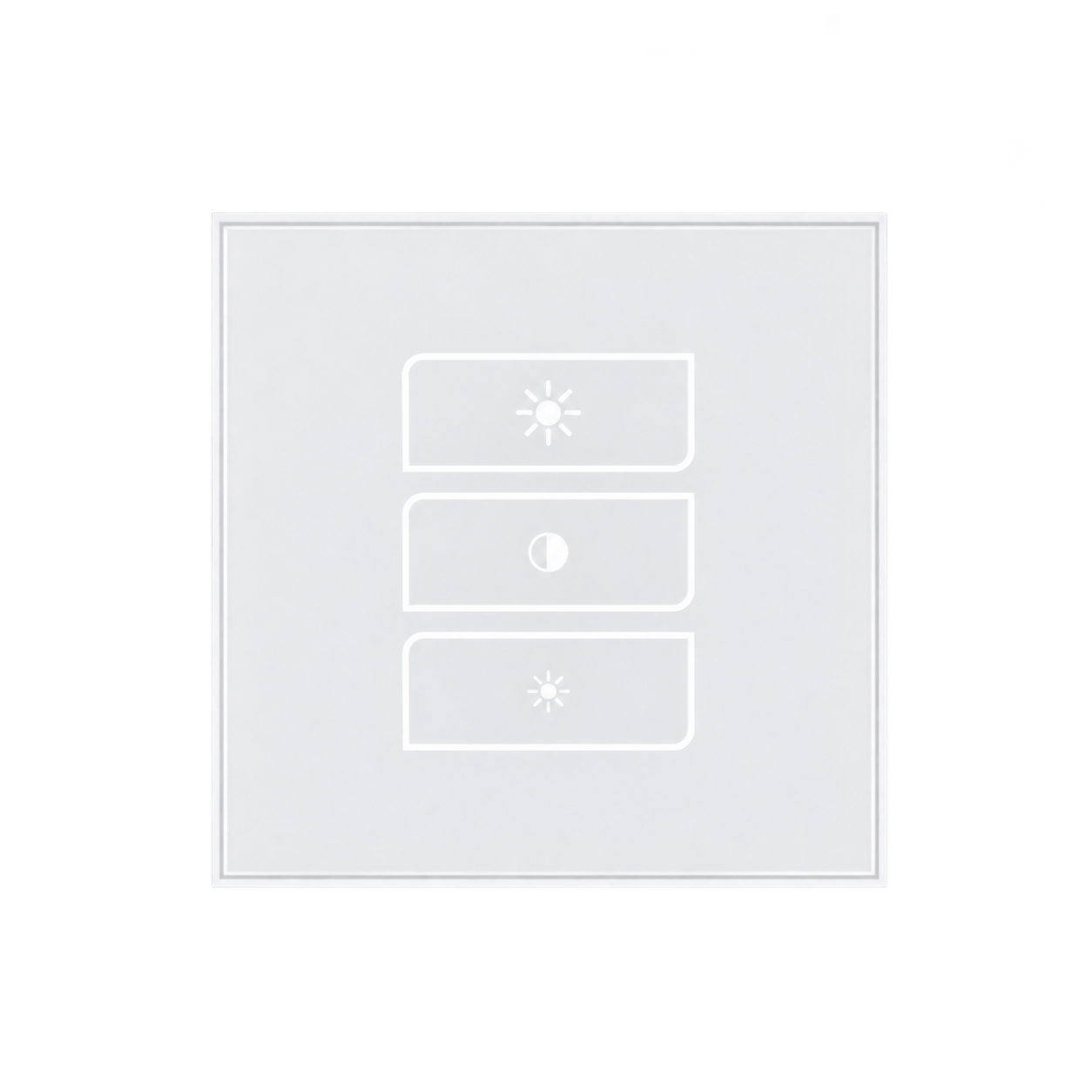
Tap the middle key to recall the last brightness. The upper and lower keys change brightness by 5% per tap. White backlighting also indicates the brightness level.
LIGHT OUTPUT SETTING
Remembered brightness 35%
White backlights are off; the gray key outlines remain visible. Tap the middle key to begin.
Panel: 5–100%, in 5% steps. App: 1–100%, in 1% steps. The usable stable minimum depends on the lamp and driver.
Functional illustration, not a connected device. Backlight segments and flash timing are illustrative; refer to the actual device. Initial 35% memory is an example, not a factory default. White key backlighting is separate from decorative RGB edge lighting.
L8X · EDGE LIGHTING
Let the panel edge breathe and change colour while idle, or choose a colour of your own. The decorative edge light is separate from the controlled lights or appliance.
EXPLORE THE GLOW
Let the edge light fade gently in and out as its colour changes. Automatic mode takes care of the colours for you.
These controls preview the edge-lighting effect on this page; they do not configure a switch. For the setup entry, follow the instructions for your selected networking version. Front white keys are shown fully lit as an appearance example; their progressive brightness indication is demonstrated in the panel section.
LANBON APP
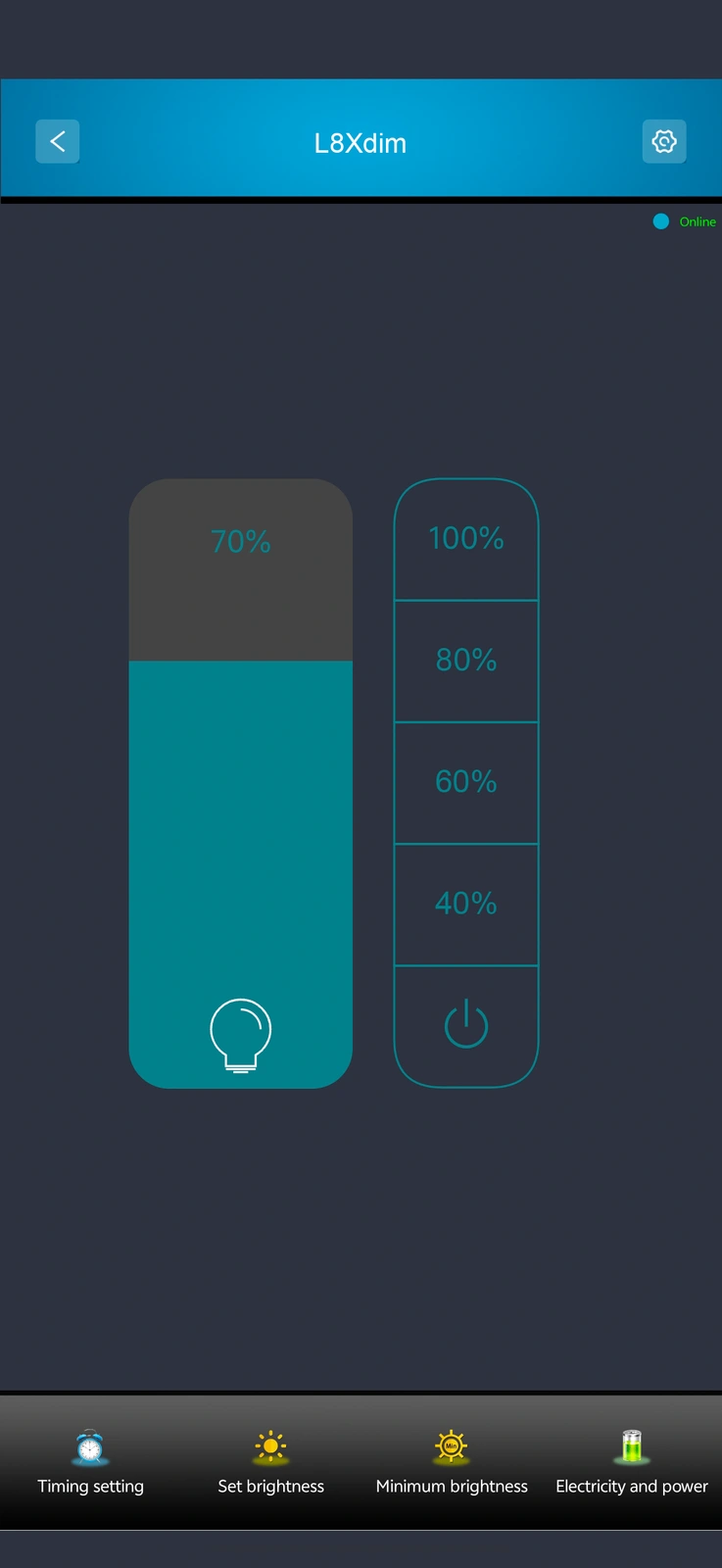
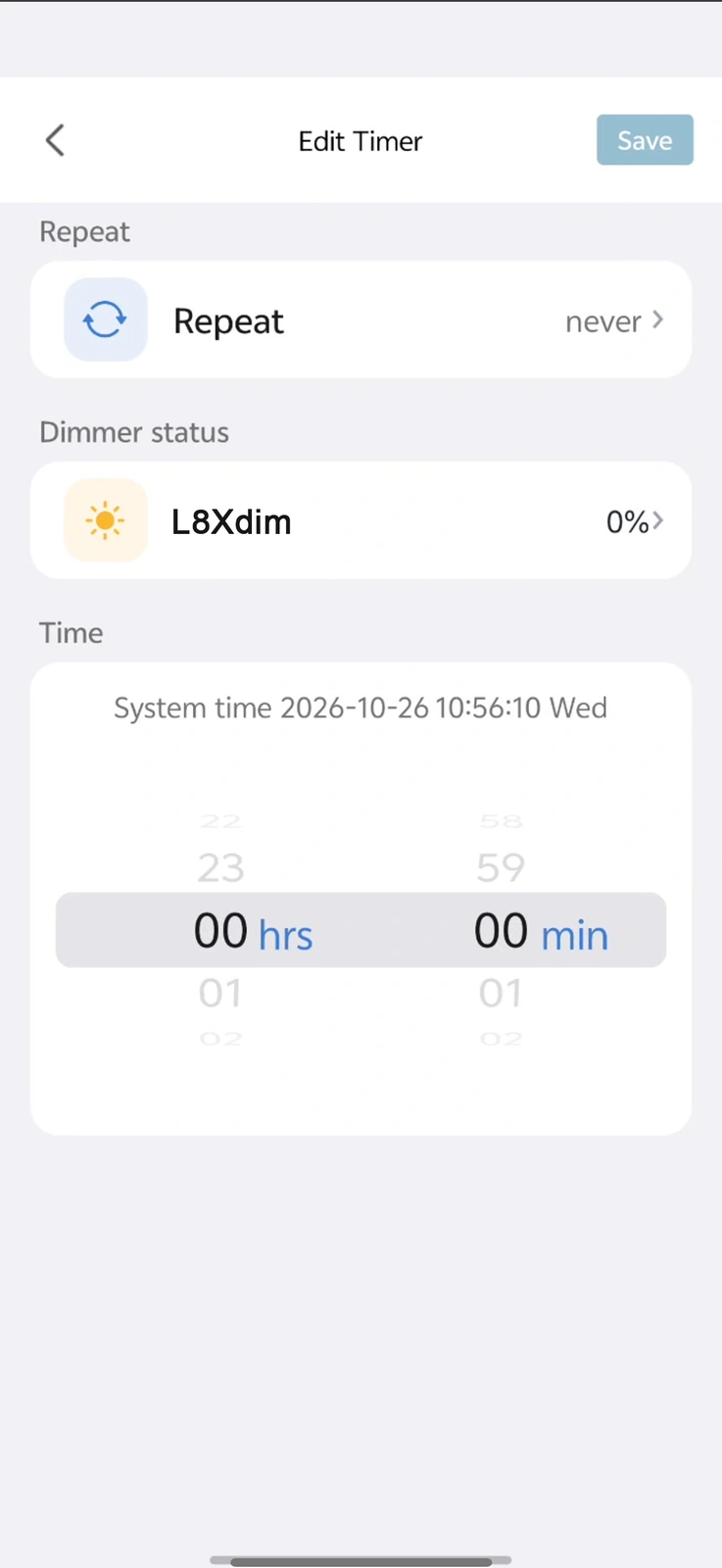
The supplied LANBON screens show dimming and schedules. The app also supports setting brightness shortcuts and their names. Screens are examples, not a live connection; remote use needs internet and available services.
LANBON · L8X · WI-FI MESH
Compatible L8X series switches share a network without a dedicated gateway. Configure the first switch near the router as the master, then configure the remaining switches.
Control through LANBON Smart Living. Remote features still require a router, internet and available services. Switch Mesh does not extend Wi-Fi for phones or computers.
YOUR PANEL CONFIGURATION
MODEL & INSTALLATION
Match the exact installed model and label.
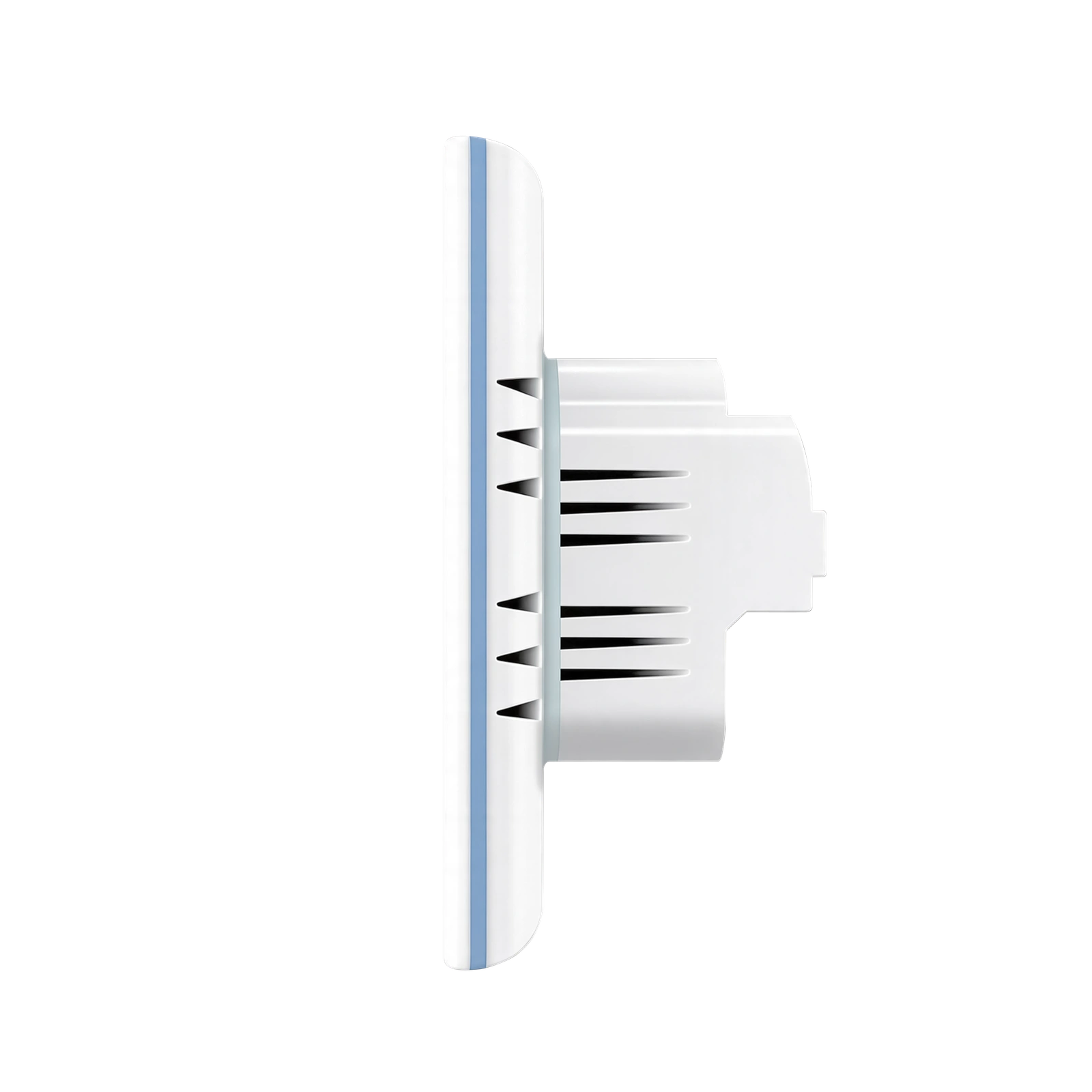
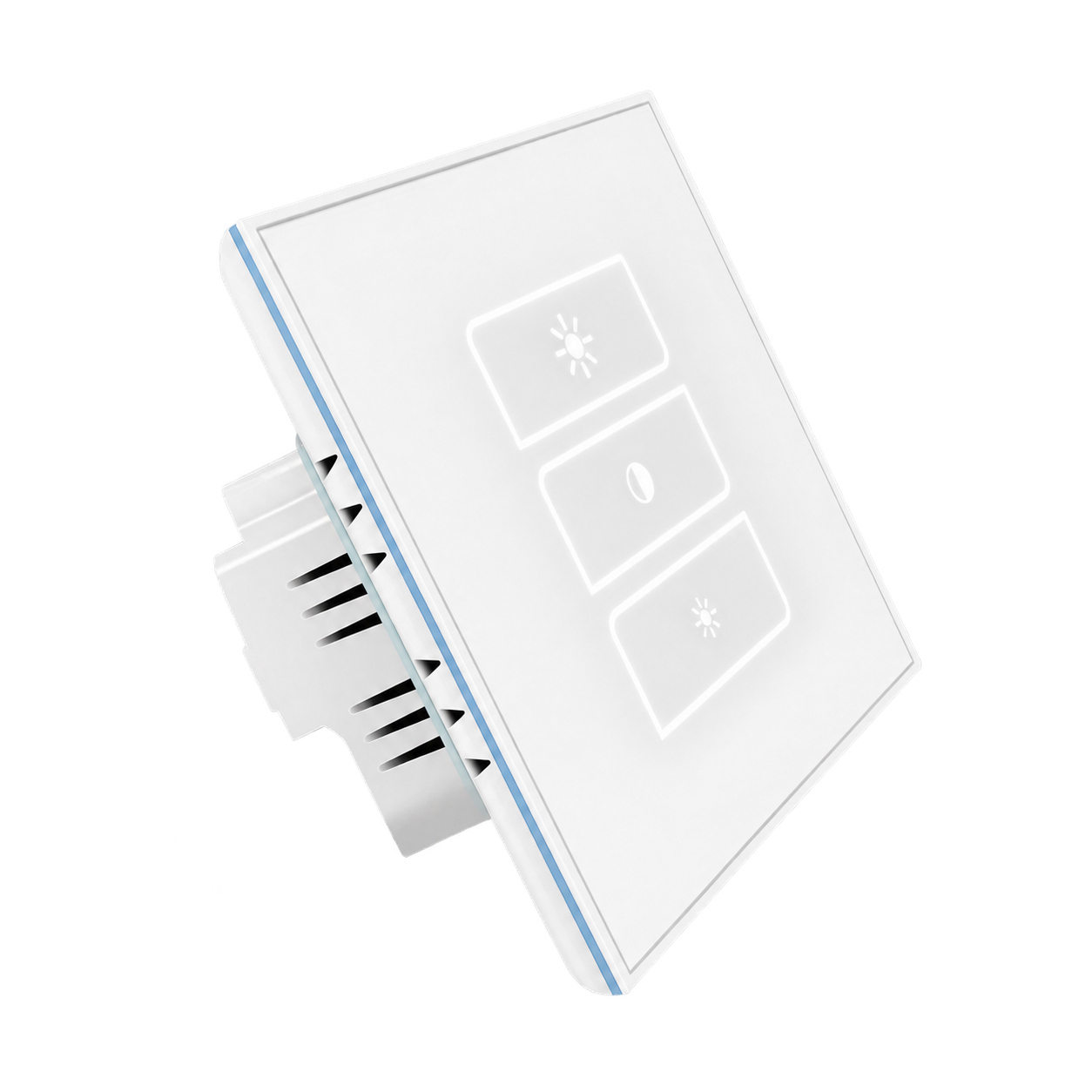
The supplied drawing is an enclosure-size illustration. Its front layout does not identify the selected touch controls. The 32 mm drawing dimension does not establish a universally sufficient wall-box depth.
QUALIFIED INSTALLATION
DEVICE & APP EXAMPLES
Animated operation illustration, not filmed hardware. Segment boundaries and flash timing are illustrative.
Supplied LANBON App example, not a live connection.
DOCUMENTS & SUPPORT
Contact support for current exact-model wiring and operating instructions, lamp/driver verification, certification and destination supply.
Get model-specific support