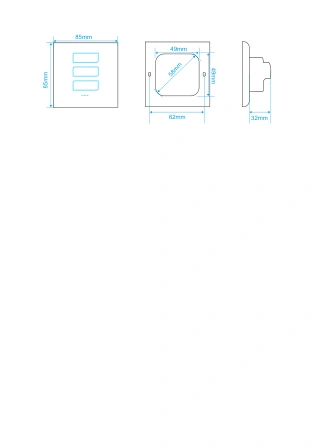
Fixed 1–3-gang hardware
Choose the actual lighting circuit count before ordering.
L7 · CAPACITIVE TOUCH SWITCH
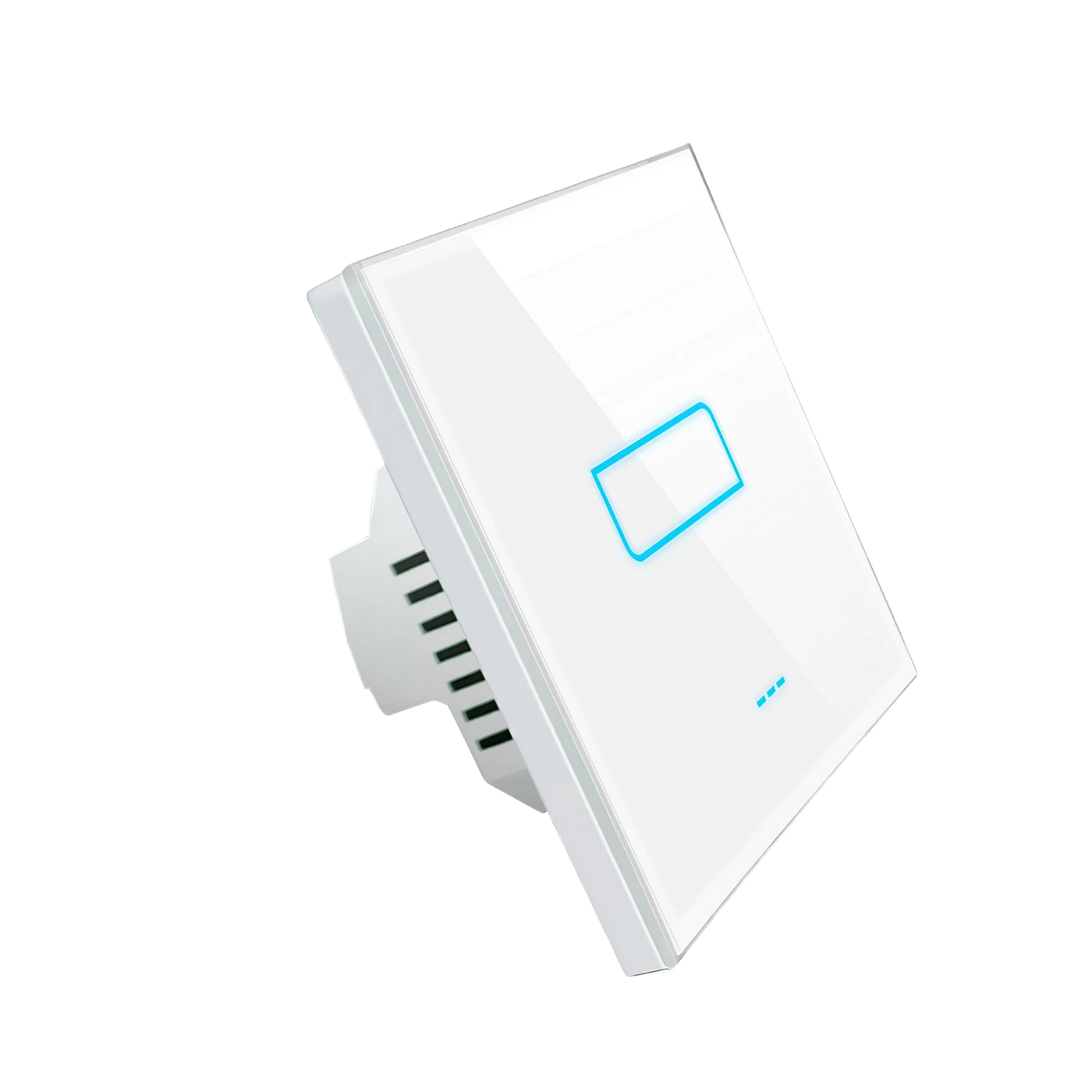
LANBON versionA tempered-glass panel with large capacitive touch areas. Choose one to three fixed lighting circuits, in white or black, with EU and US formats.
L7-HS1-W · 85 × 85 mm · White
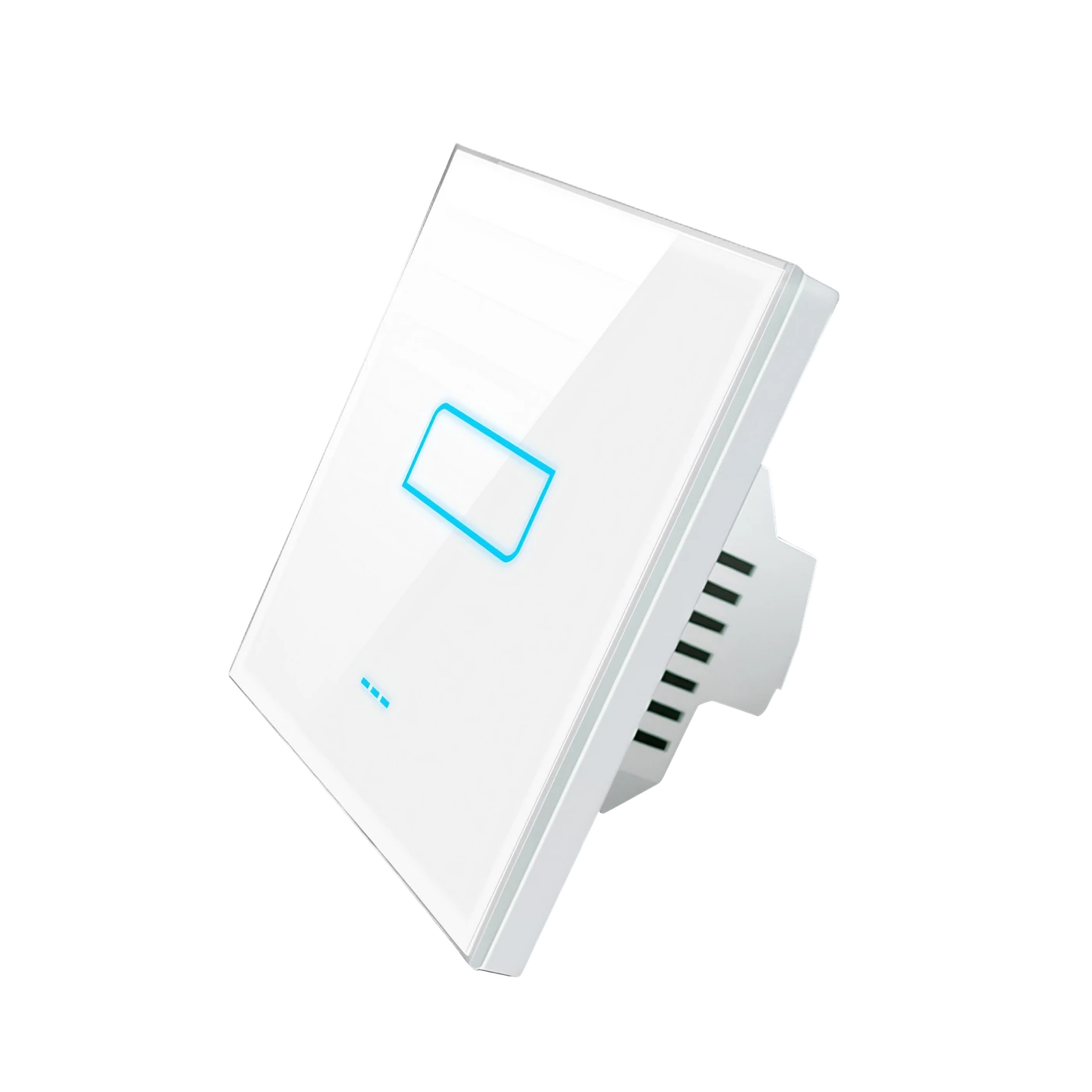
Choose the actual lighting circuit count before ordering.
Touch once to switch on, touch again to switch off. This panel has no LCD.
Independent lighting switching, up to 200 W per circuit.
LANBON Zigbee requires a LANBON L7 host switch; Tuya zigbee requires a compatible Tuya gateway. No Tuya Wi-Fi version.
BEFORE INSTALLATION
A qualified electrician must check the supply and installation. This model switches lighting on/off; it is not a dimmer, fan-speed or curtain controller.
AC 100–250V · 50/60Hz · Neutral required
200 W per circuit; 200 W combined for this 1-gang hardware.
Greater than 38 mm usable depth; allow space for conductors and terminals.
LANBON Zigbee: compatible host switch required. Tuya zigbee: compatible Tuya gateway required. No Tuya Wi-Fi version.
LANBON APP
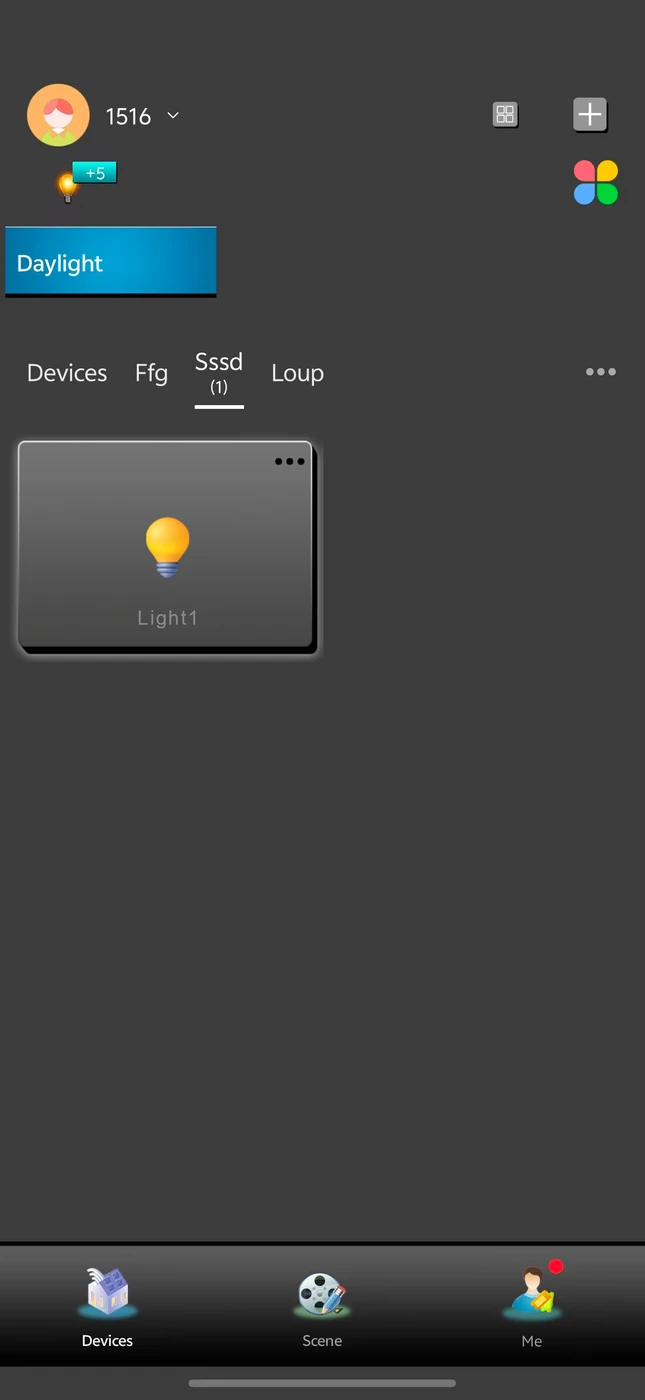
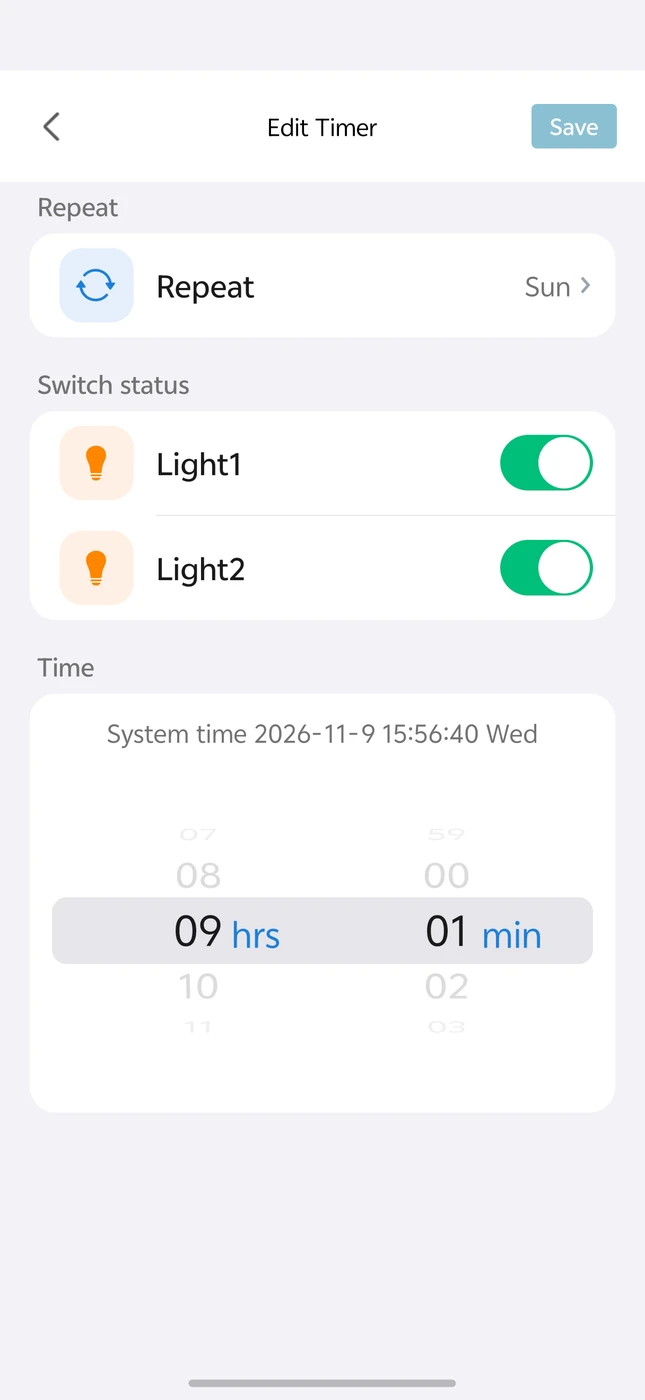
The supplied LANBON circuit screen follows the selected hardware count. The timer screen is an example, not a live connection. Remote control needs the required host/gateway, internet and available services. This model does not support energy monitoring; generic energy UI in supplied media does not represent a supported meter.
LANBON L7 · WI-FI + ZIGBEE
The LANBON version must be used with a LANBON L7 host switch. The host connects to your router through Wi-Fi; the other L7 switches connect to the host through Zigbee.
Your network connection
A switch itself · Wi-Fi to router
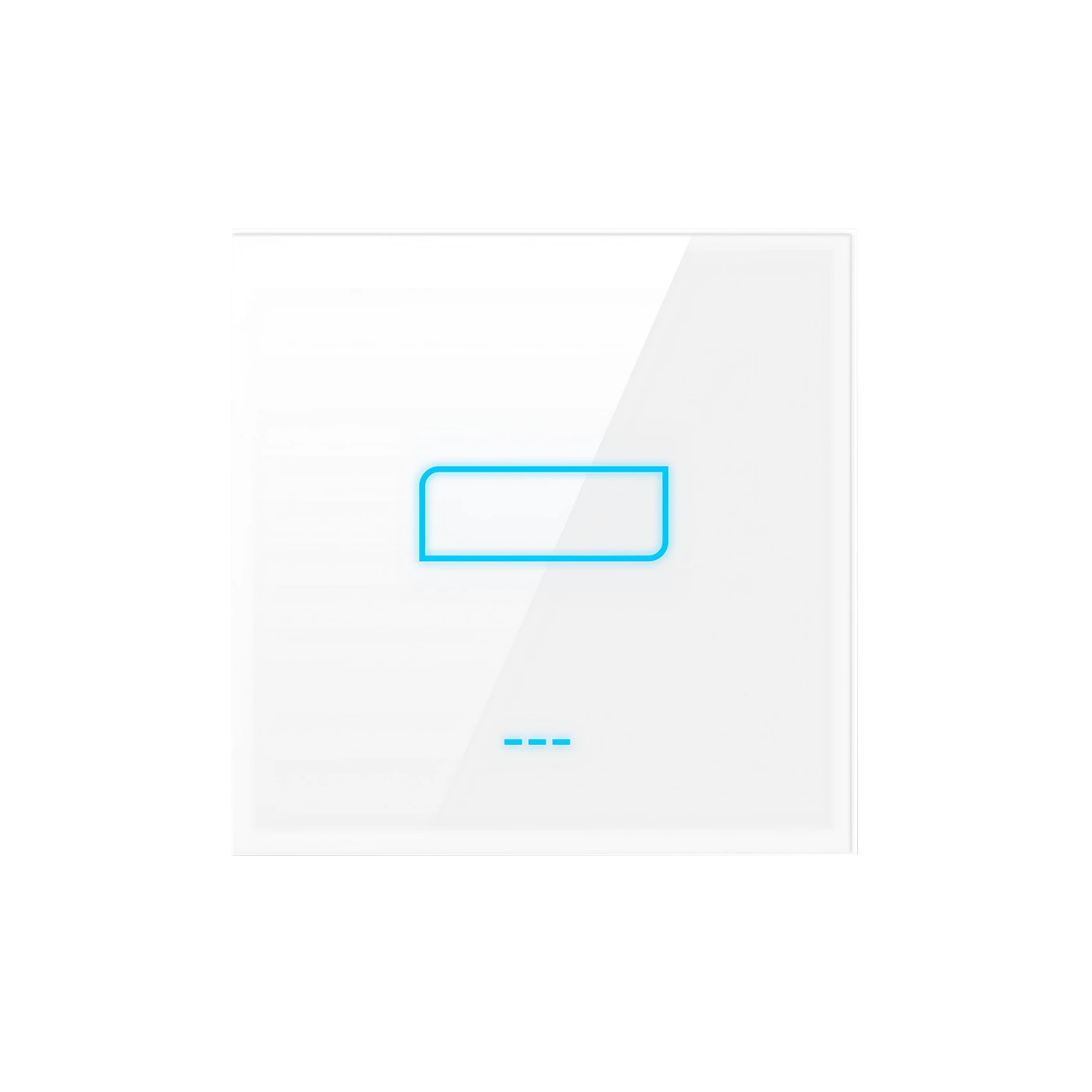
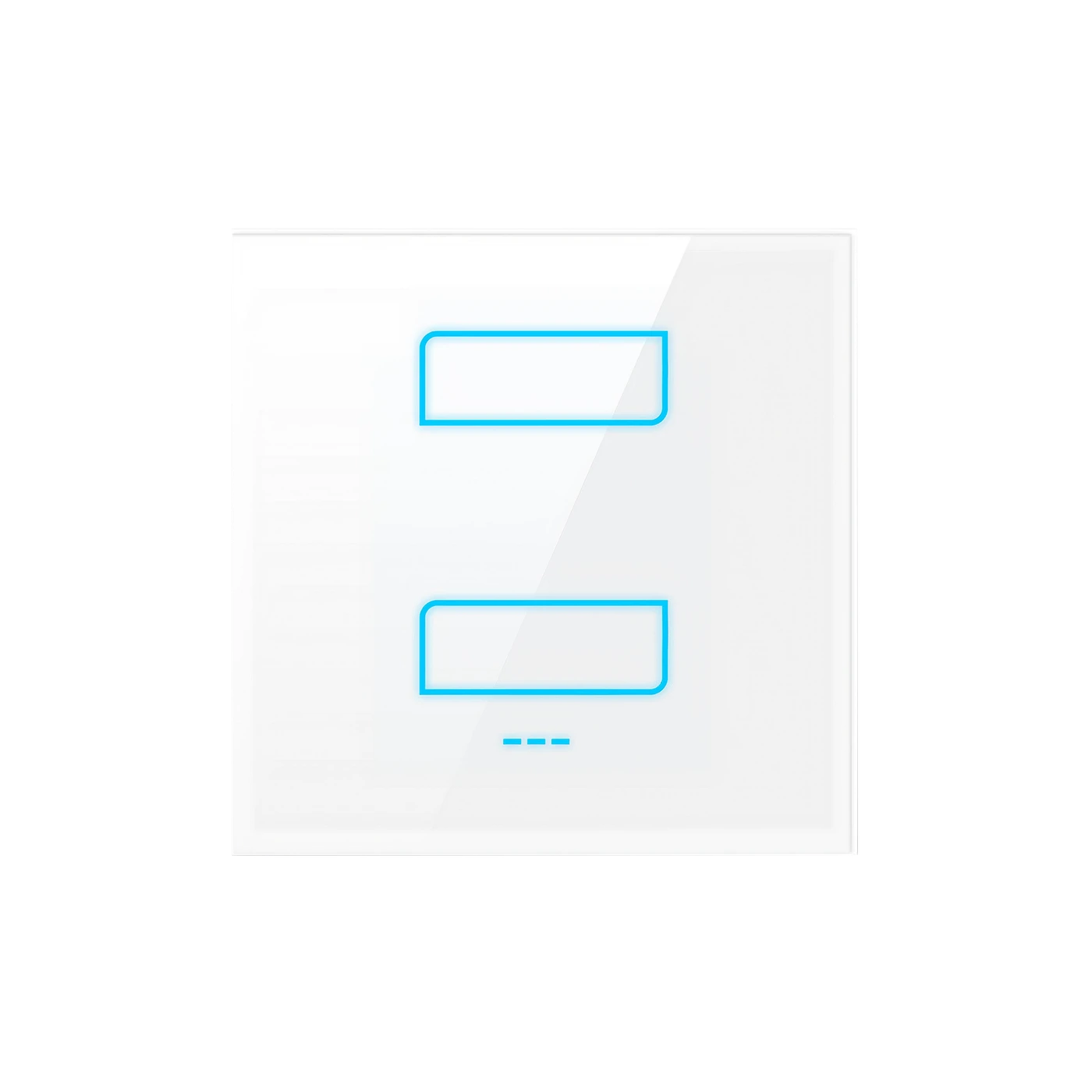
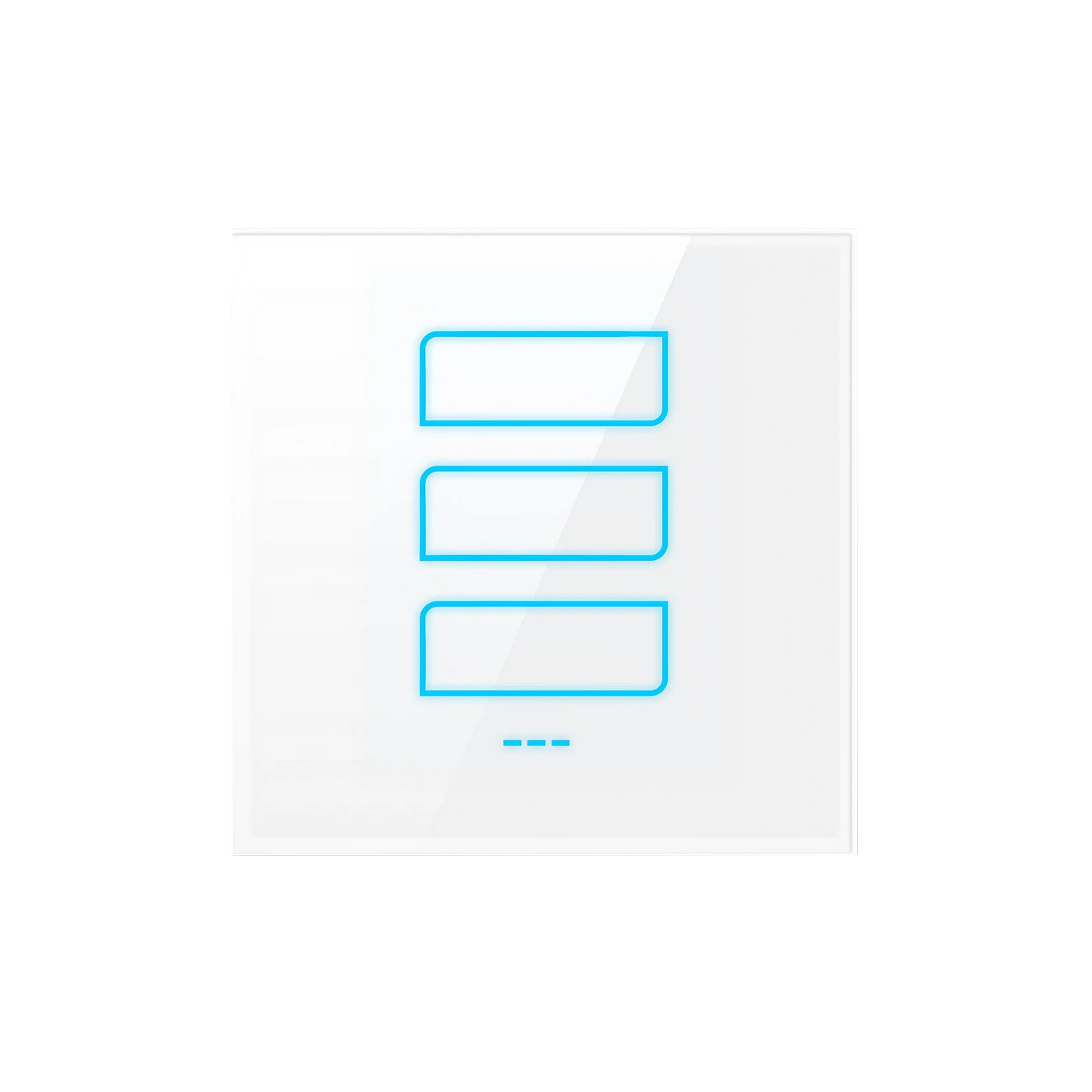
One, two or three lighting circuits
Required: LANBON L7 host switchChoose the matching host model and project configuration before ordering. Ordinary L7 switches are not automatically host switches.
Network illustration, not electrical wiring. Host appearance is illustrative; use the actual supplied host model. Remote app access also requires internet and available services. Tuya Zigbee uses its compatible Tuya gateway instead.
YOUR PANEL CONFIGURATION
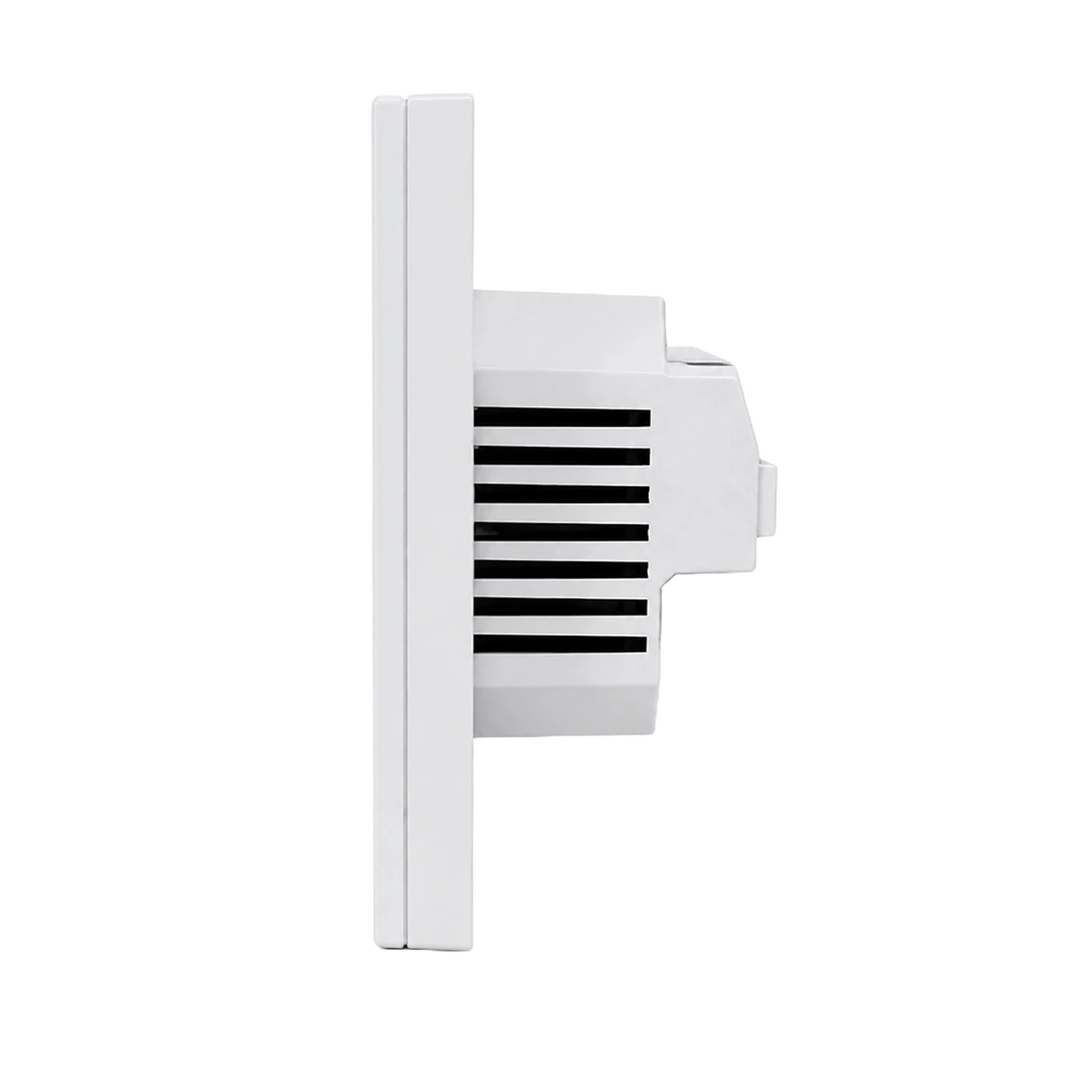
MODEL & INSTALLATION
Confirm the exact installed model and its label.
The drawing shows a three-gang front as an enclosure example; panel size applies across the supplied circuit counts. The 32 mm drawing dimension does not establish a universally sufficient wall-box depth.
QUALIFIED INSTALLATION
DEVICE & APP EXAMPLES
Supplied demonstration, not a live connection or a load/response-time measurement. The example configuration may differ from the selected model. App footage is an excerpt with the account/home view omitted; generic energy UI is not an energy-monitoring capability for this model.
Supplied demonstration, not a live connection or a load/response-time measurement. The example configuration may differ from the selected model. App footage is an excerpt with the account/home view omitted; generic energy UI is not an energy-monitoring capability for this model.
DOCUMENTS & SUPPORT
Contact support for host-switch compatibility, current operating instructions, certification scope and destination supply.
Get model-specific support