
Three scene keys
Assign a scene to each touch key.
L7 · SMART SCENE SWITCH
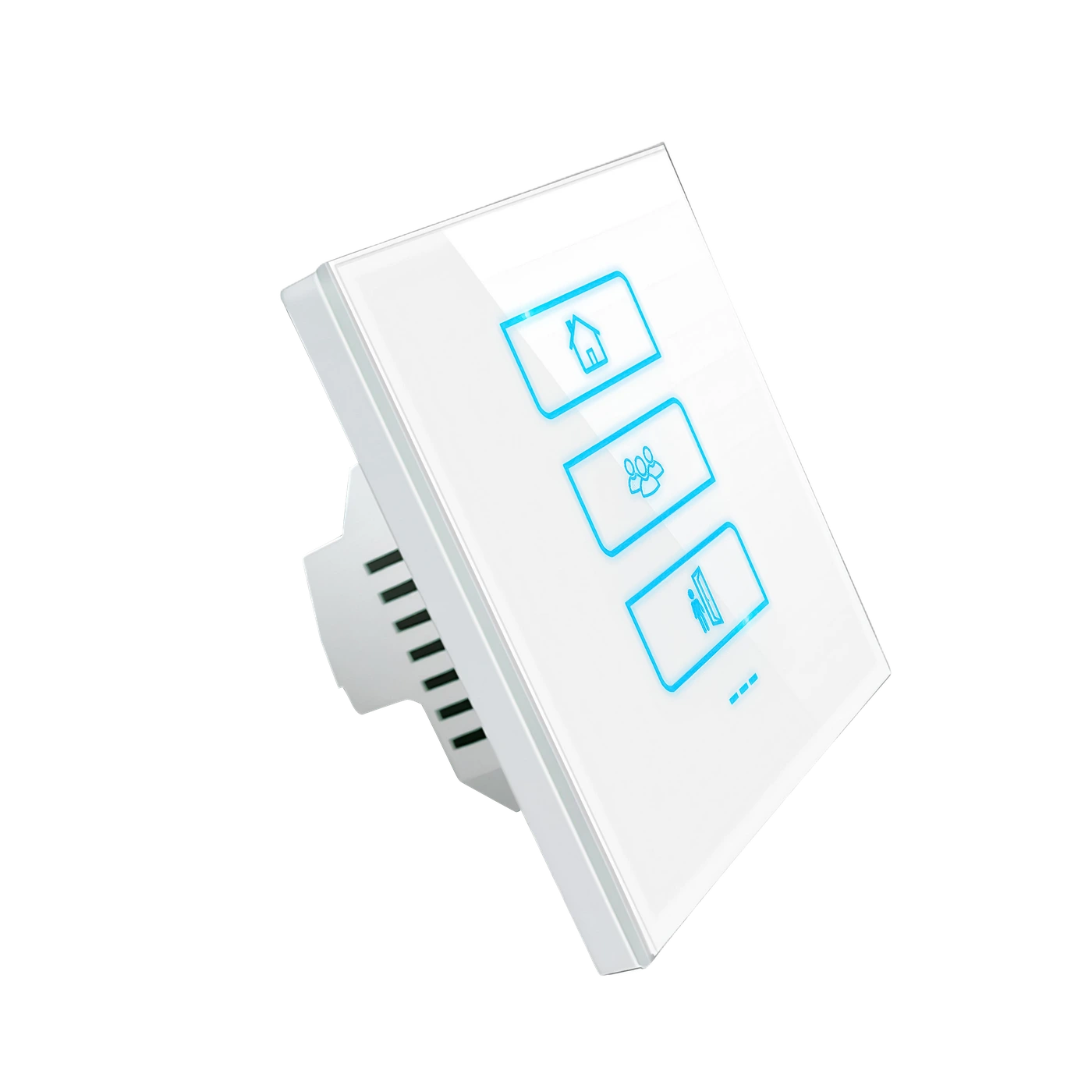
LANBON versionThree glass touch keys recall scenes you assign in the app. One press can run a set of actions across compatible devices.
L7-HE-W · 85 × 85 mm · White
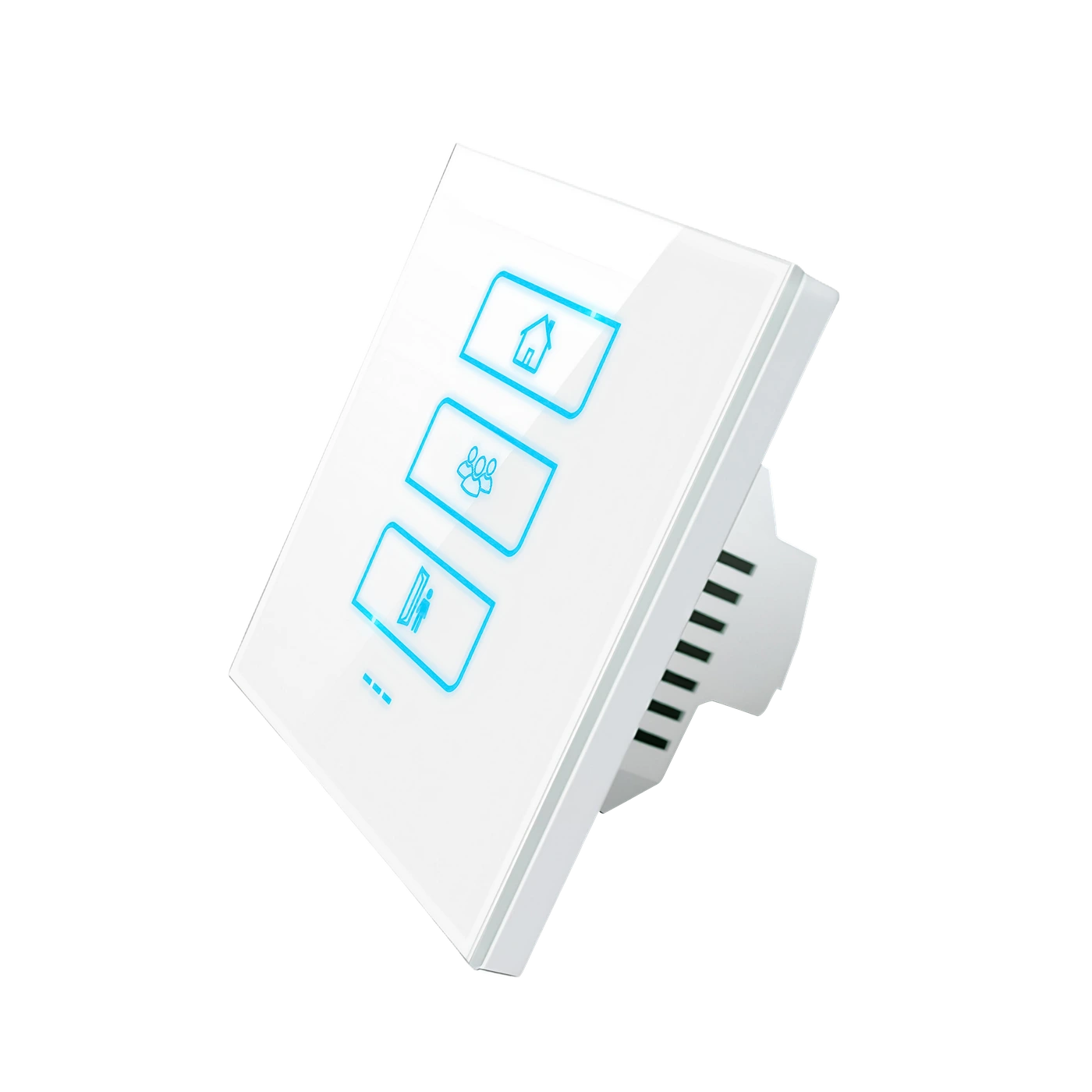
Assign a scene to each touch key.
Run assigned actions on compatible devices.
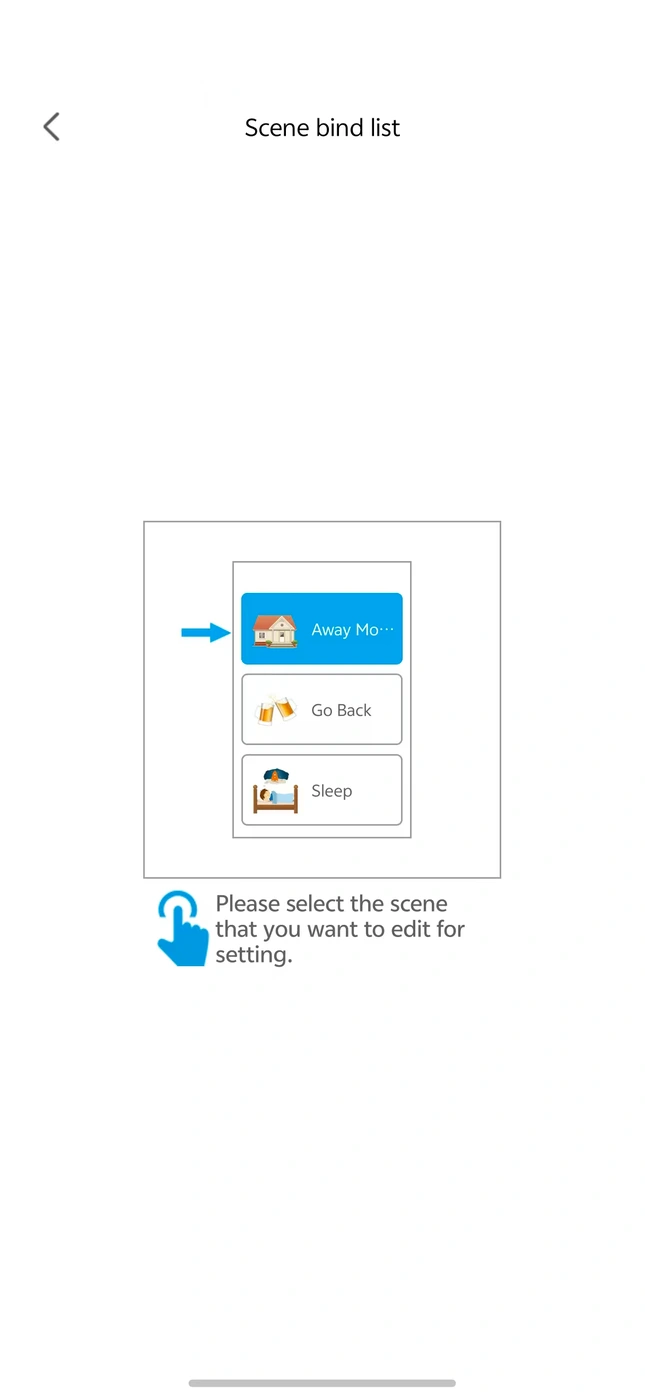
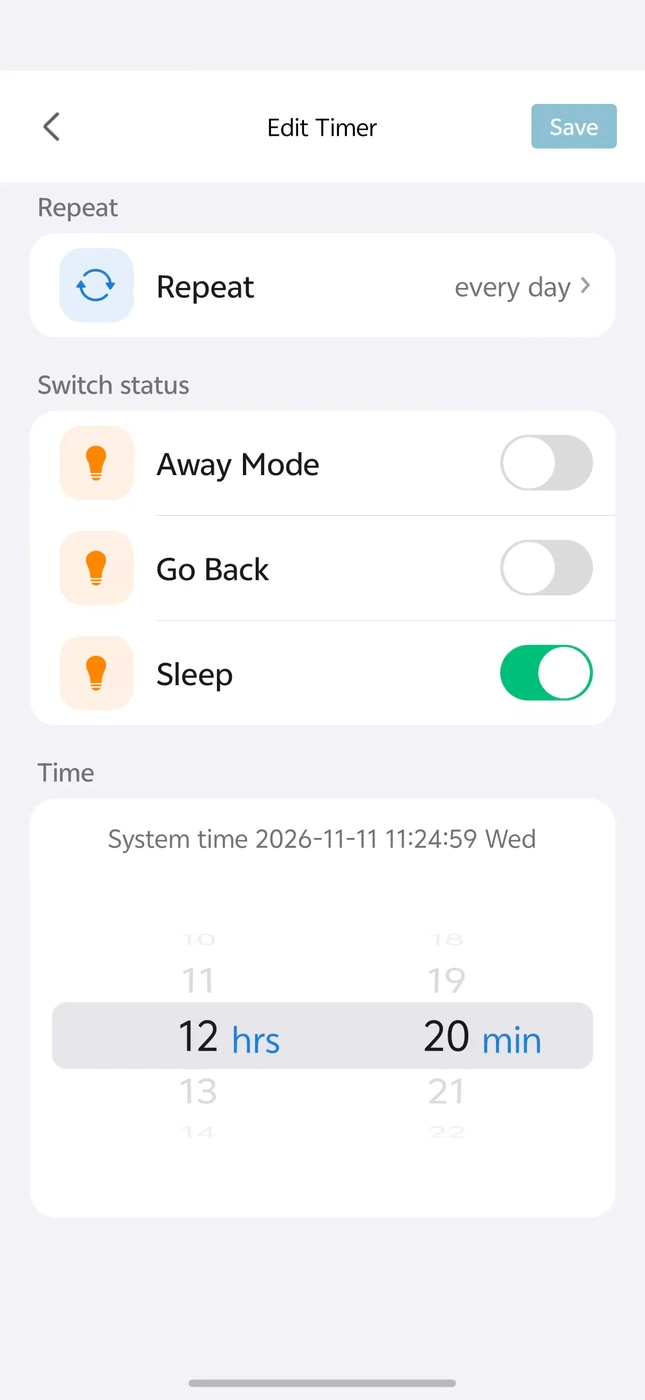
Bind scenes to keys and set schedules in the LANBON app.
LANBON app · Zigbee network · Compatible host switch required; not Wi-Fi Mesh
BEFORE INSTALLATION
The panel sends scene commands to configured devices. A qualified electrician should verify the supply, wall box and exact installation instructions.
AC 100–250V · 50/60Hz · Neutral required
Three scene keys, with no direct load output.
LANBON app · Zigbee network · Compatible host switch required; not Wi-Fi Mesh
TOUCH CONTROL
Try Home, Gathering and Away to see the lights and curtain change. Assign the actions for your own scenes in the app.
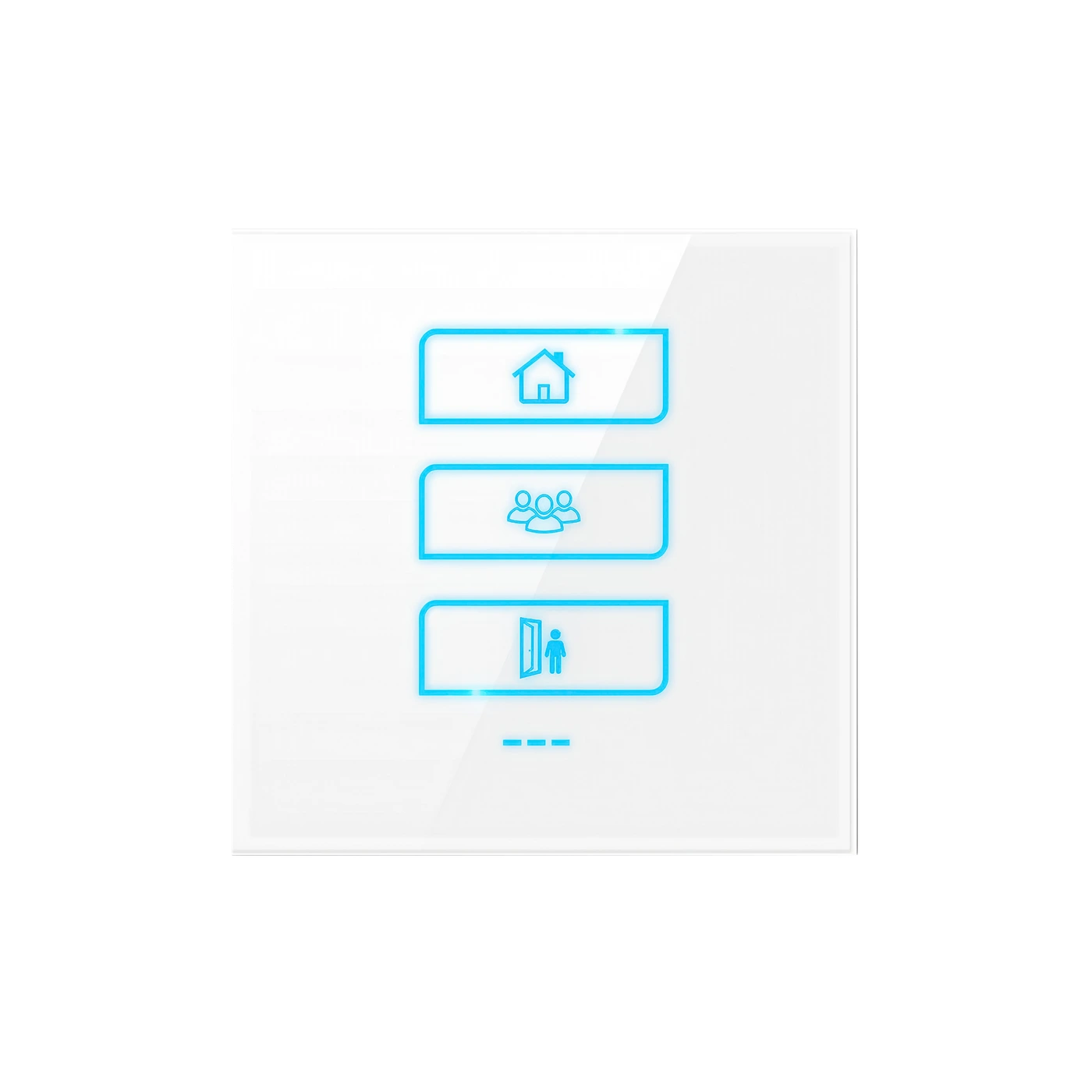
L7-HE-W
LANBON APP
The supplied app screens show scene binding and scheduling. Set up compatible devices and their actions before assigning the scene.
LANBON L7 · WI-FI + ZIGBEE
The LANBON version must be used with a LANBON L7 host switch. The host connects to your router through Wi-Fi; the other L7 switches connect to the host through Zigbee.
Your network connection
A switch itself · Wi-Fi to router
The scene switch connects to the host via Zigbee.
Required: LANBON L7 host switchChoose the matching host model and project configuration before ordering. Ordinary L7 switches are not automatically host switches.
Network illustration, not electrical wiring. Host appearance is illustrative; use the actual supplied host model. Remote app access also requires internet and available services. Tuya Zigbee uses its compatible Tuya gateway instead.
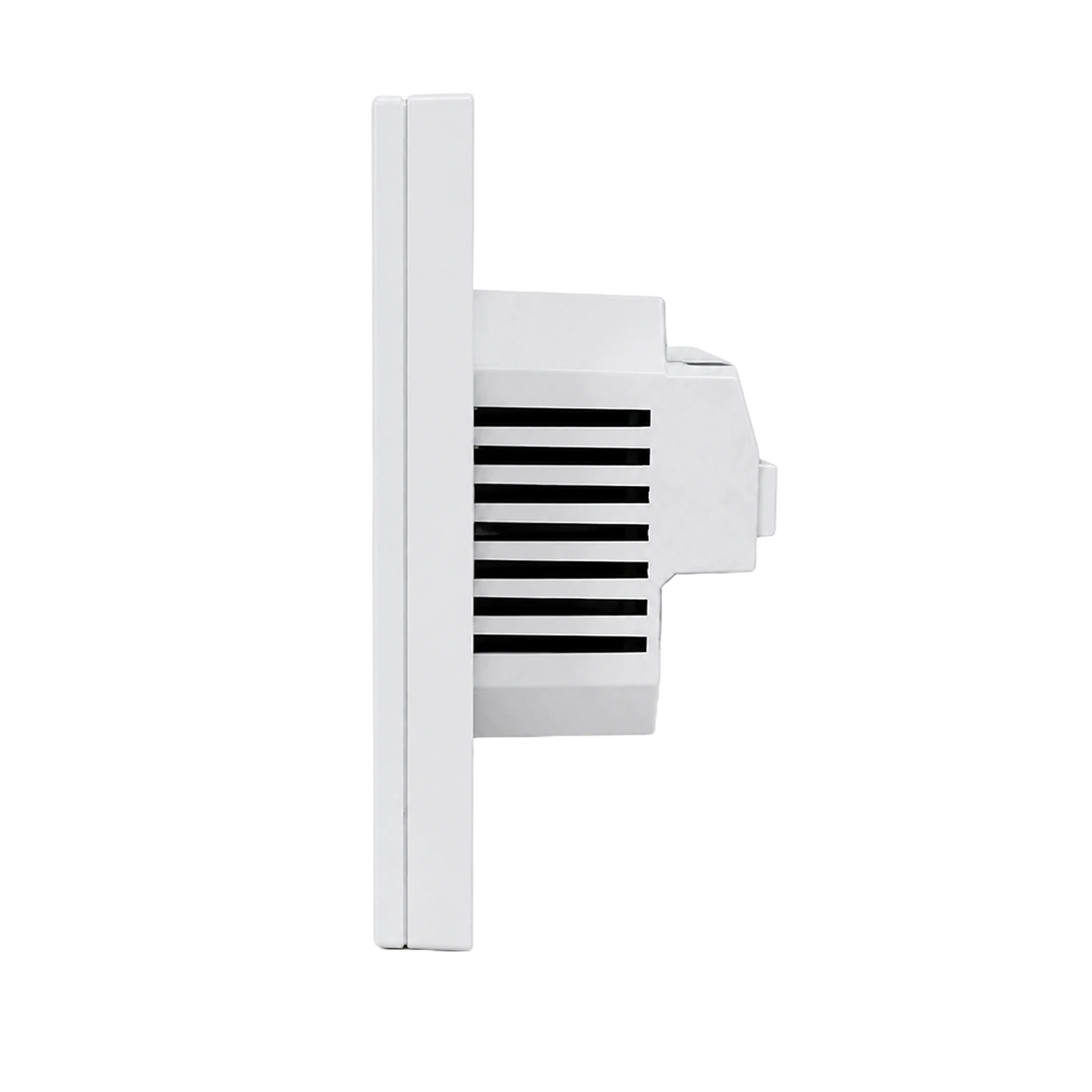
PANEL GALLERY
MODEL & INSTALLATION
Specifications for the selected model.
Ask support for the current installation instructions and wall-box fit for your exact model.
Ask about installation