Physical buttons
Press once to turn on, press again to turn off. Not a touchscreen.
L10Q · ROUND-BUTTON SMART SWITCH
LANBON versionPure white panels, softly concave round buttons and a gentle light ring. Choose the right physical 1–4-gang model for each room in your project.
L10Q-HS1 · EU · White · 1-gang
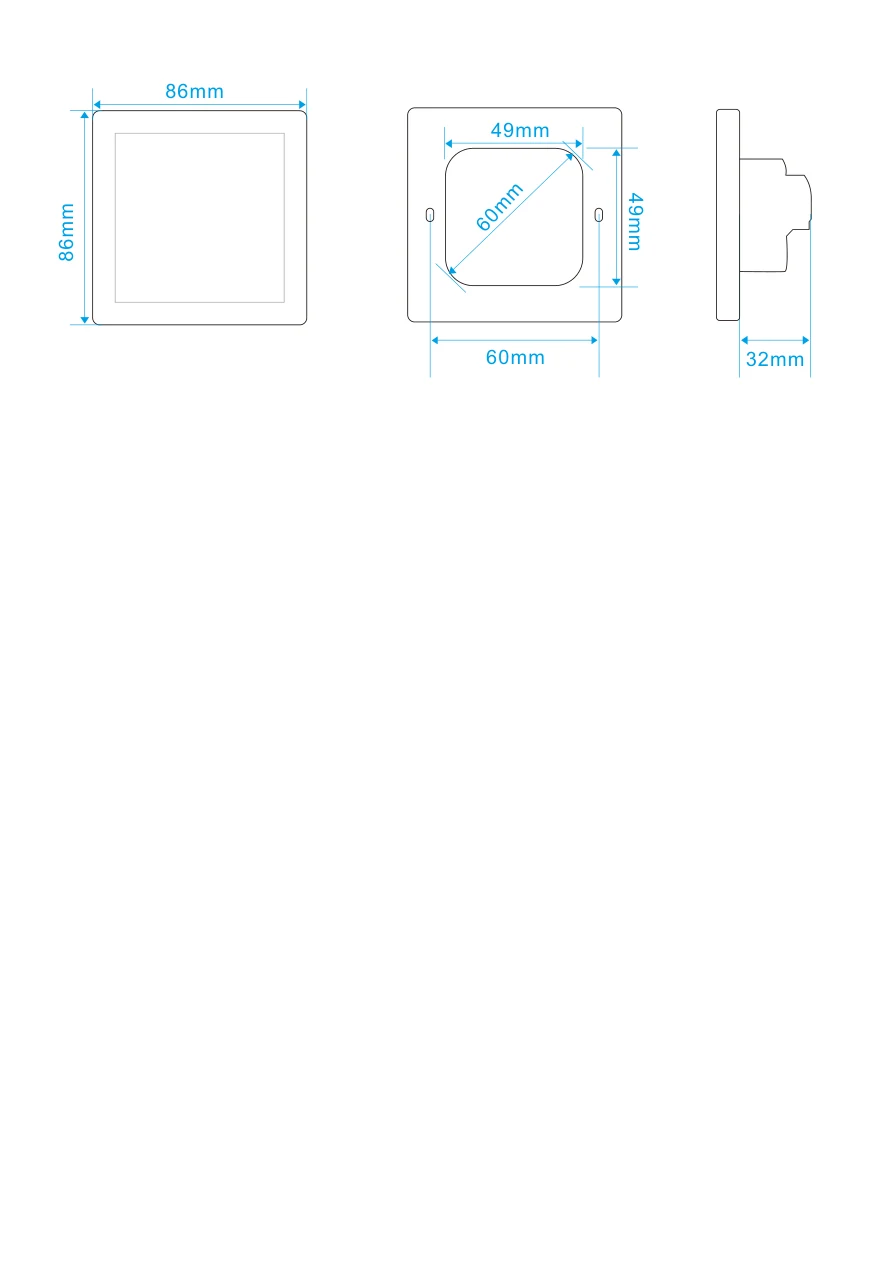
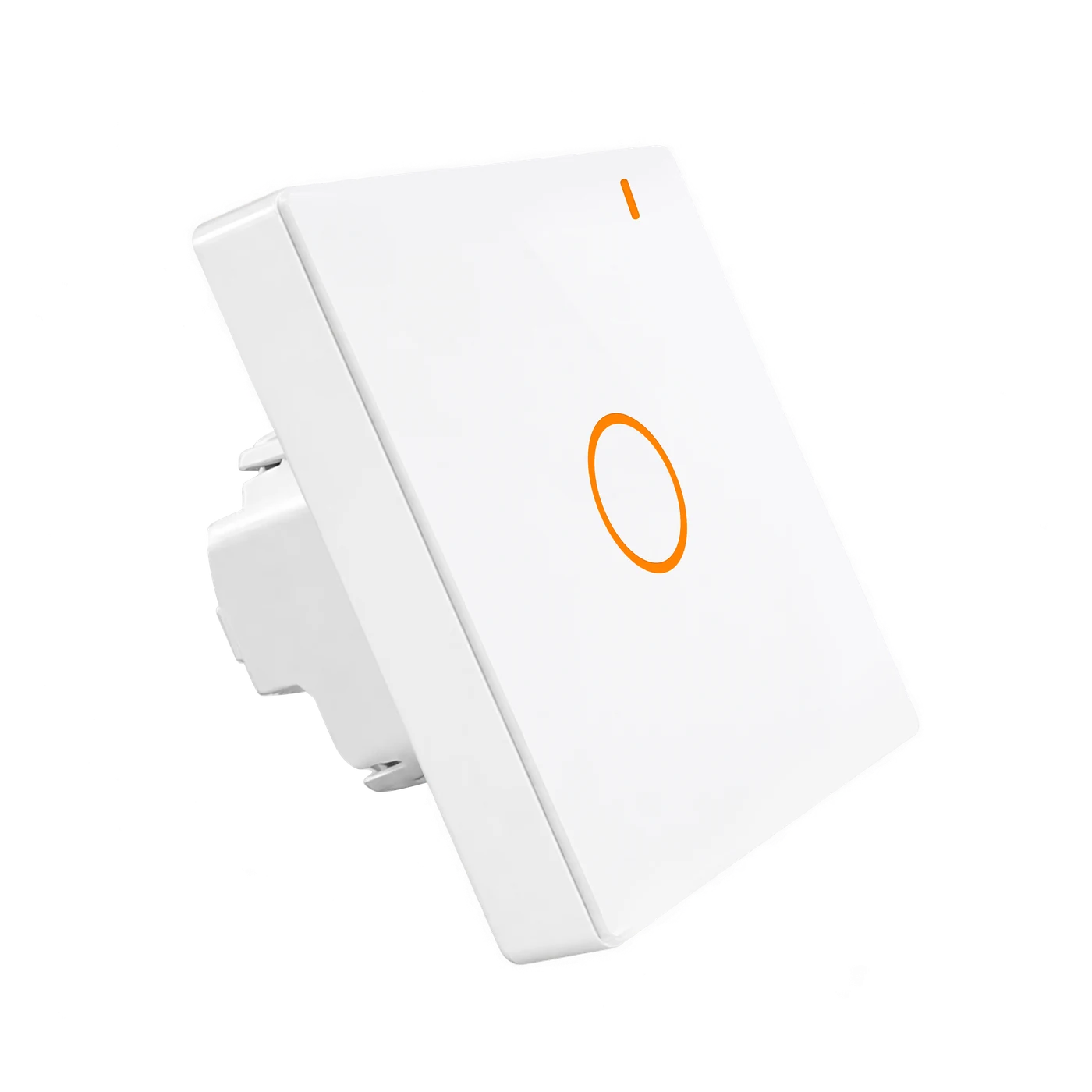 L10Q-HS1 · 86 × 86 mm
Press once to turn on, press again to turn off. Not a touchscreen.
One round-button design across four circuit counts and two panel formats.
Choose LANBON, Tuya Wi-Fi or Tuya zigbee to match the project's system.
BEFORE YOU SPECIFY
A qualified electrician must check the installation and actual lighting loads. This is an on/off lighting switch, not a dimmer or fan-speed controller.
AC 100–250V · 50/60Hz · Live and neutral required
L10Q-HS1 · 1-gang
≤200 W per circuit; ≤200 W total. Never parallel outputs.
32 mm in-box body; drawing requires depth >38 mm. Check usable space for conductors and terminals.
LANBON version: configure 2.4 GHz Wi-Fi and the matching app. Remote services require internet.
ONE DESIGN, FOUR HARDWARE OPTIONS
Choose 1, 2, 3 or 4 physical buttons to suit the wired lighting circuits. The selected model is highlighted below; change it in the shared configuration band above.
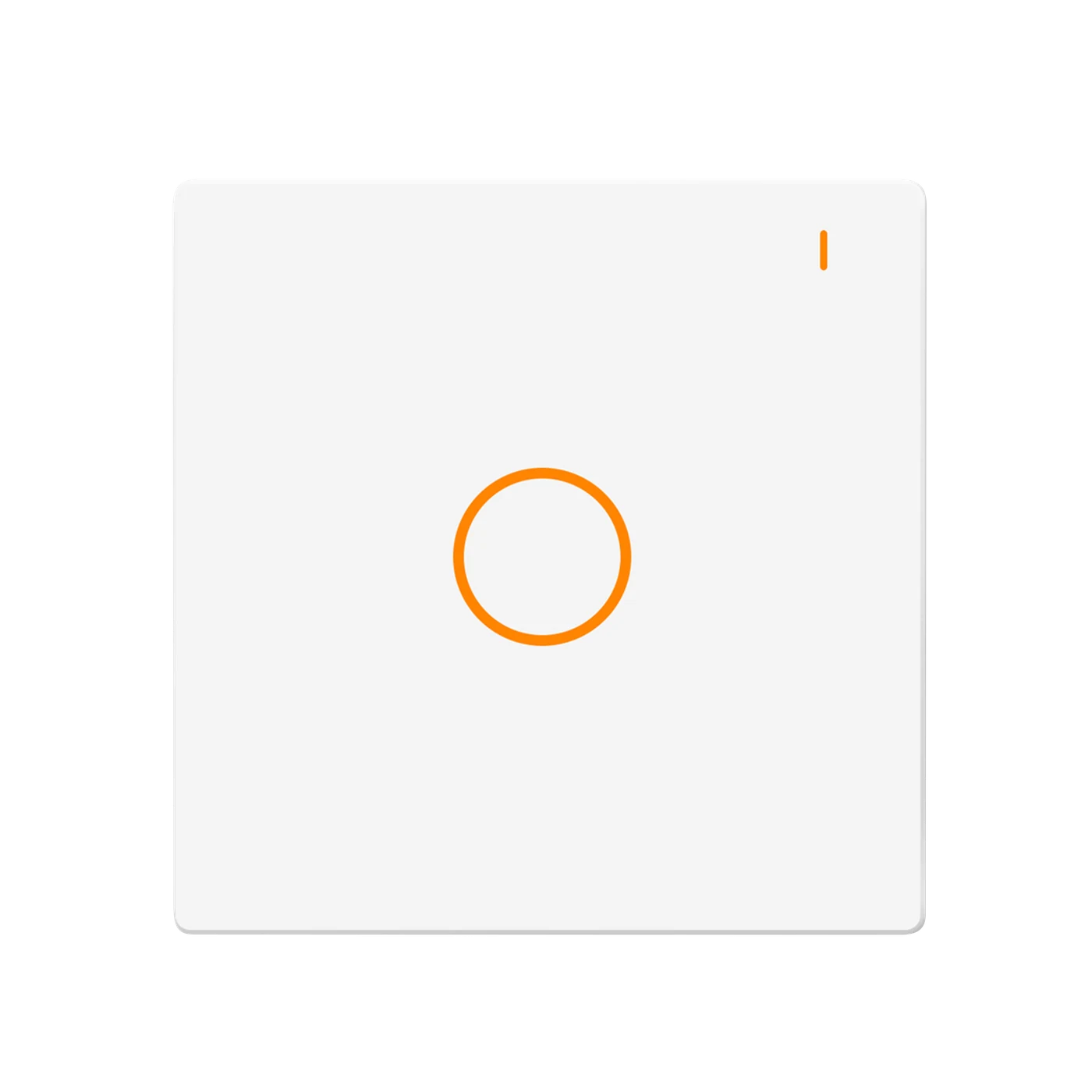
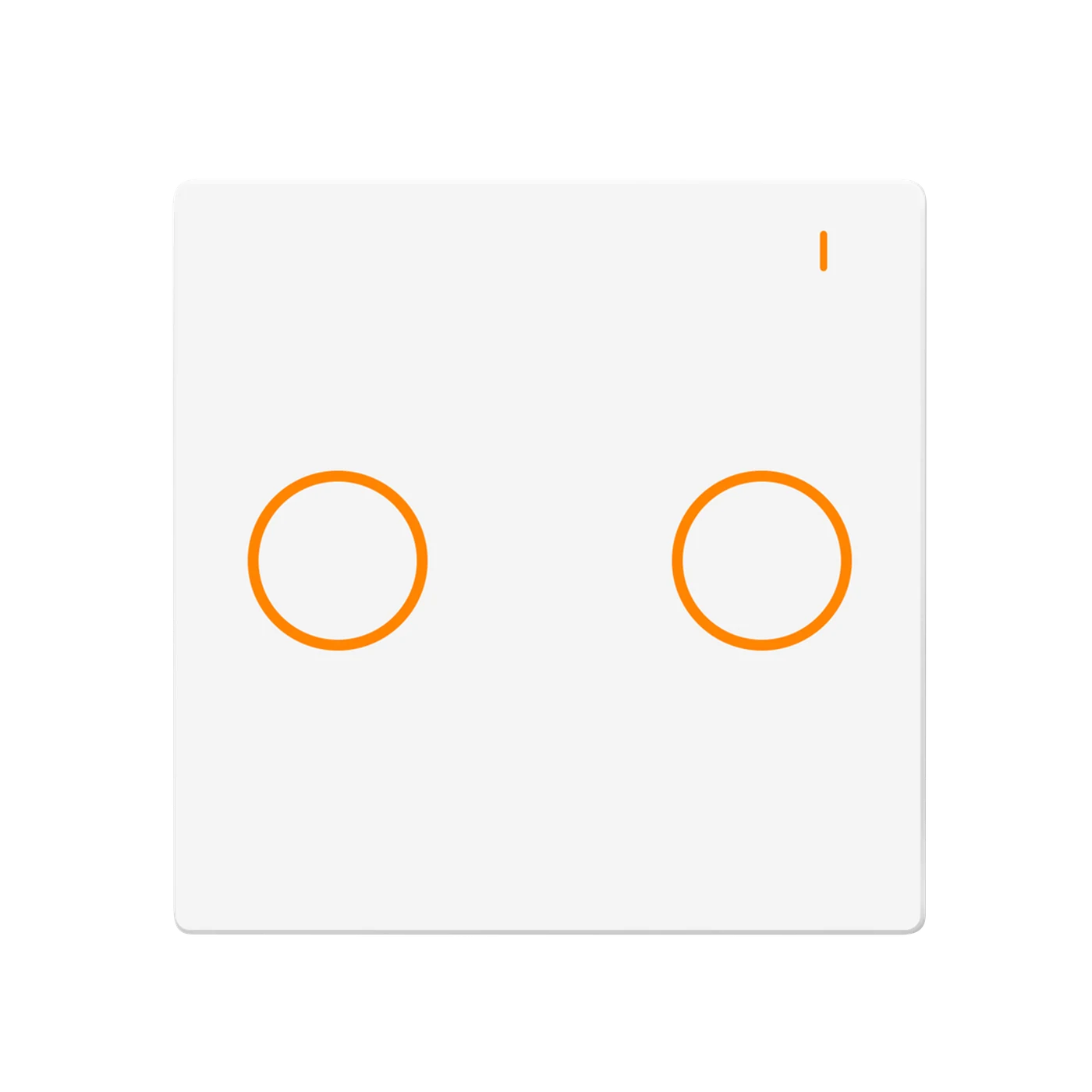
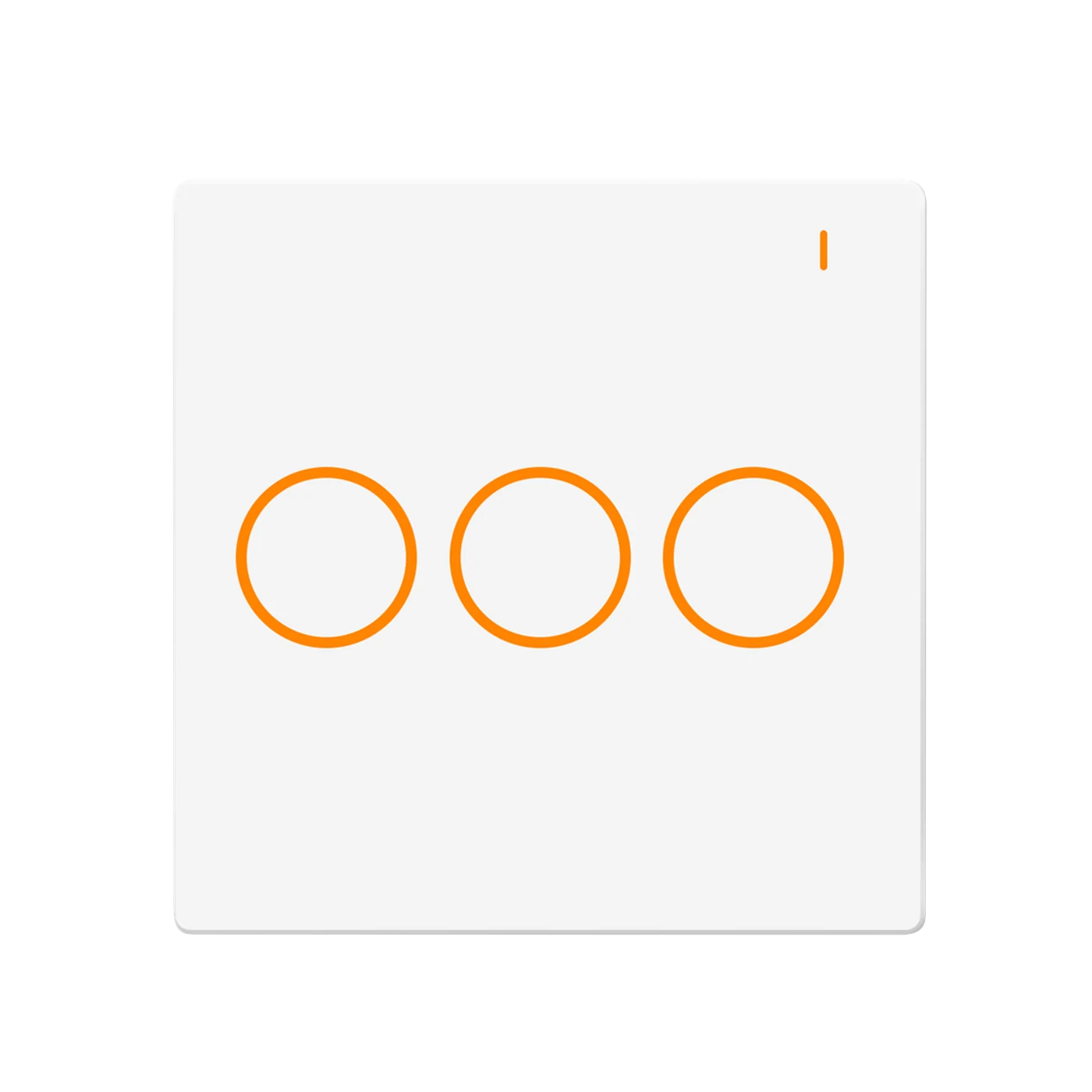
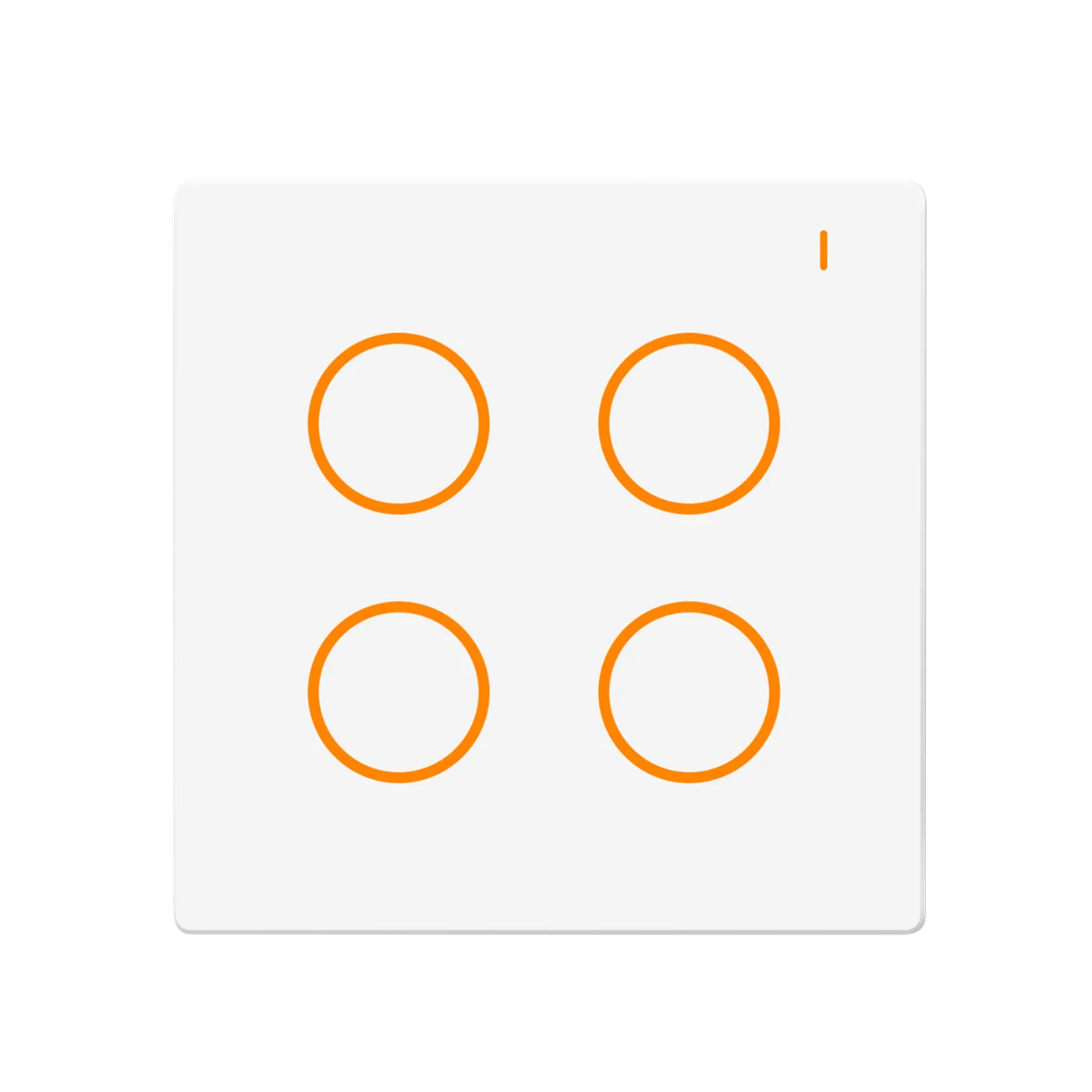
Selected: L10Q-HS1. Each circuit switches lighting on/off independently, up to 200 W per circuit. The light is not dimmable.
DESIGNED FOR THE HAND AND THE ROOM
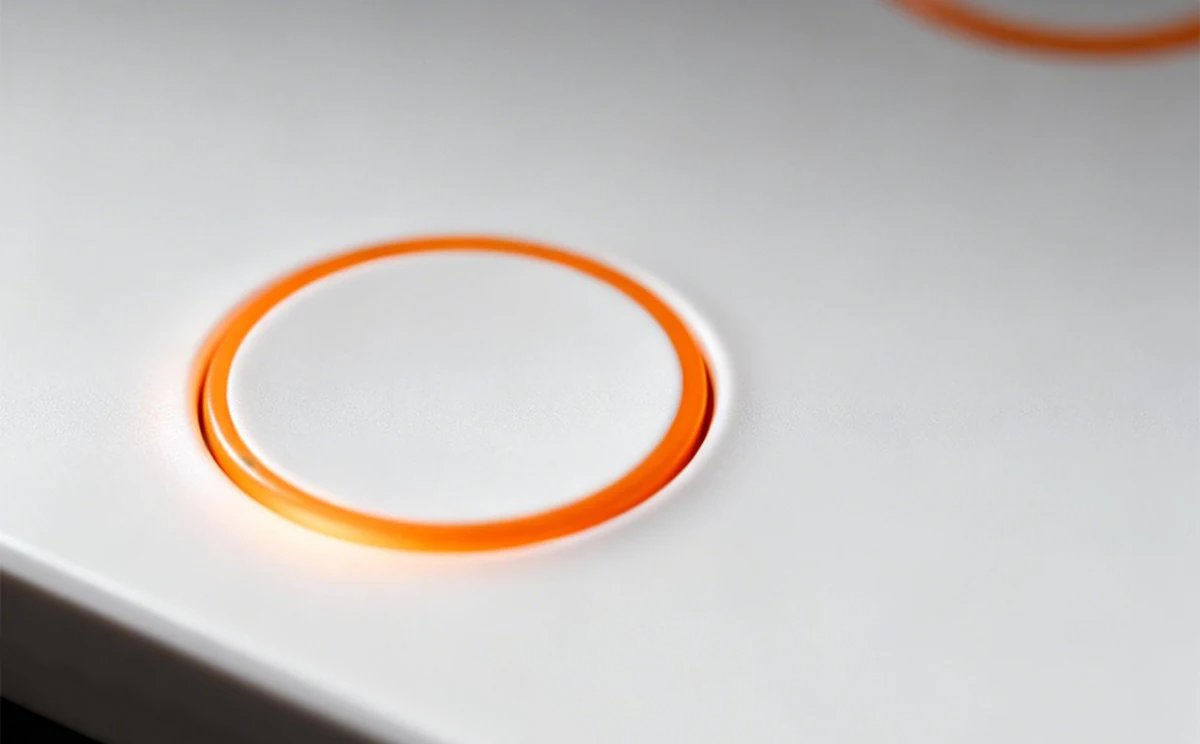
The physical button shape is easy to locate by touch. A spray-coated white PC panel gives the series its clean, consistent appearance.
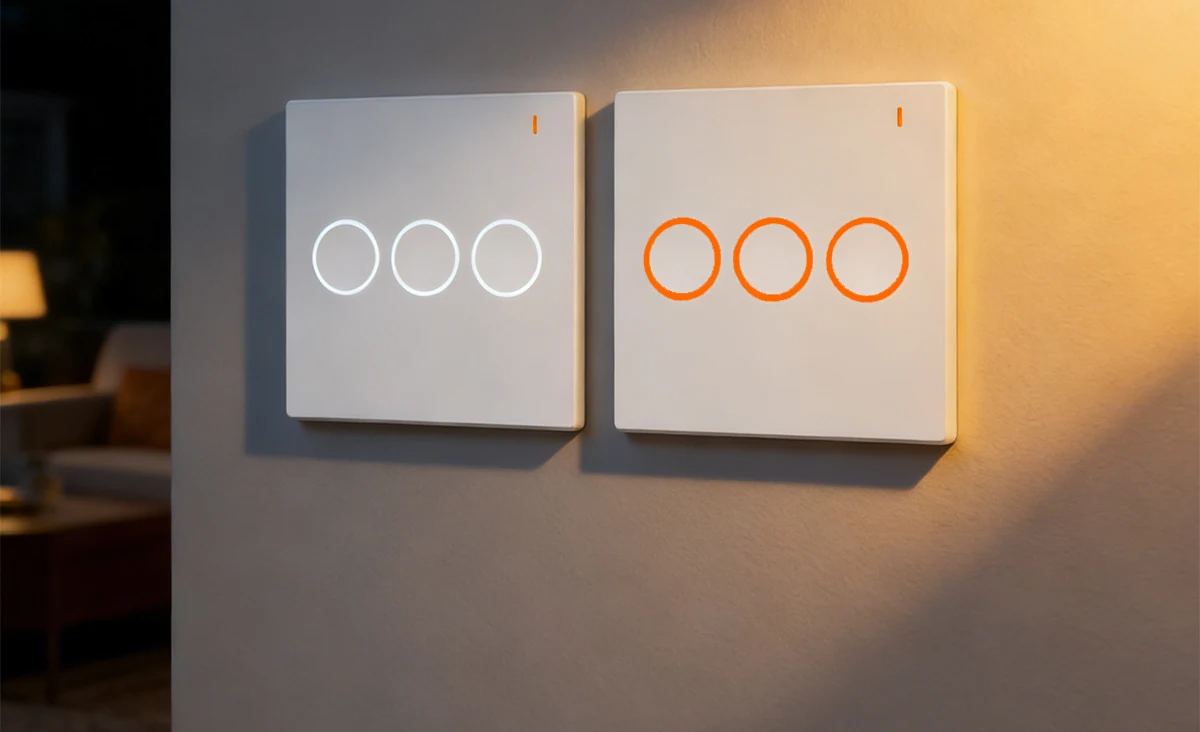
Set the ring colour using the rear hardware selector with power isolated. This is button backlighting, not RGB edge lighting or an app-controlled colour effect. Three-gang illustrations are design examples, not the currently selected hardware.
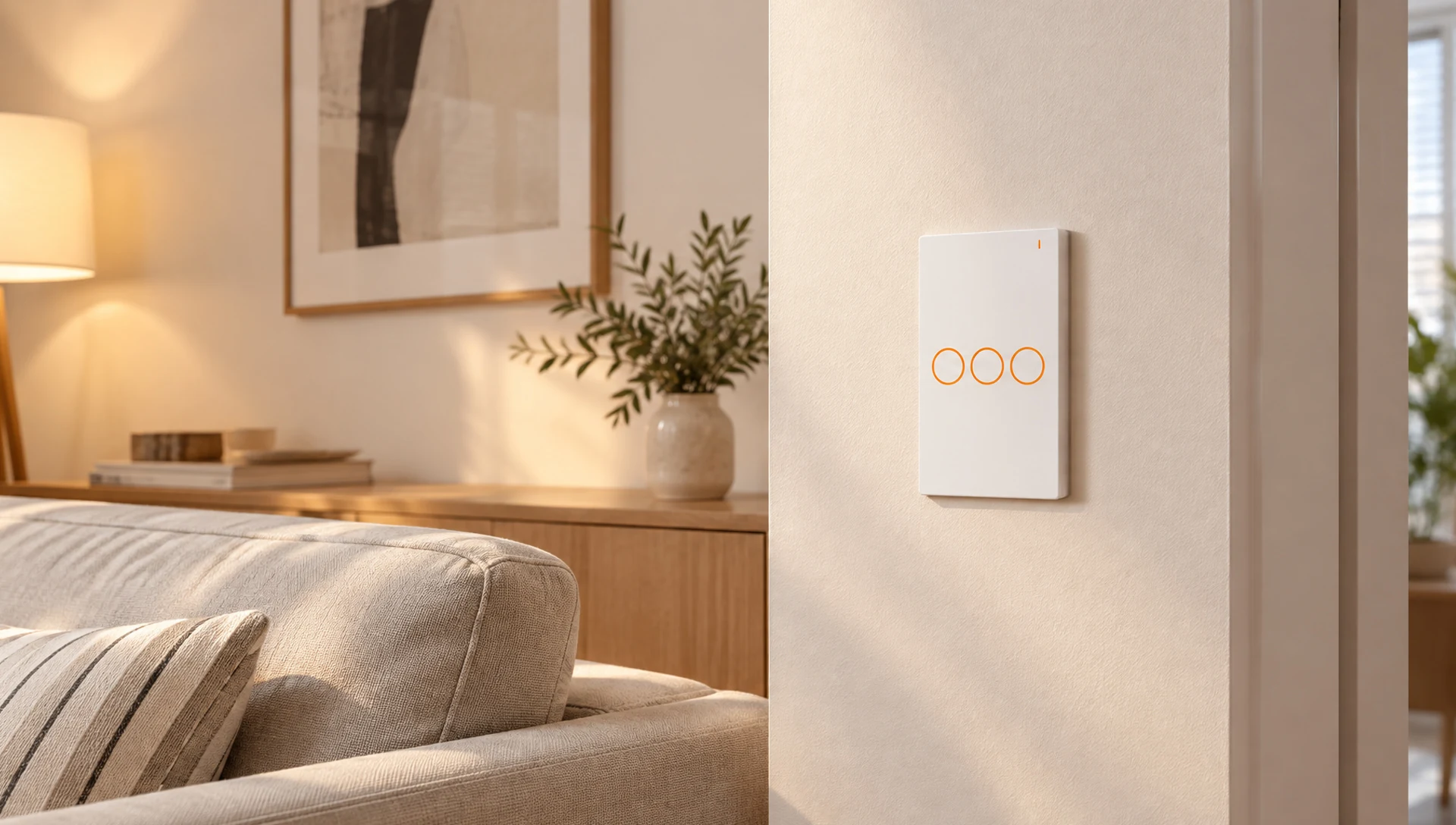
SMART LIVING
The selected circuit-count screenshot follows your hardware choice. The timer screen is a two-circuit example; configure schedules for the installed model. These are supplied Smart Living screens, not a live device connection. Remote control needs internet and available services.
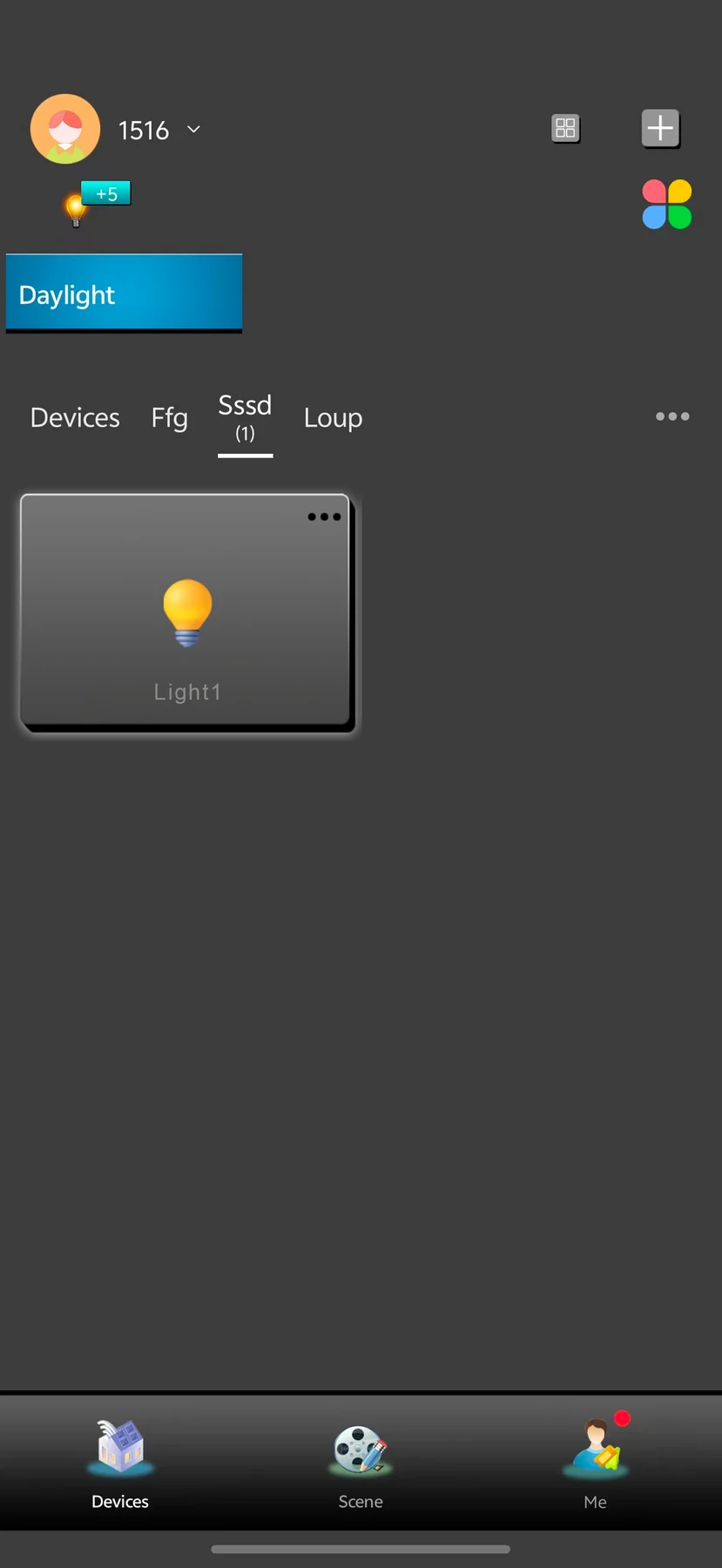
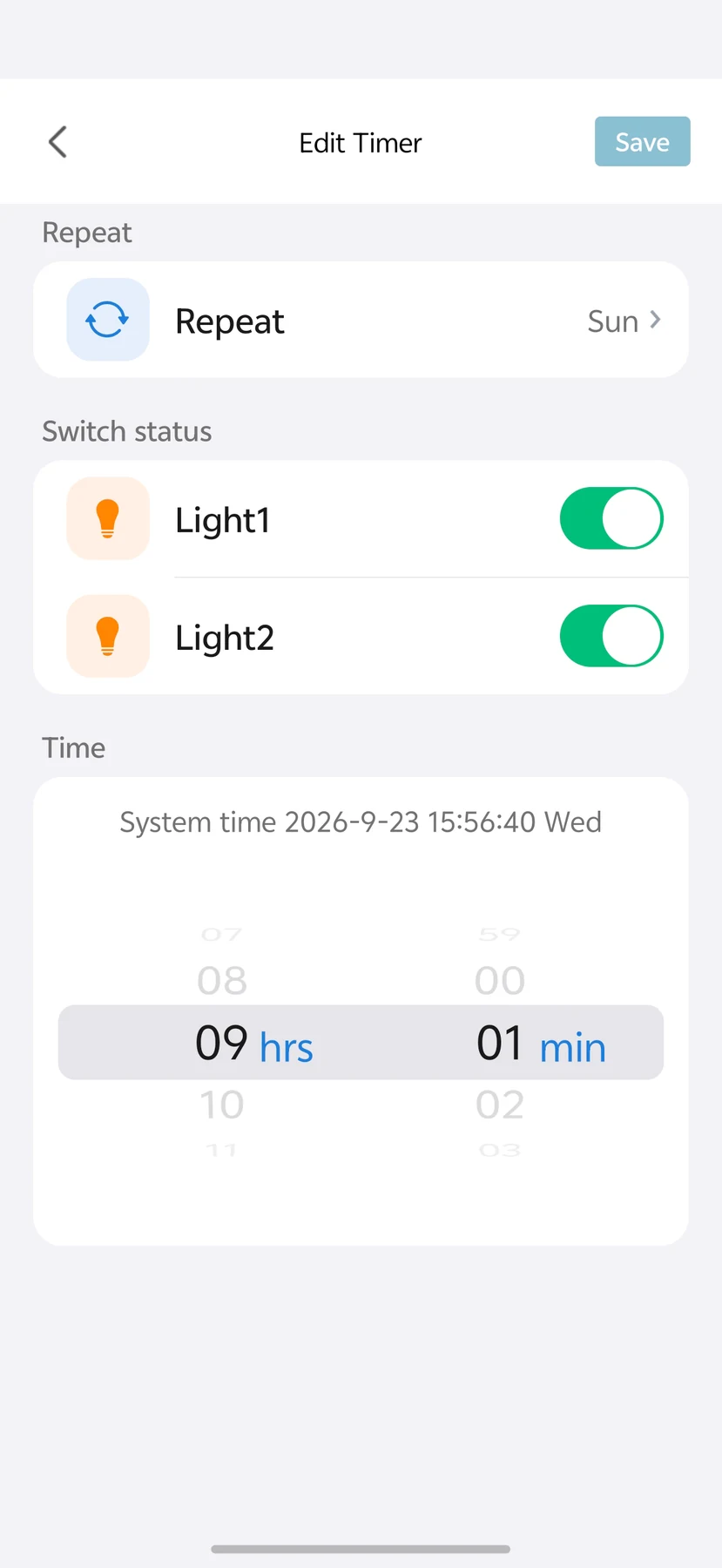
LANBON · L10Q · WI-FI MESH
Compatible L10Q series switches share a network without a dedicated gateway. Configure the first switch near the router as the master, then configure the remaining switches.
Control through LANBON Smart Living. Remote features still require a router, internet and available services. Switch Mesh does not extend Wi-Fi for phones or computers.
YOUR SELECTED MODEL
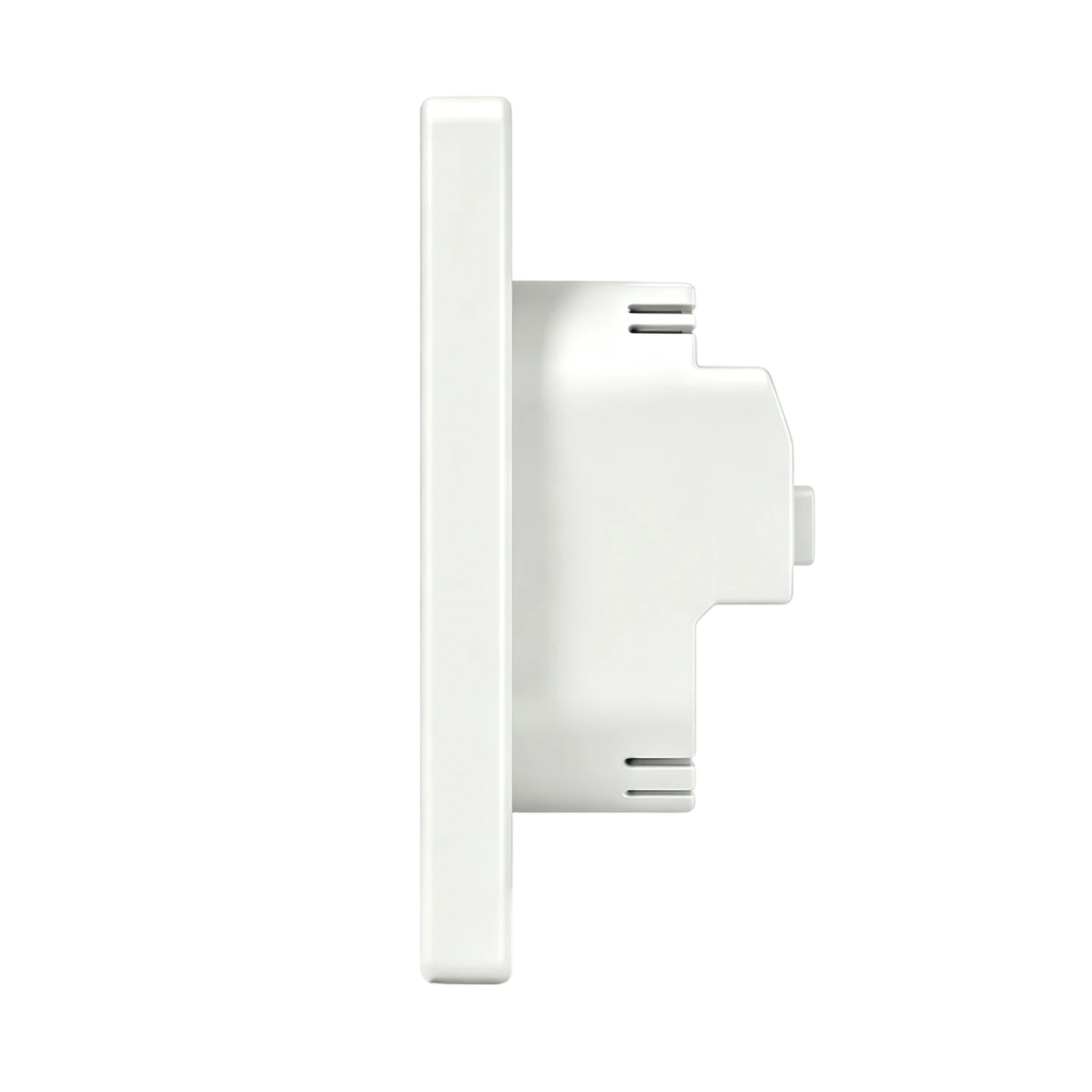
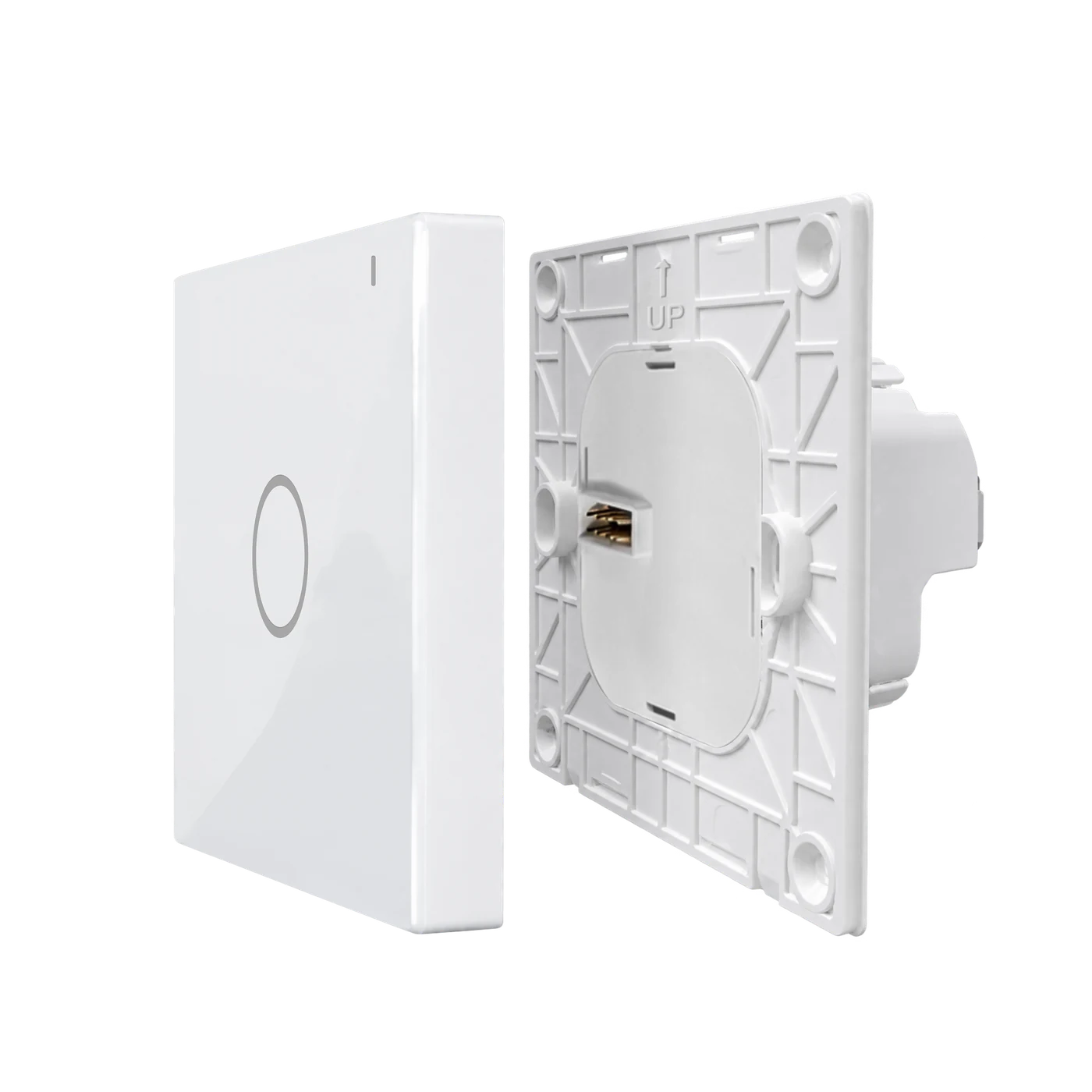
MODEL & INSTALLATION
L10Q-HS1 · EU · White · 1-gang
Panel dimensions apply to all four gang options in this format. The 32 mm body depth is not the minimum usable box depth. Ask support for current model-specific terminal instructions and certification scope.
For compatible LED, CFL, incandescent and fluorescent lighting within the stated limits. Not for dimming, water pumps, high-power inductive loads or equipment outside the switch rating. Never join or parallel separate outputs. Confirm the exact drivers and starting/inrush characteristics with your electrician.
BUTTON & APP EXAMPLES
Supplied three-gang room illustration, not the selected model or a measured switching-response test.
Supplied LANBON app recording with a two-circuit example, not Smart Life or the current physical circuit count.
PROJECT DOCUMENTATION
Contact support for current model-specific wiring and operating instructions, power-restoration settings, certification documents and project supply terms.
Project & channel enquiries