Neutral
Neutral wire required
L10-HS / L10-HSU · 6-IN-1 LCD SMART SWITCH
Configure one mode for 1–4 gang lighting, curtains or roller blinds. Control at the wall or through Smart Living+, Alexa and Google Assistant.
EU and US formats available
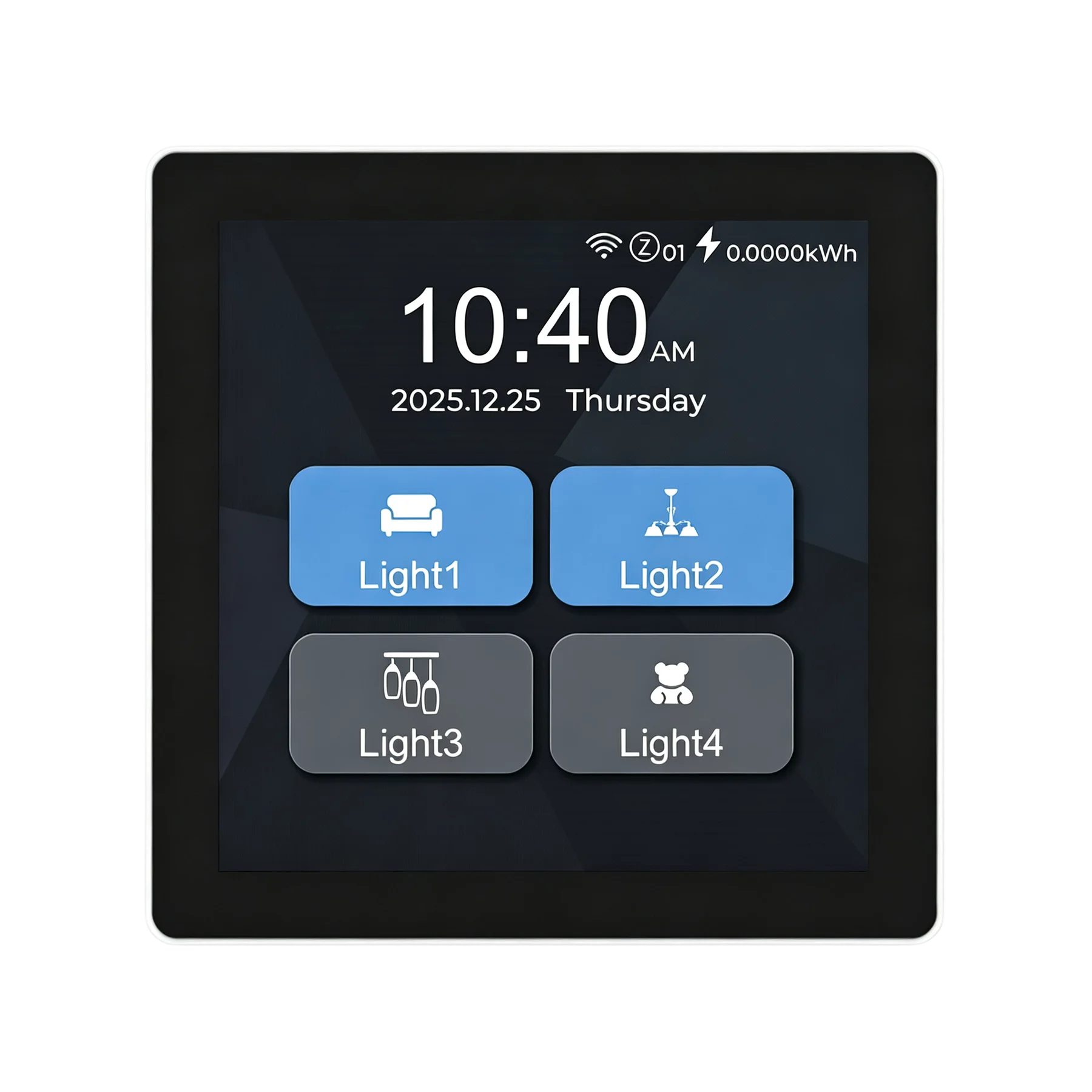
MORE THAN A TOUCHSCREEN
Choose lighting, curtain or roller-blind control for the room. Then personalise the interface and explore switch-to-switch connectivity and integration options.
CHECK BEFORE YOU BUY
Before installation, confirm the neutral wire, 2.4 GHz Wi-Fi and per-gang load. Choose the EU or US format to see the matching dimensions, wall box, wiring and certification.
Neutral wire required
2.4 GHz Wi-Fi only
Maximum 200W per gang
On/off only; no dimming
Select one of six modes
SIX CONTROL MODES
Configure L10 for 1–4 gang switching, curtains or roller blinds, and the display and app will show the controls for the selected task.
Choose any mode to see its control interface.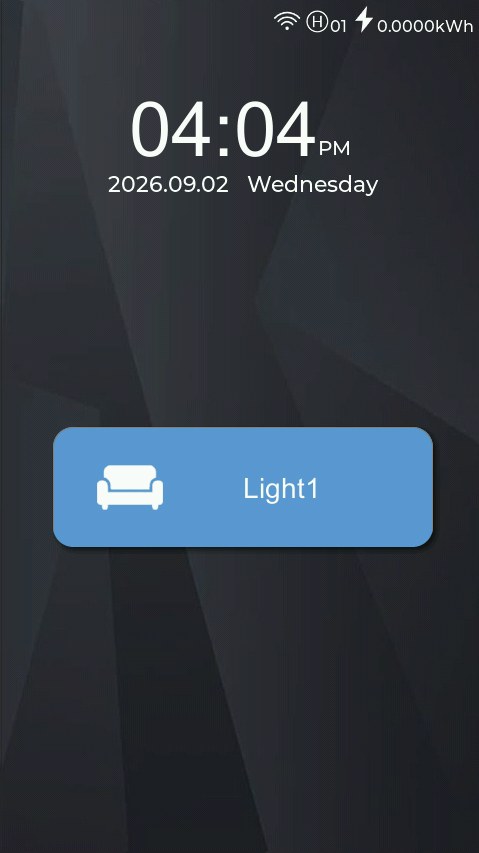
A STYLE FOR EVERY DISPLAY
Digital time, weather or an analogue clock. Choose a header style for each switch, so even a row of switches need not look identical.
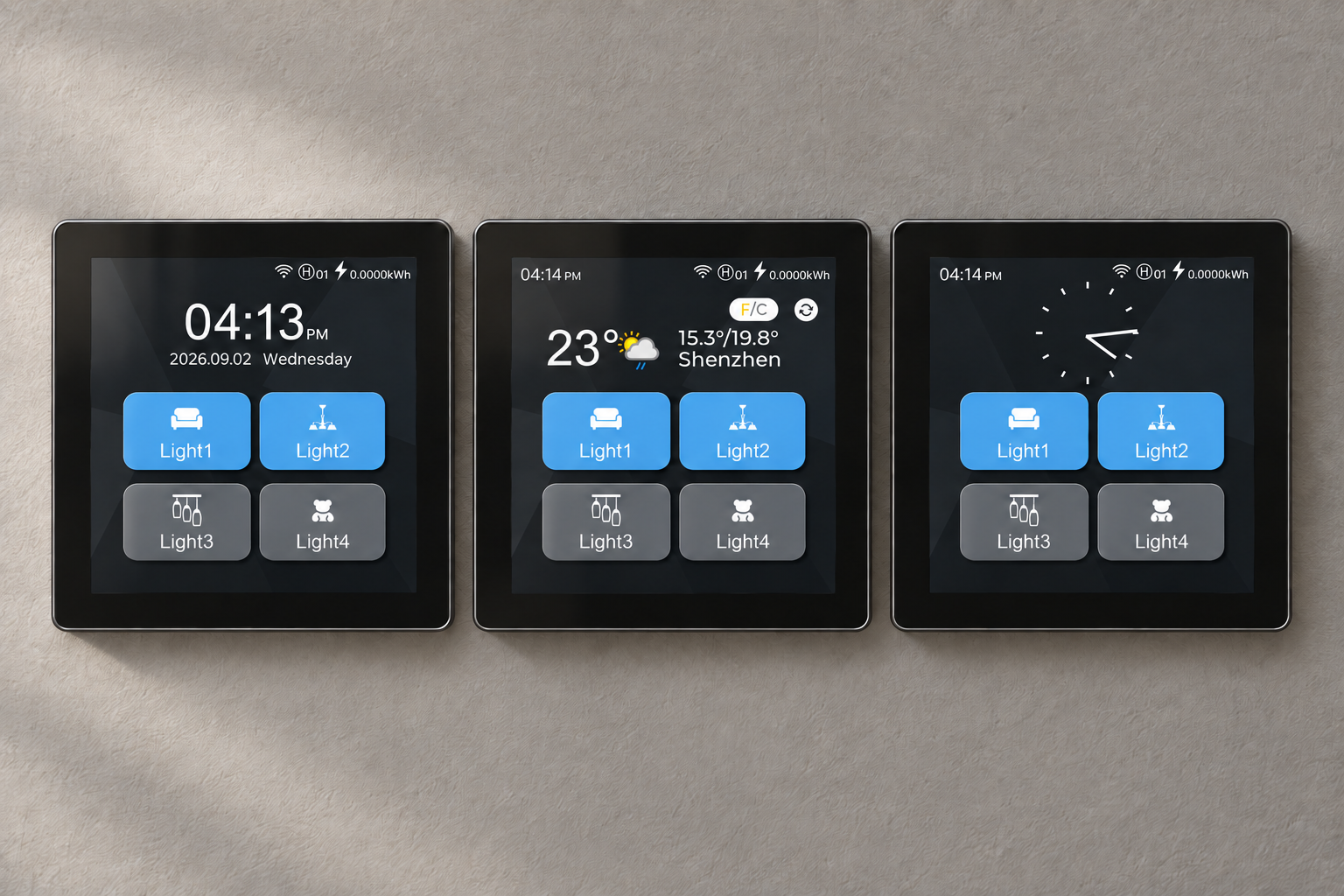
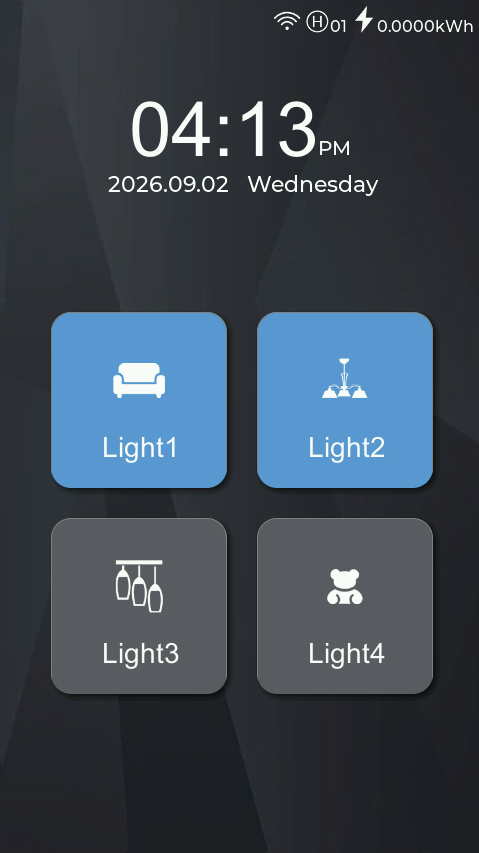
Time, date and weekday at a glance.
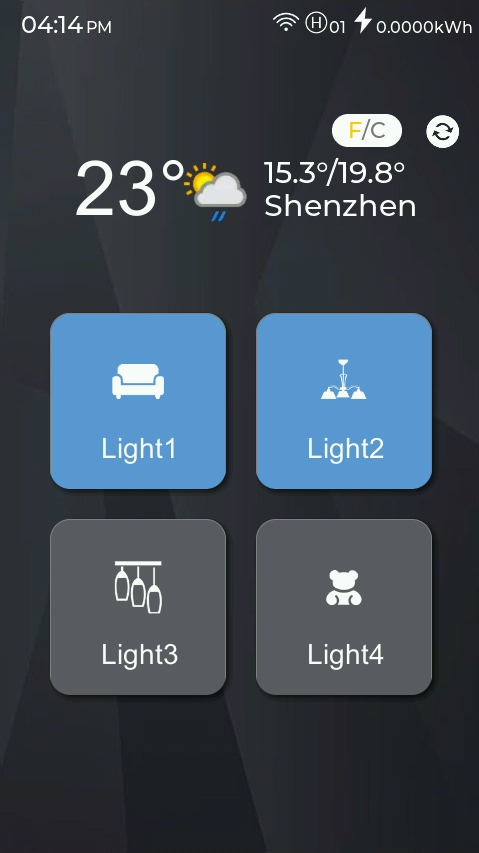
See city weather and temperature before you step outside.
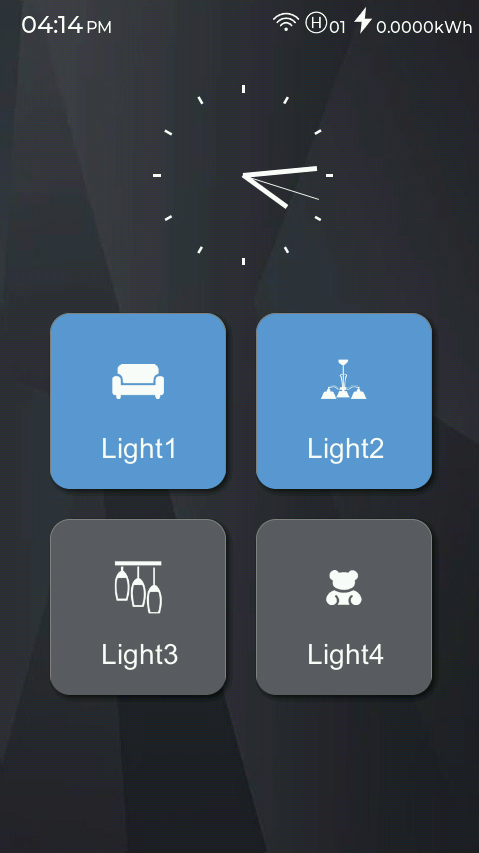
A familiar clock face. A different character.
A selection of built-in header styles. Available styles depend on the device firmware.
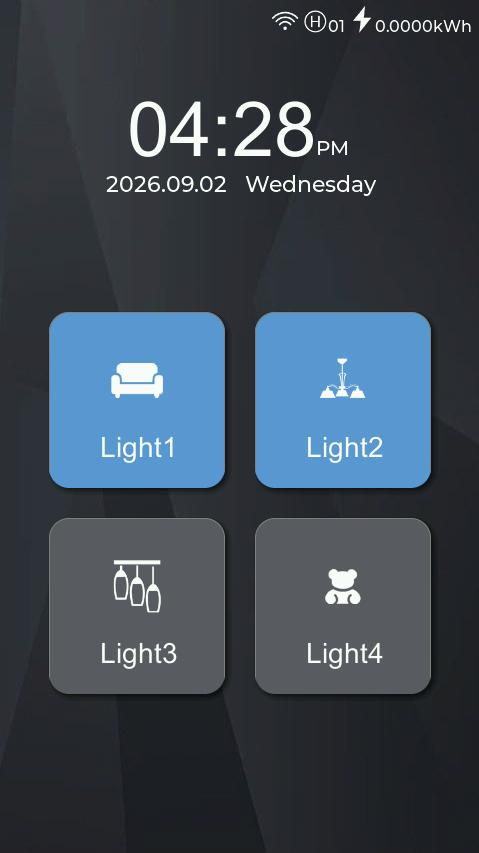
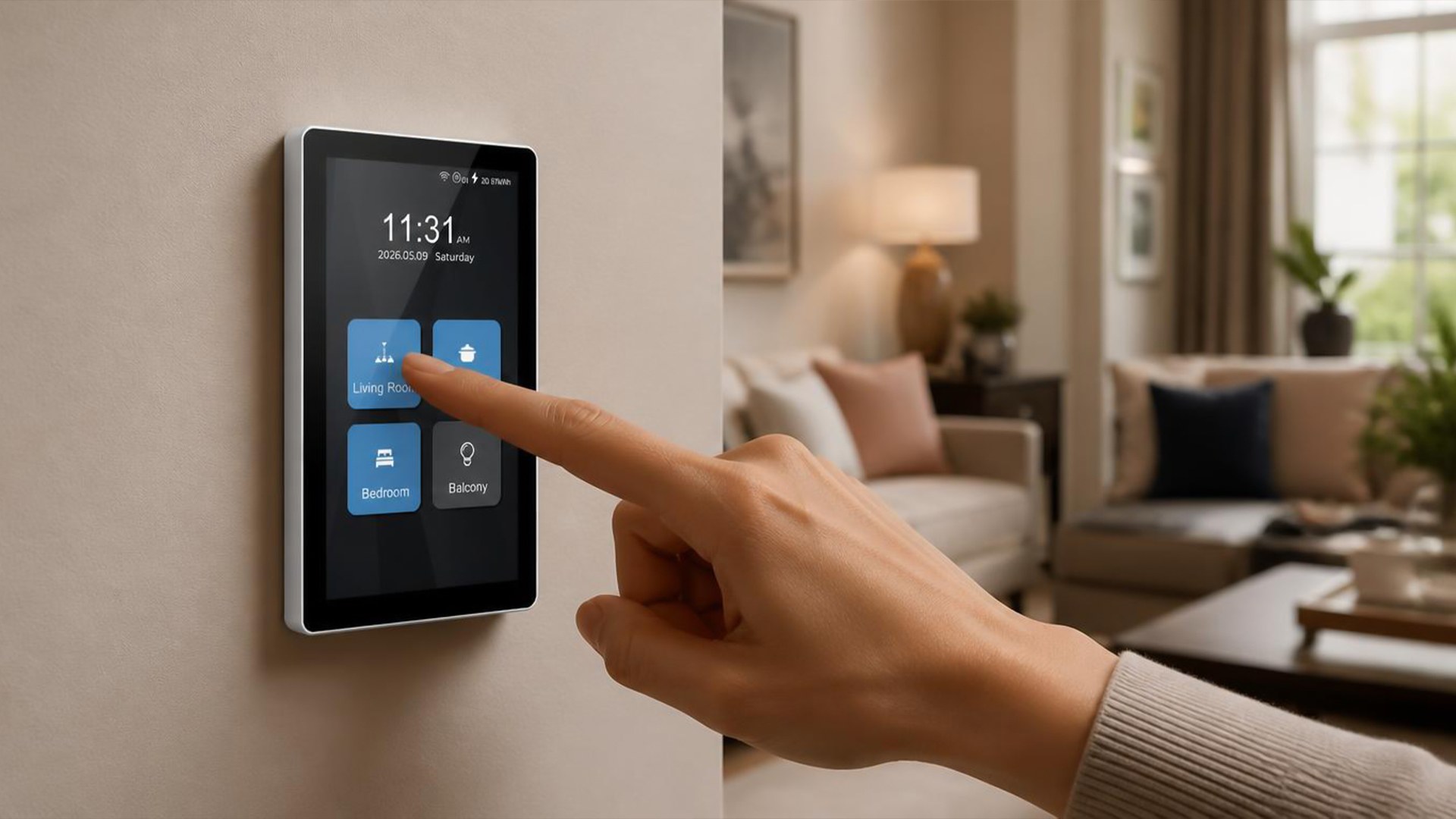
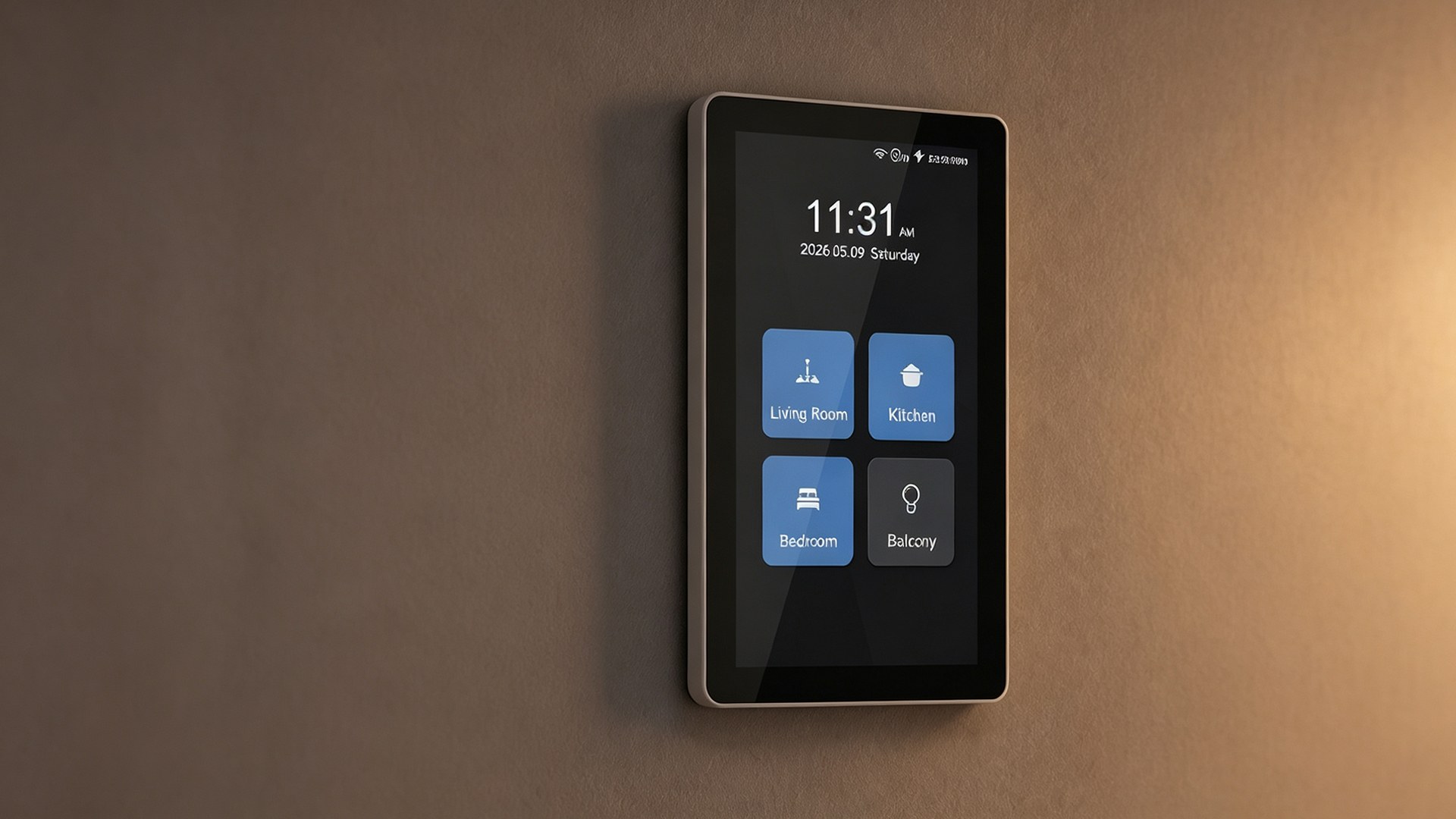
Personalise icons, names and themes, with a display layout that matches your installation.
L10 · Icons
A sofa, a pendant light, a bedside lamp. Choose a recognisable icon for each control and make everyday switching more intuitive.
AT-WALL EXPERIENCE
Presence sensing can wake the display at around one metre. Names, icons, themes and portrait or landscape layouts can be tailored to the space. Presence settings are made on the device; the app does not currently expose them.
SMART LIVING+
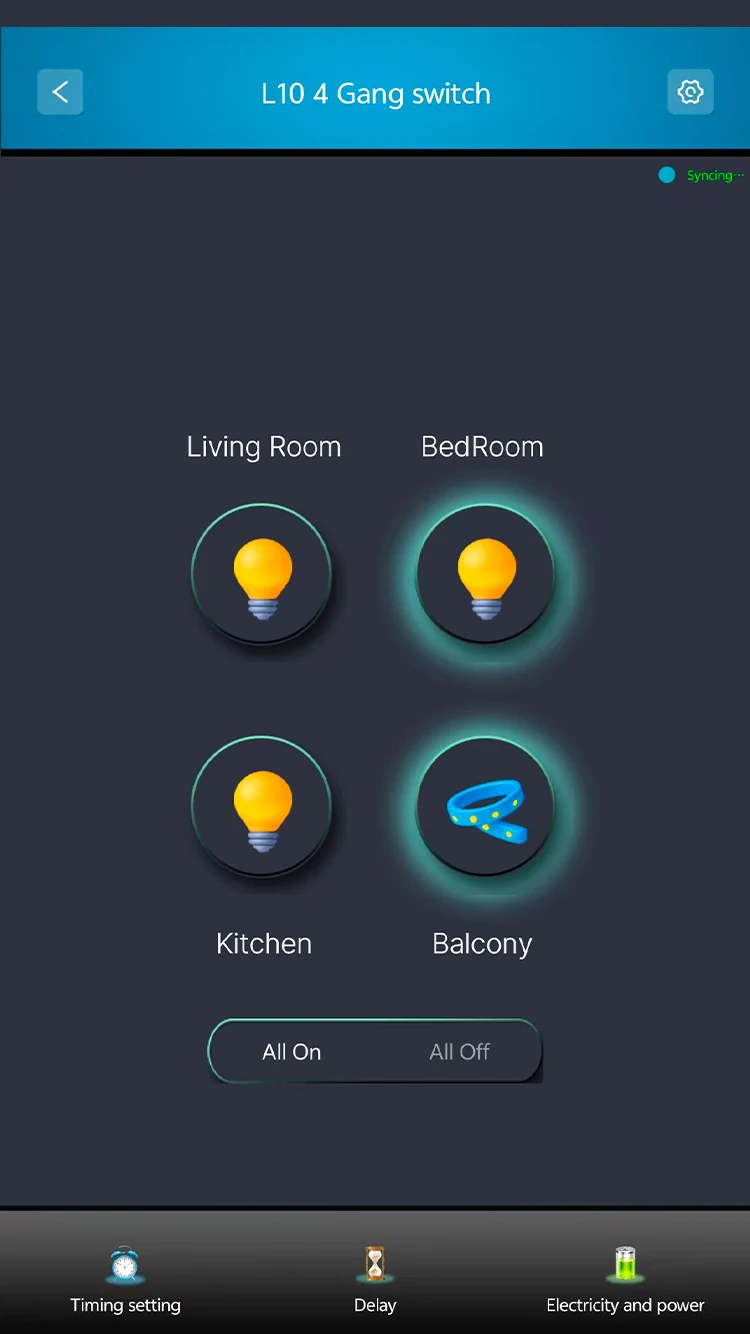
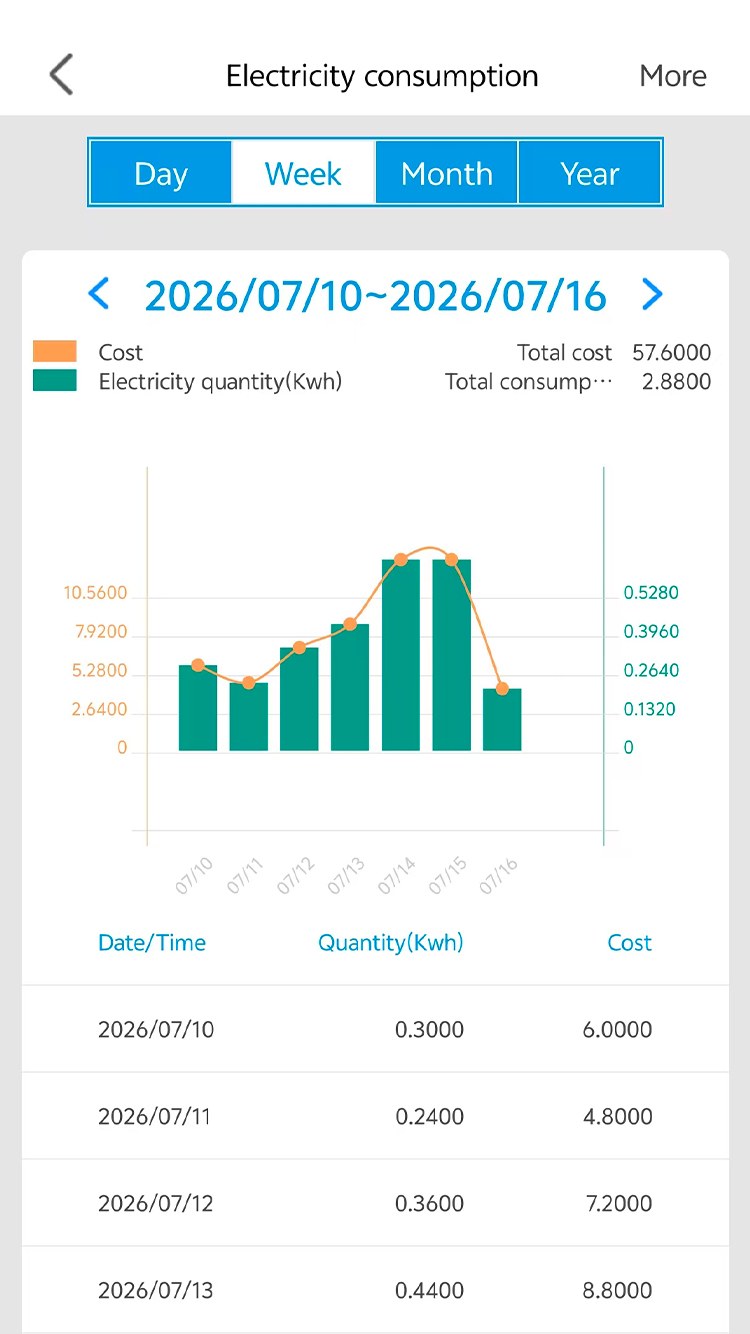
The released iOS and Android app supports device control, schedules and automation, energy information, plus Alexa and Google Assistant connection flows.
LANBON SWITCH MESH
Compatible LANBON switches can establish a dedicated switch-to-switch mesh link, helping multiple nodes coordinate without requiring every switch to reach the router directly.
L10-HS · LANBON edition
Add compatible switch entities to Home Assistant using MQTT Discovery.
Connect Home Assistant →Send commands and receive device state through your own MQTT broker.
MQTT developer guide →Read device capabilities, send commands and retrieve state through the LANBON local API.
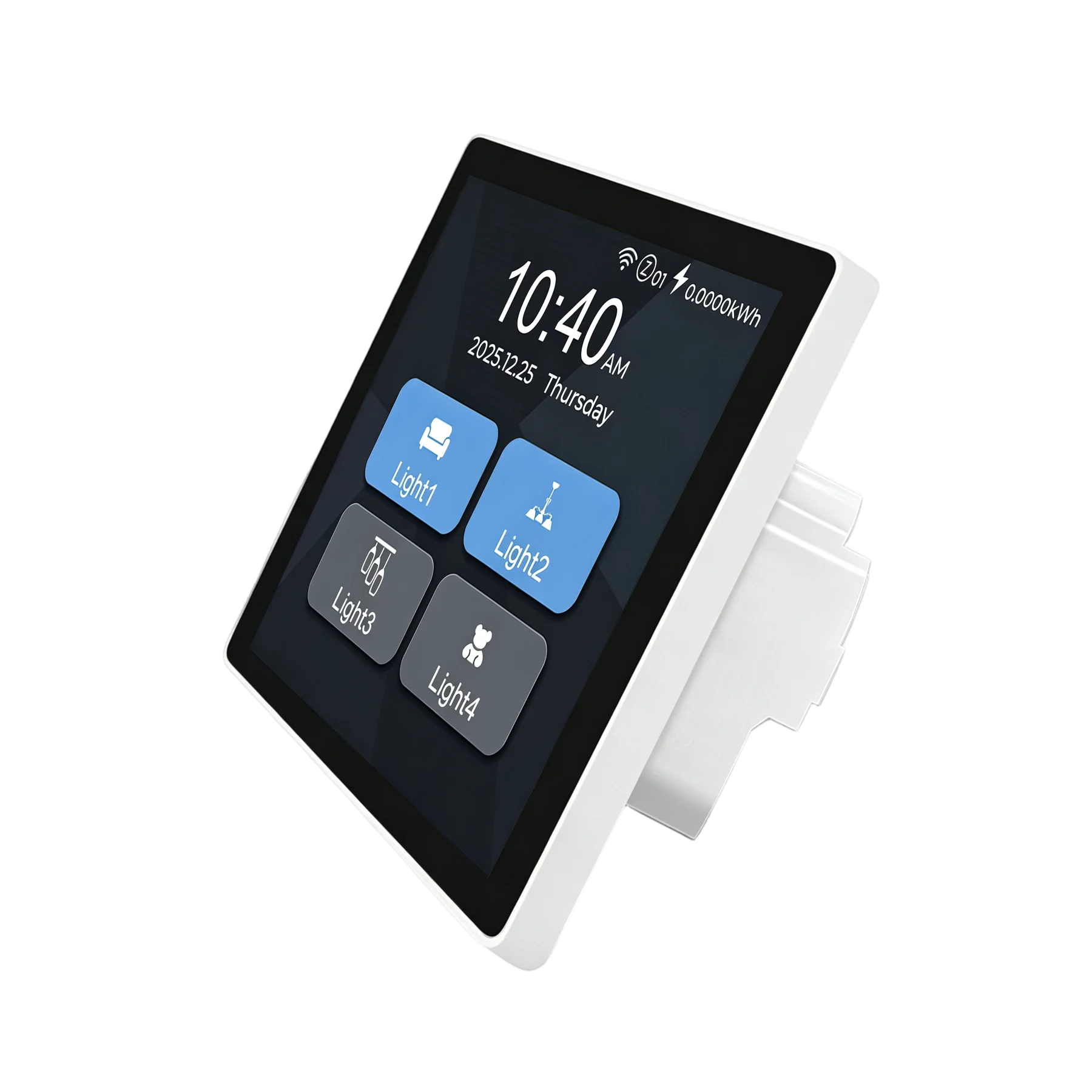
Use the local API →PRODUCT DESIGN
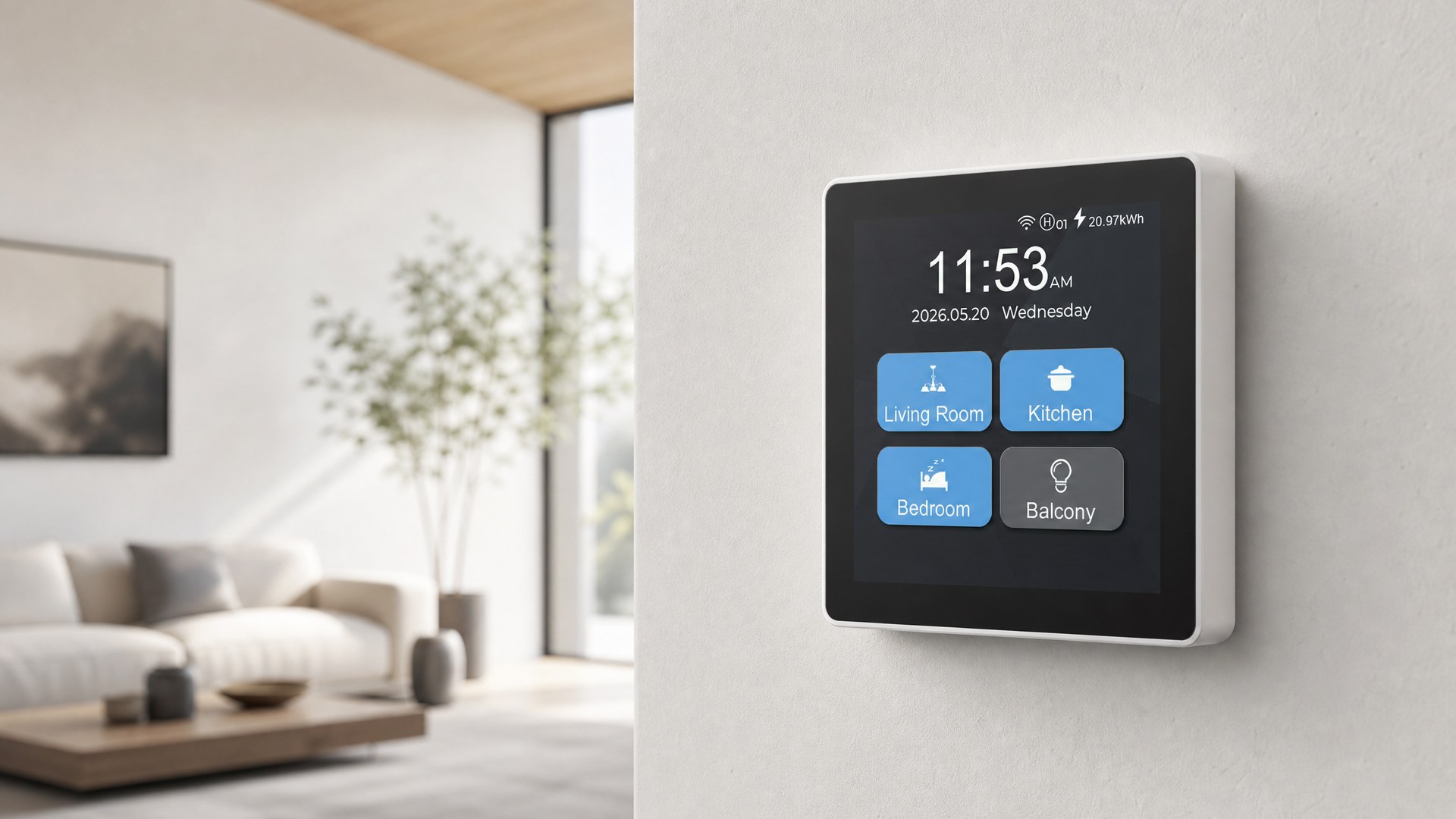
MODEL & INSTALLATION
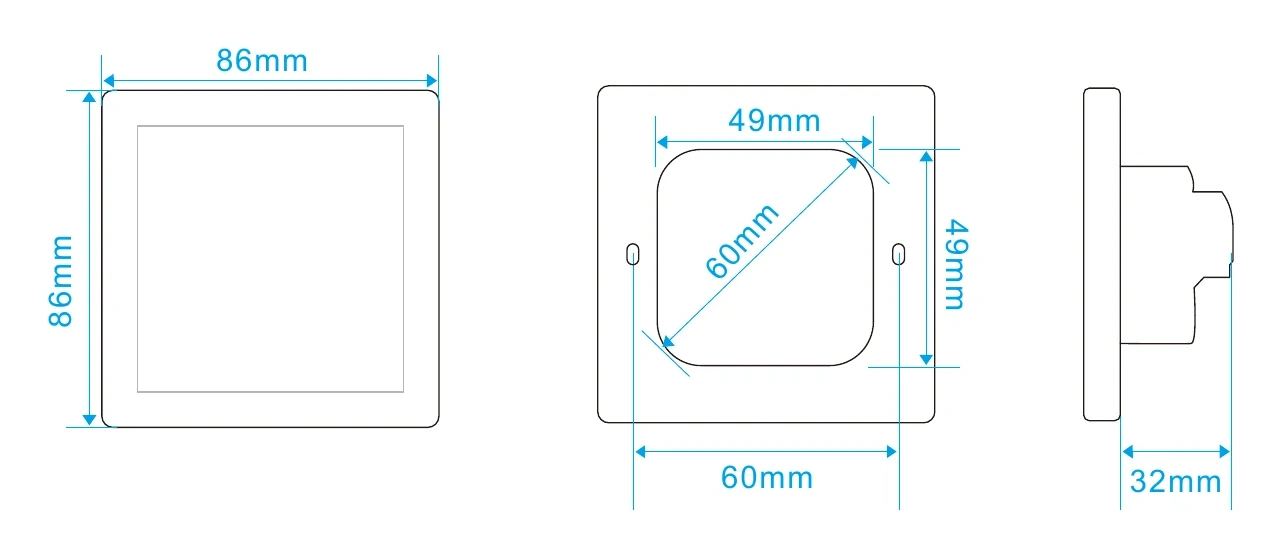
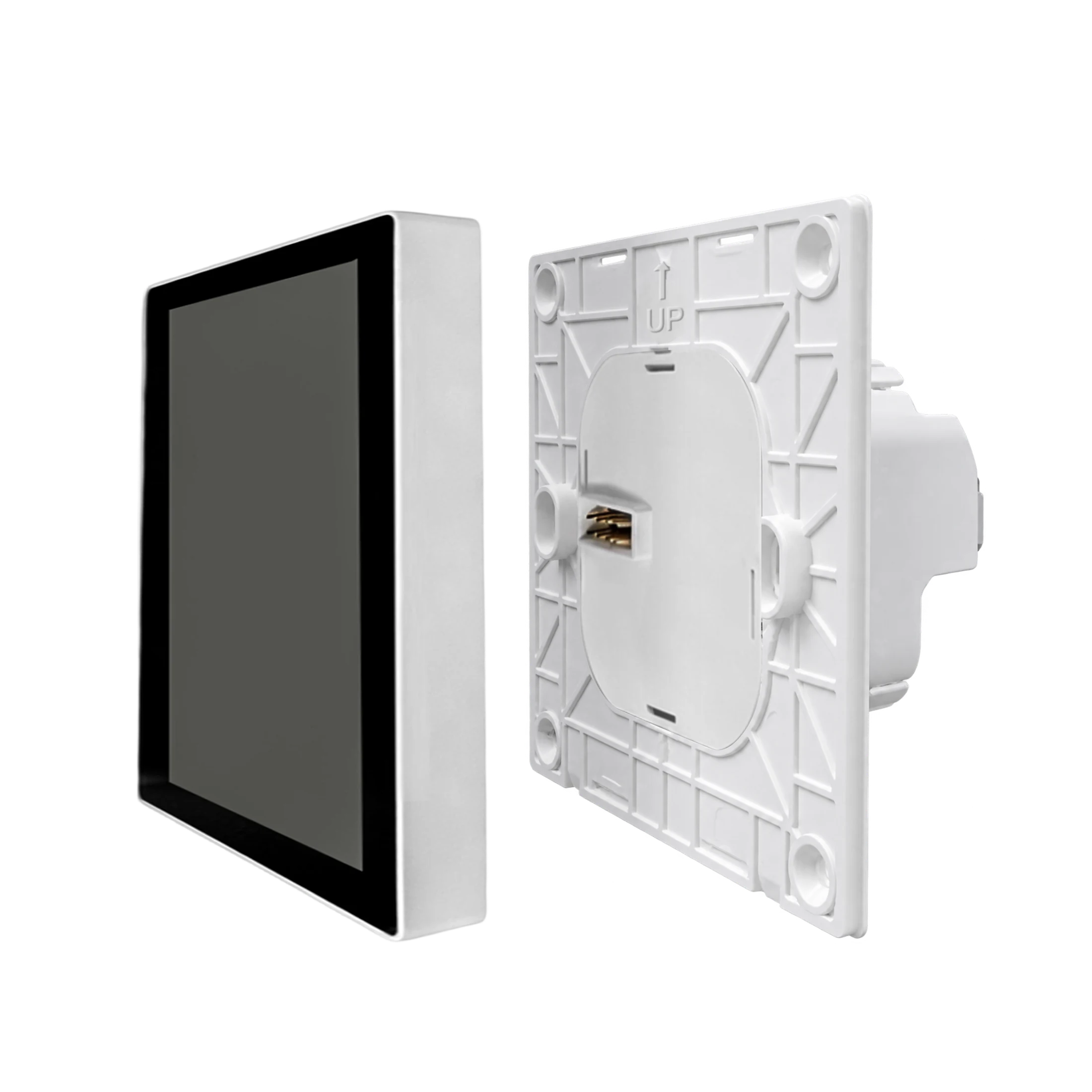
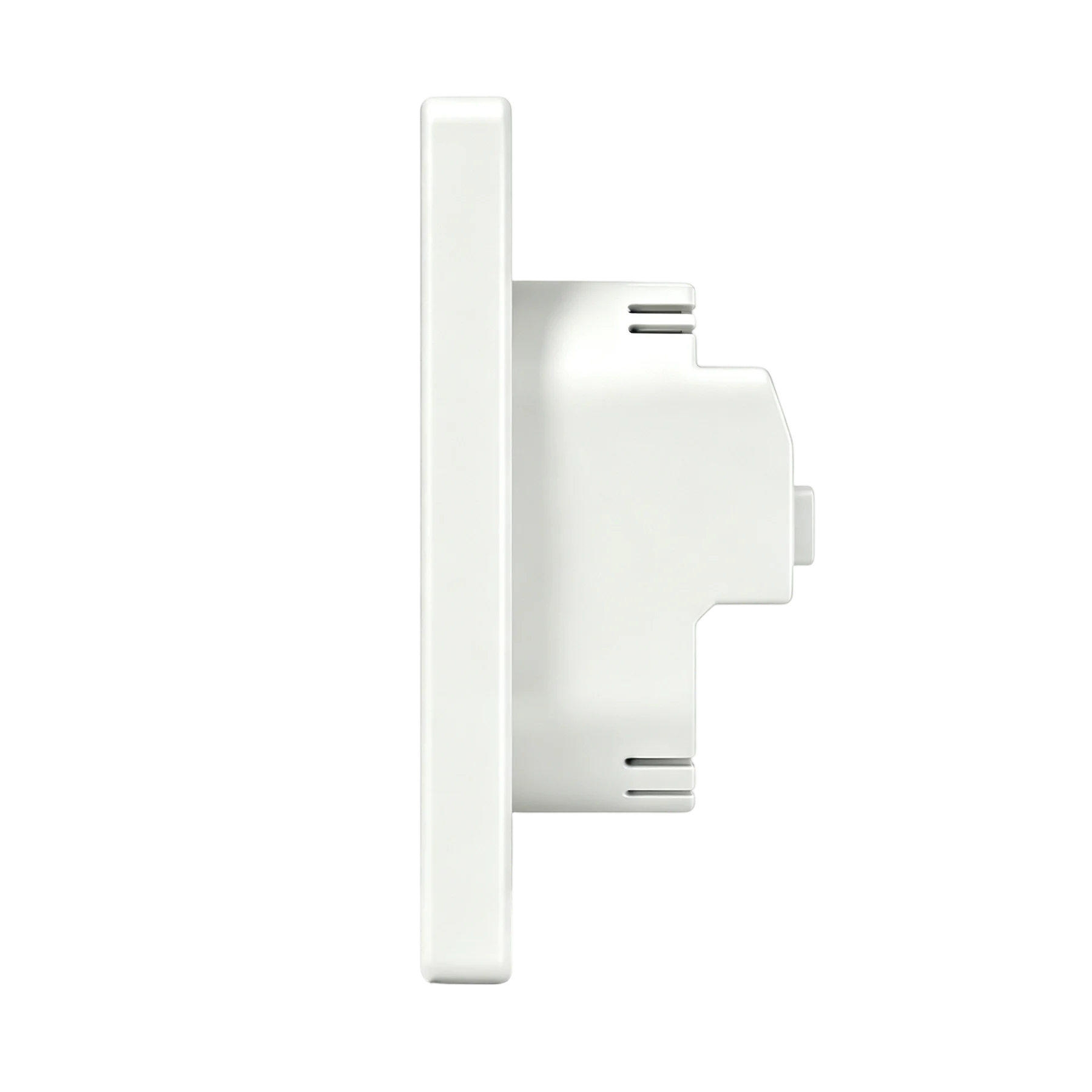
EU and US formats match their respective wall boxes and dimensions.
WIRING & INSTALLATION
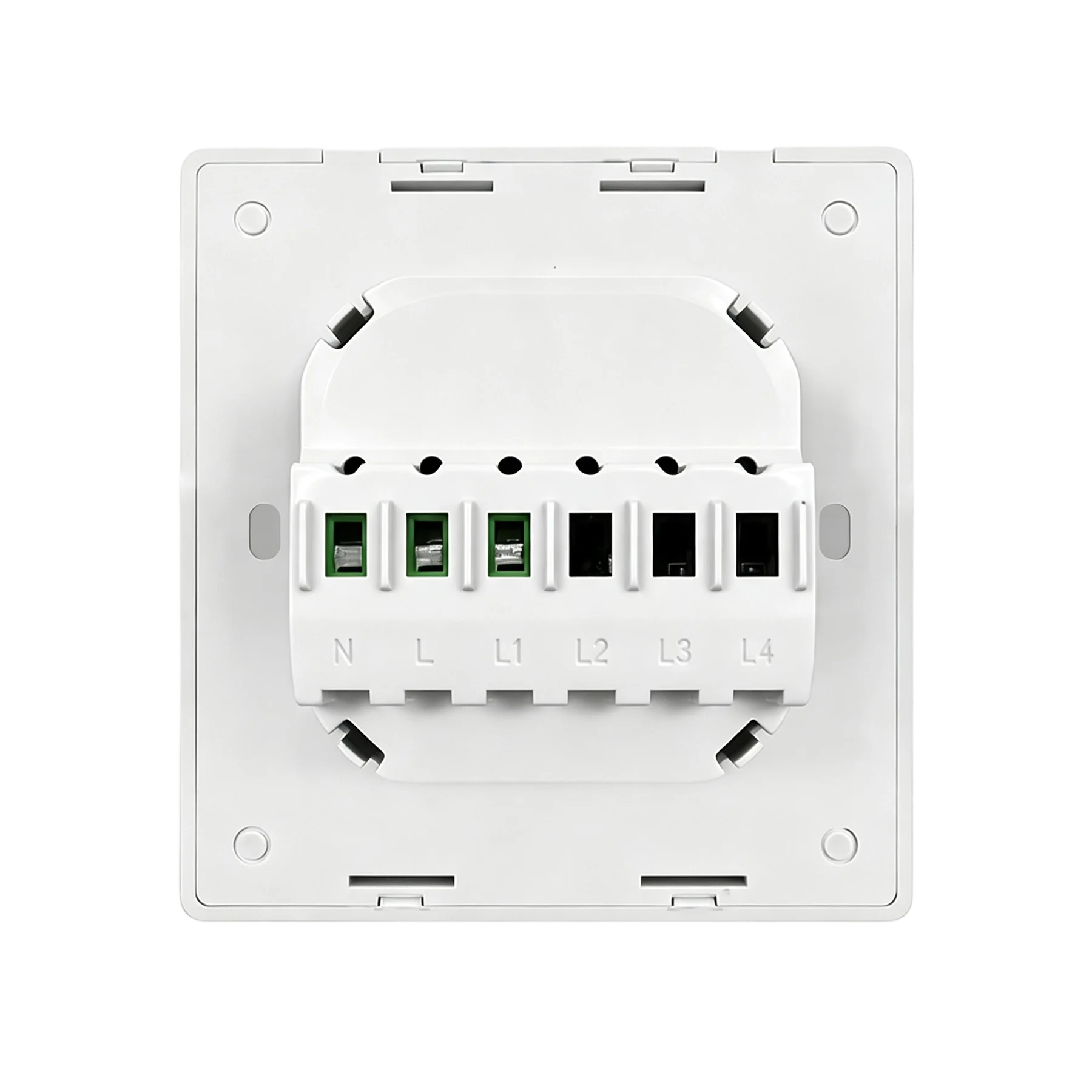
Terminals are marked N, L, L1–L4 and C. Mains wiring must be completed by a qualified electrician. Isolate power first and follow the product label and supplied manual.
Download current wiring diagram↓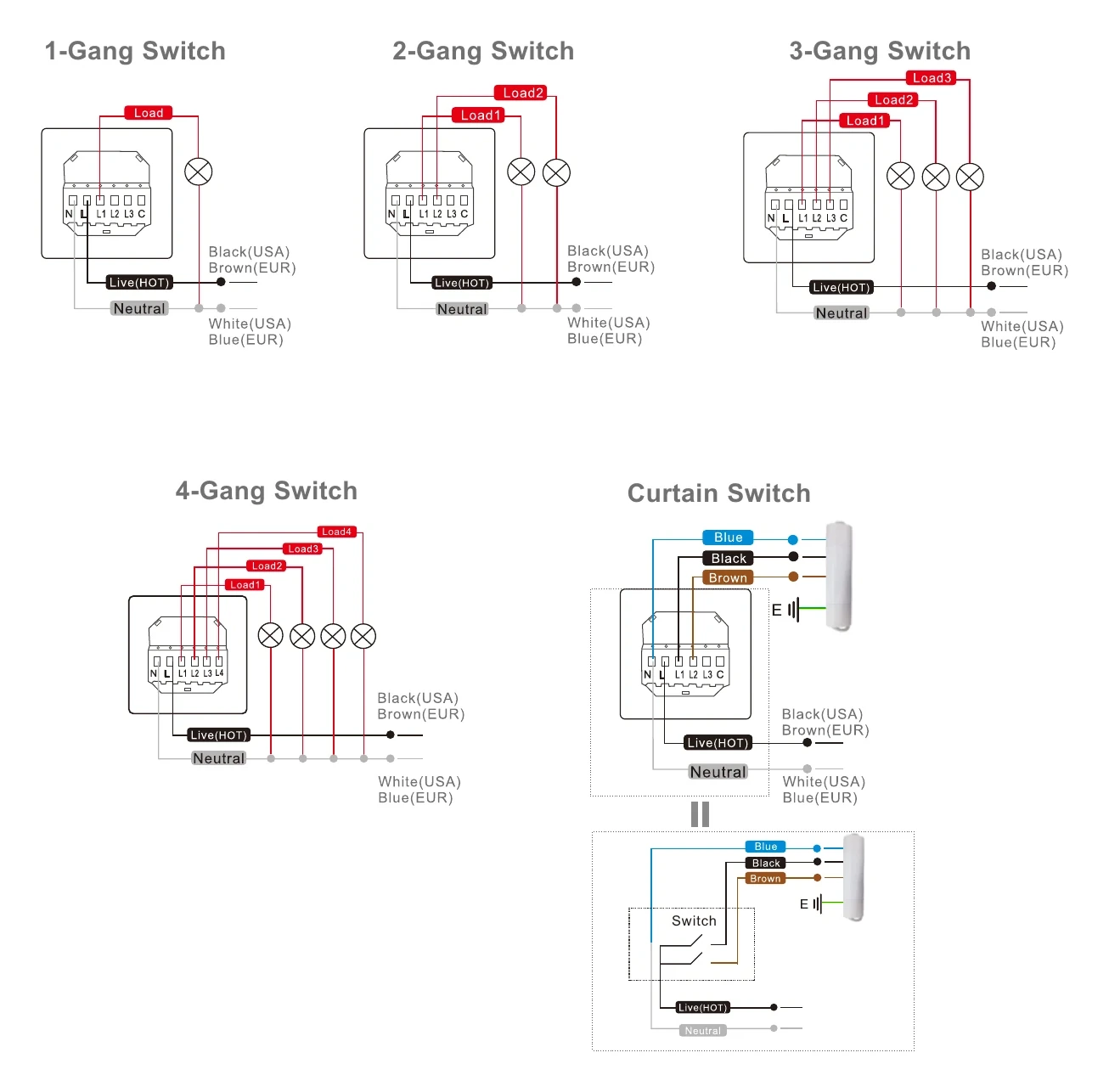
REAL PRODUCT VIDEO
Choose a chapter to watch six-mode setup, presence wake-up and Smart Living+ app control on the real product.
RESOURCES
Explore the manual, pre-purchase checklist, package contents and certificates. Select EU or US above for the matching installation drawings.