
LANBON / SMART LIVING PRO
Smart Living
Pro.
You are on the Smart Living Pro download page.
Match this name and icon to your device instructions before installing.
On a computer? Click a button and scan with your phone.
Smart Living Pro has its own icon and download destination.
Do not assume the two Apps are interchangeable.
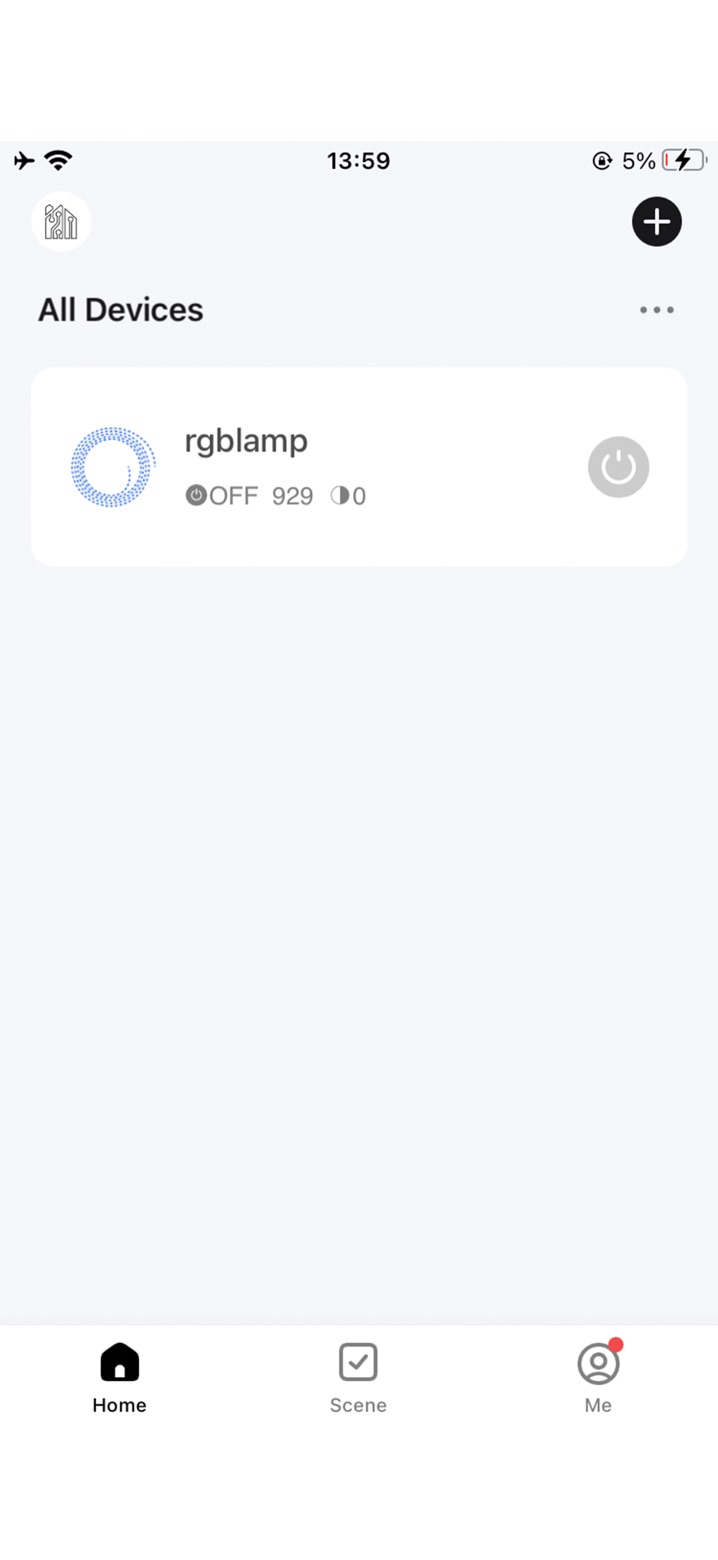
ACTUAL APP INTERFACES · OFFICIAL STORE IMAGES
CHECK THE NAME AND THE ICON
This is Pro.
Look for this icon.
If your device specifies Smart Living Pro, choose its platform on this page. If it specifies Smart Living, return to the main App page.
Separate official store destinations for iOS and Android
GETTING STARTED
The right App.
A clear next step.
A consistent download destination, whether you arrive on a phone or a computer.
Check the name and icon
Match the App to your device instructions. “Smart” or “Pro” alone does not identify the correct App.
Choose your phone platform
Choose App Store for iPhone and iPad, or Google Play for Android.
Continue on your phone
On a phone, continue to the selected store. On a computer, scan the QR code shown in the download dialog.
Before you download
Which App should I use?
Check the name and icon in your device instructions. Smart Living and Smart Living Pro have separate download destinations. Confirm suitability against the device documentation.
How do I install from a computer?
The dialog shows the selected App and platform with a QR code. Scan it with your phone to continue to the corresponding store.
What if the store does not open on my phone?
Try opening this page in your system browser. The final download experience will also retain a copyable store link for browsers that cannot open the store directly.
Having trouble opening the store?
Copy the appropriate link and open it in your system browser.